Evermotion: More Than an Asset Library
How Evermotion became a full-scale production partner for archviz, automotive and synthetic data.


Total: € 0
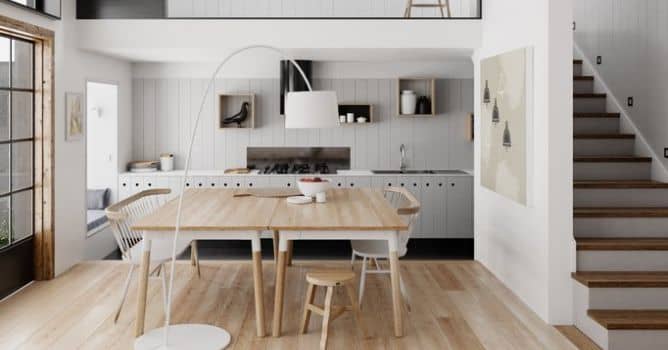

This two-story building in minimalistic, scandinavian style was created in Blender / Cycles for Archinteriors vol. 43 for Blender. It's straightforward scene, but sill, with quite interesting outcome.
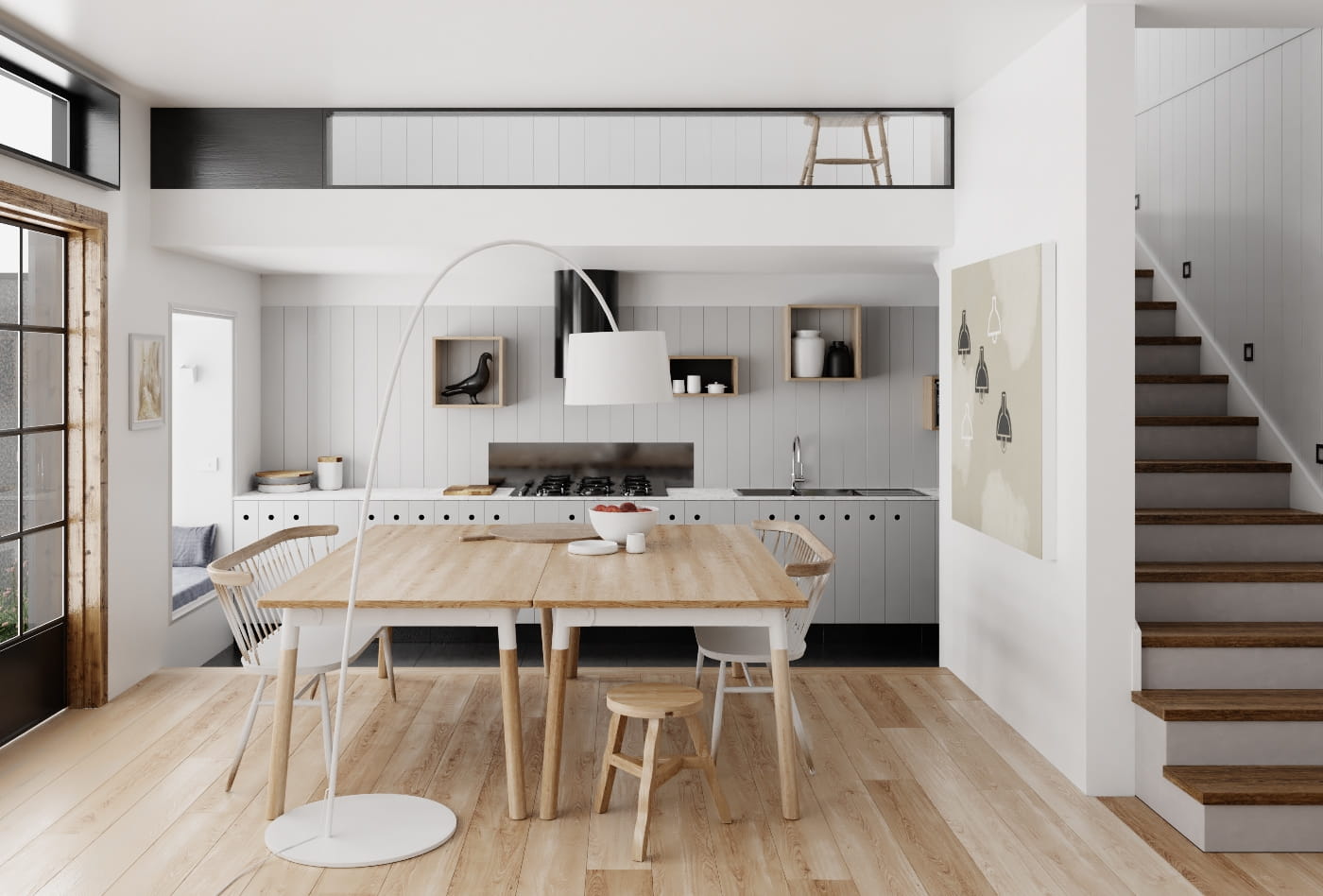
This is final image after post-production.
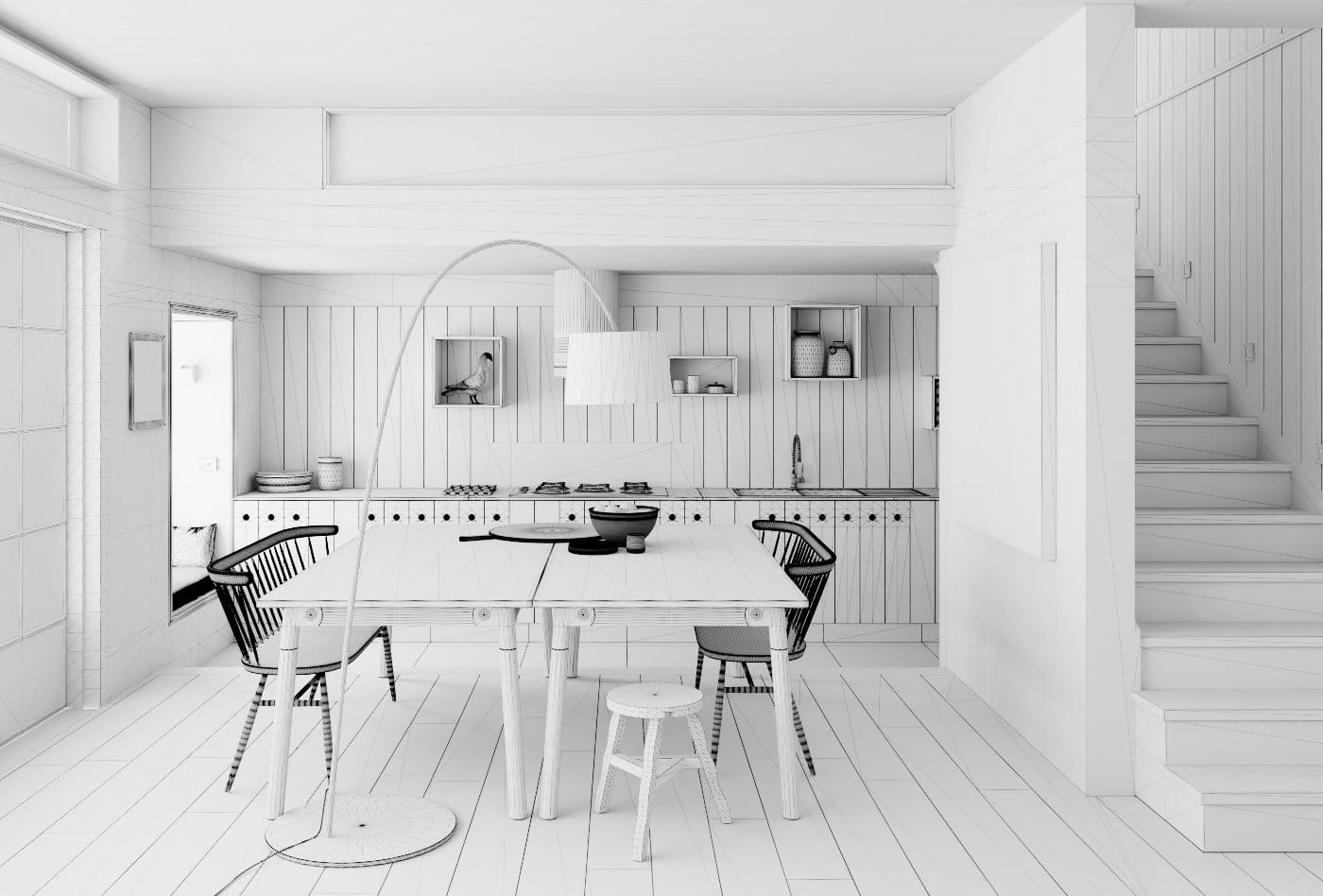
Wireframe view.
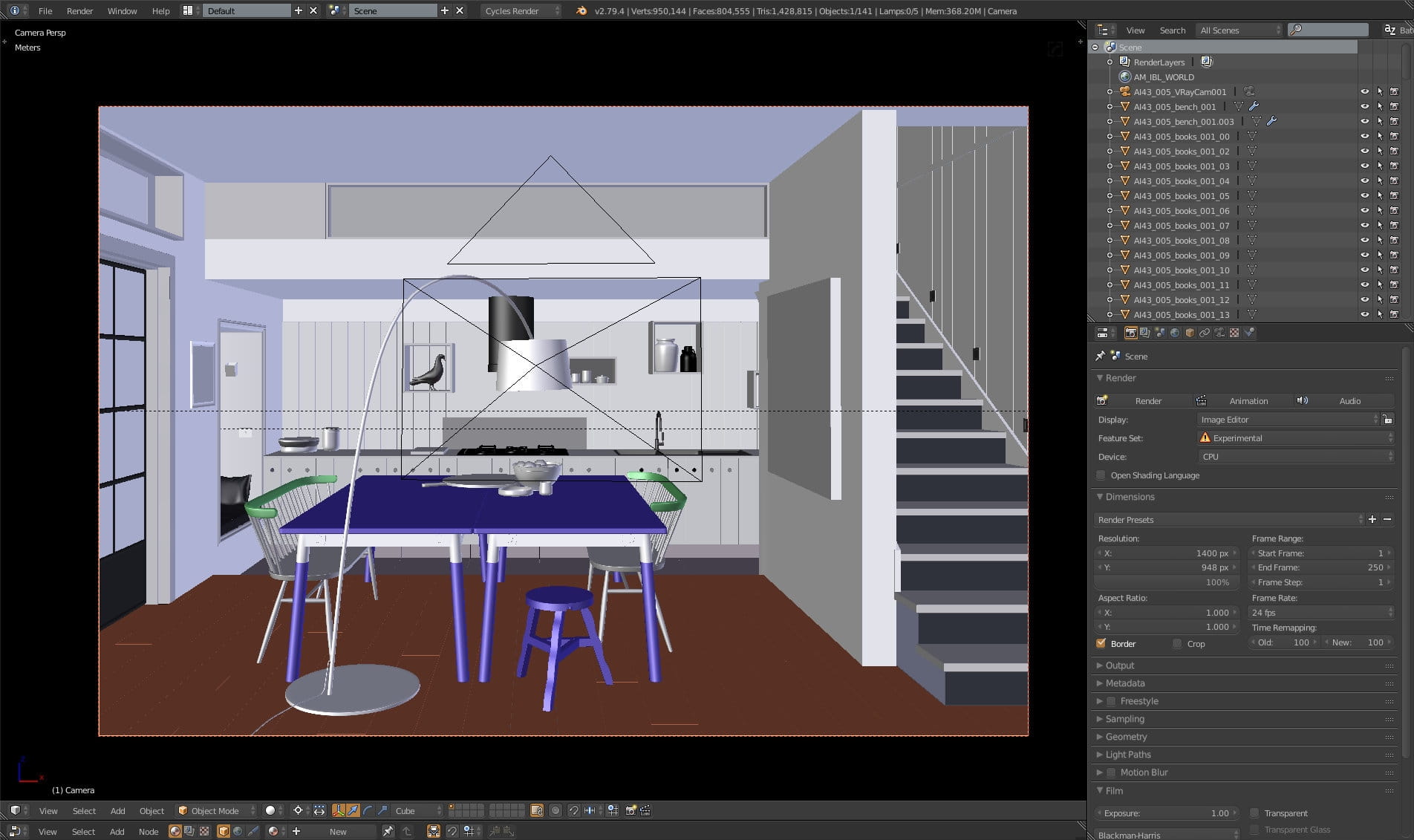
This is how the scene looks in the viewport.
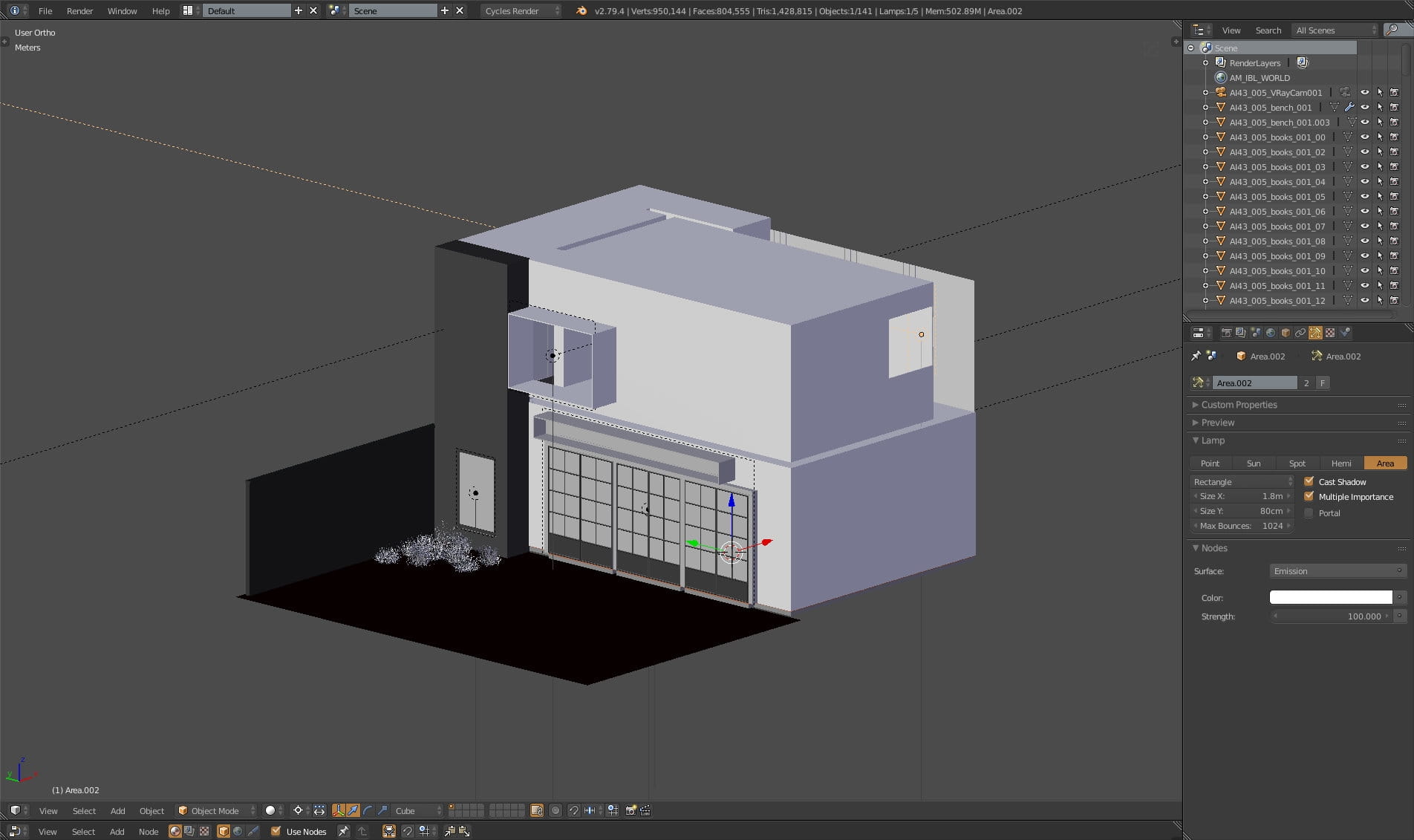
Outside of the building - we have two floors. As you can see, there is no global sun in the scene, we used area lights and global scene illumination in Scene panel. In the properties panel you can see first area light settings.
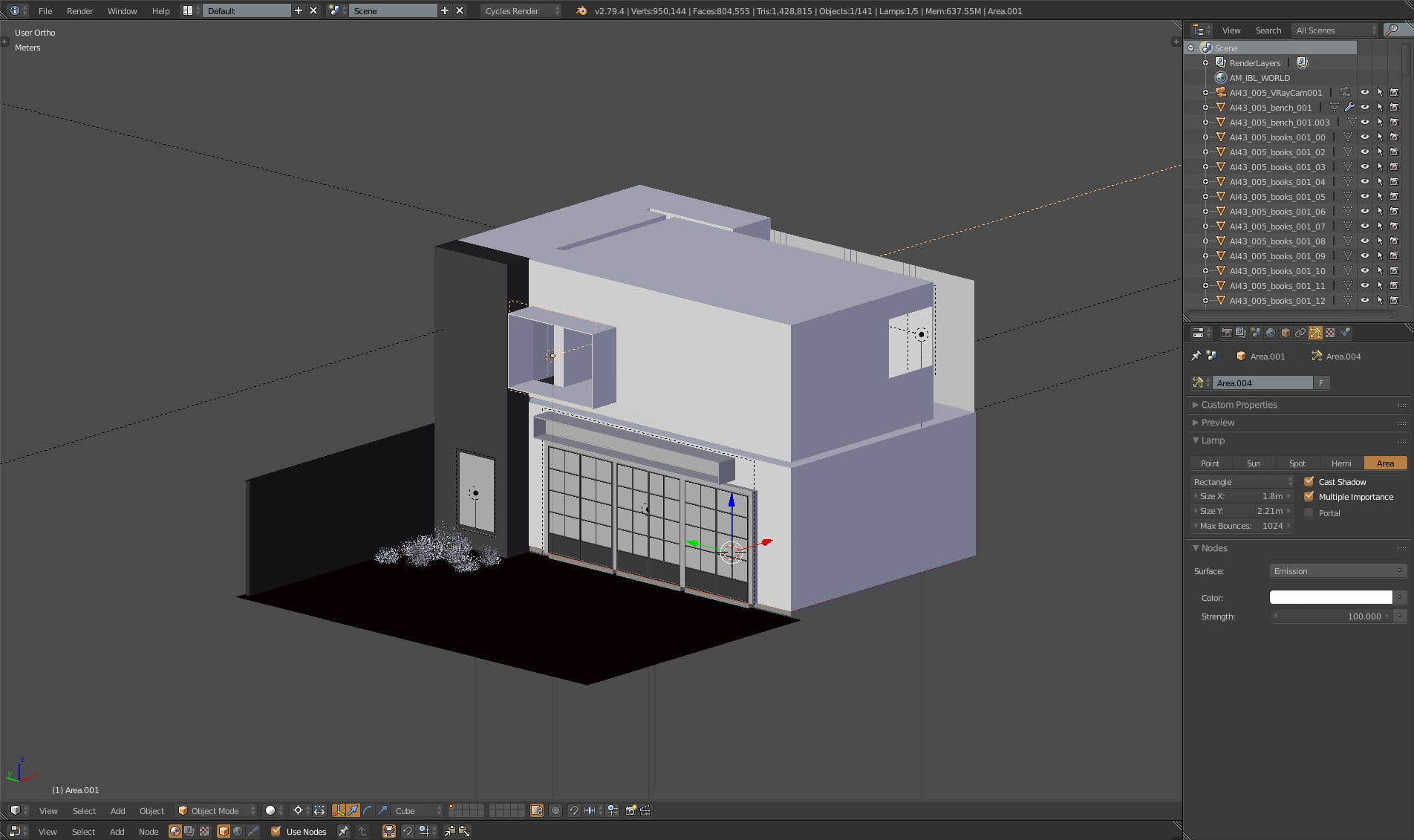
Second light settings.

Third light is placed in front of glass doors. Settings on the right.

Fourth light settings.

Inside of the building.

Wooden floor settings. Mesh on the left, color texture on the right. Above you can see material settings. We used color map for roughness and normal map too, by adjusting contrast and using "Non-color Data" option in texture node.
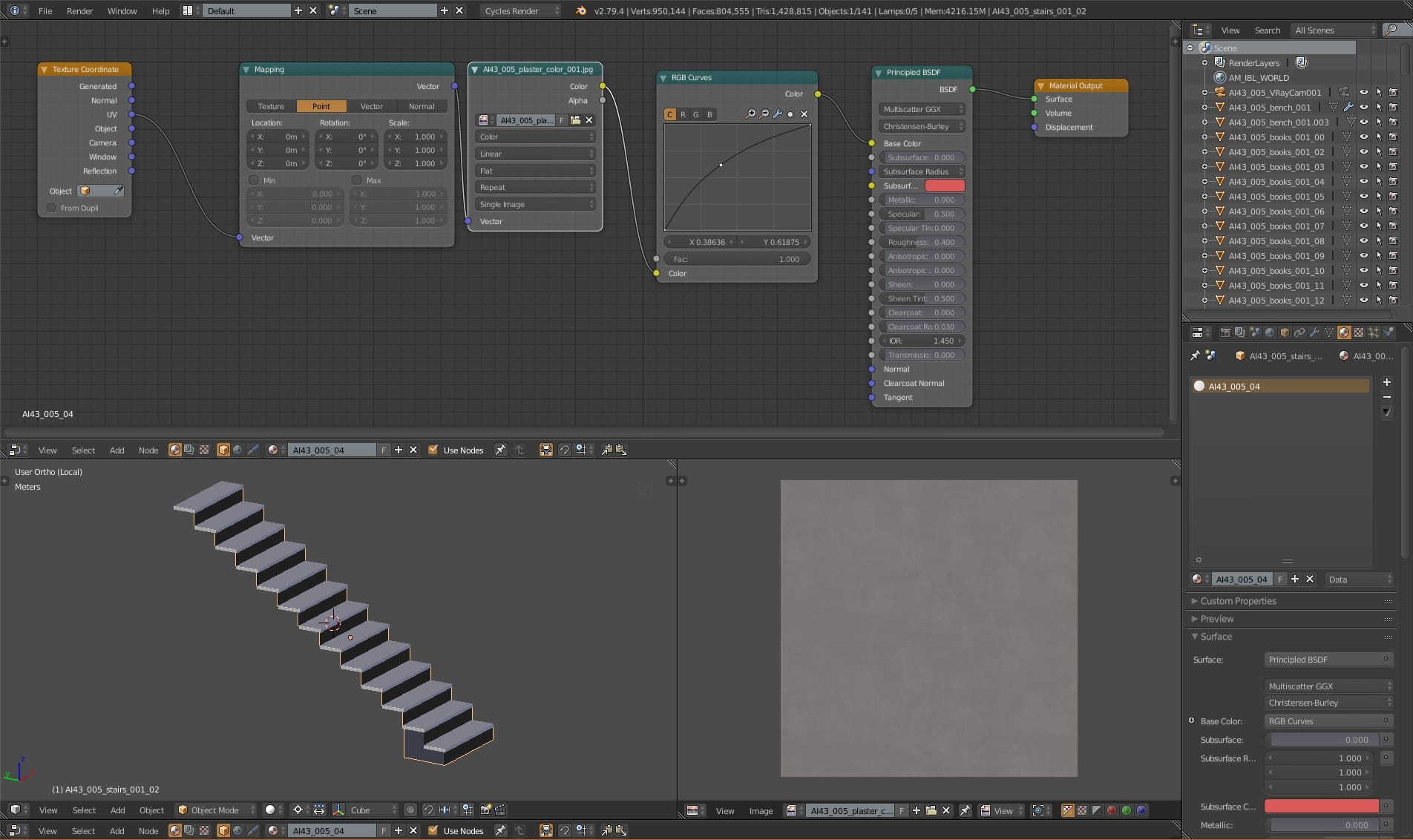
Stairs are made from two objects. here you can see that we selected bottom mesh which is textured with plaster texture, slightly adjusted with RGB curves.
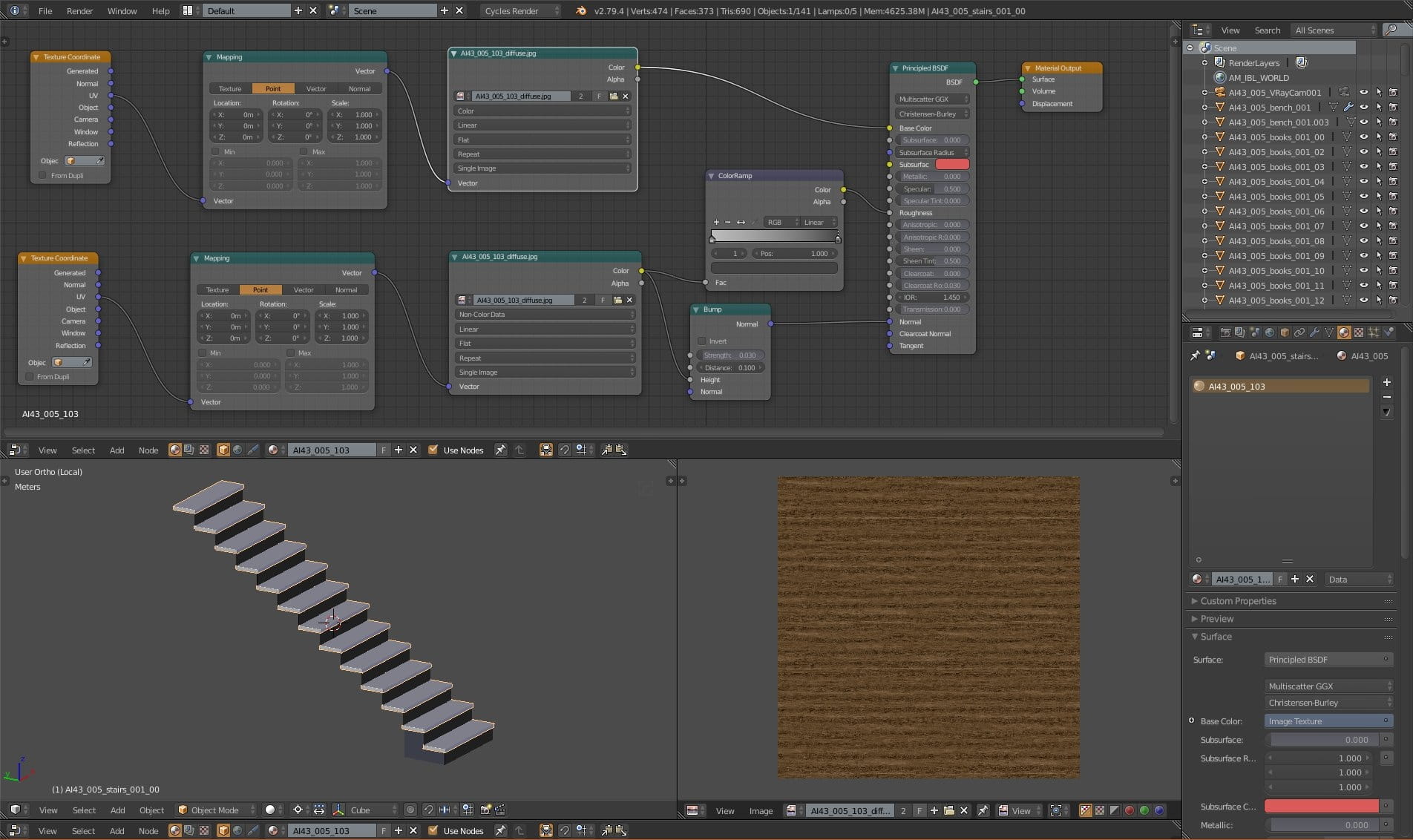
Stairs. Wooden material. As in the case of floor material, we used same color texture for base color, roughness and normal channels.
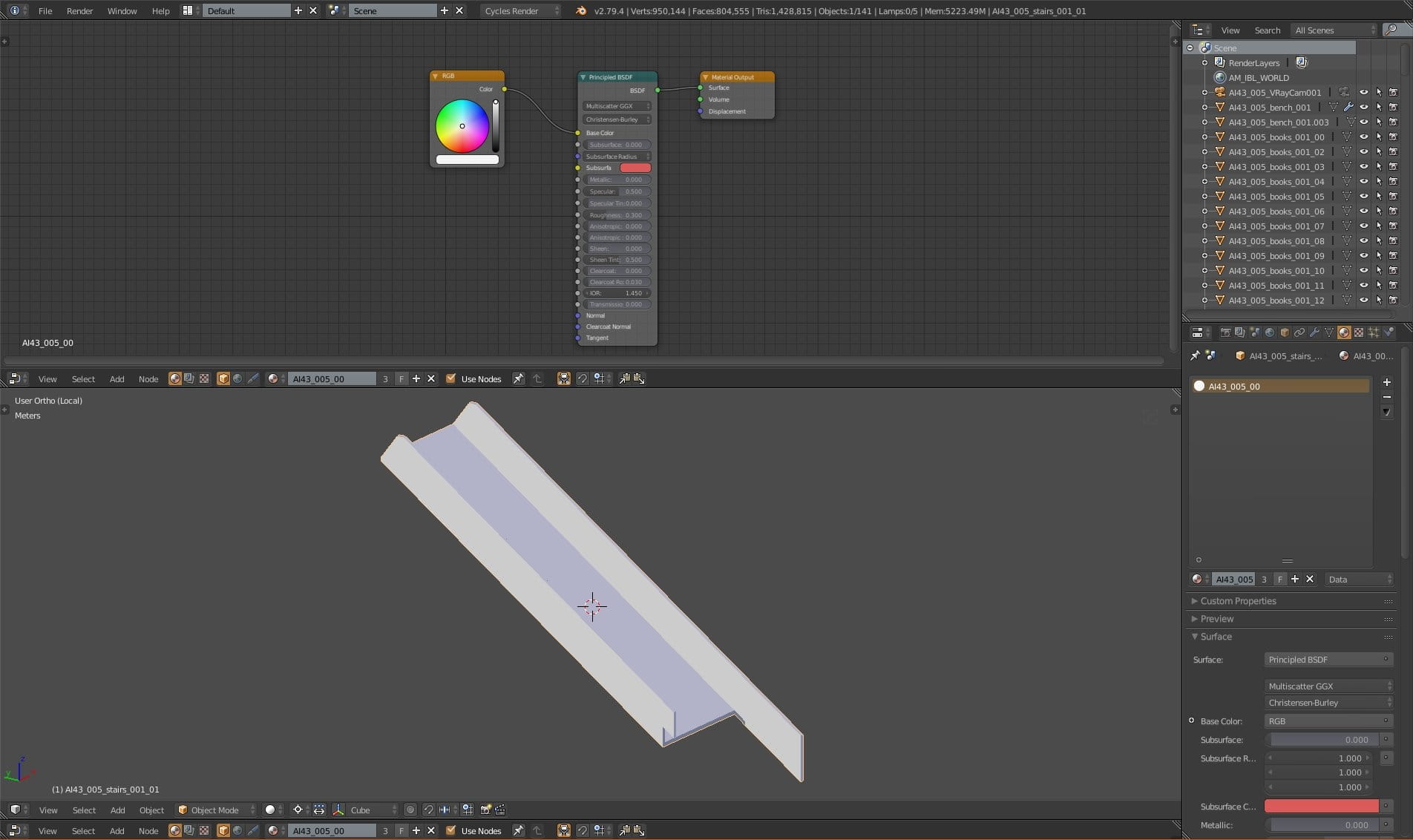
Stair frame - simple Principle BSDF material.
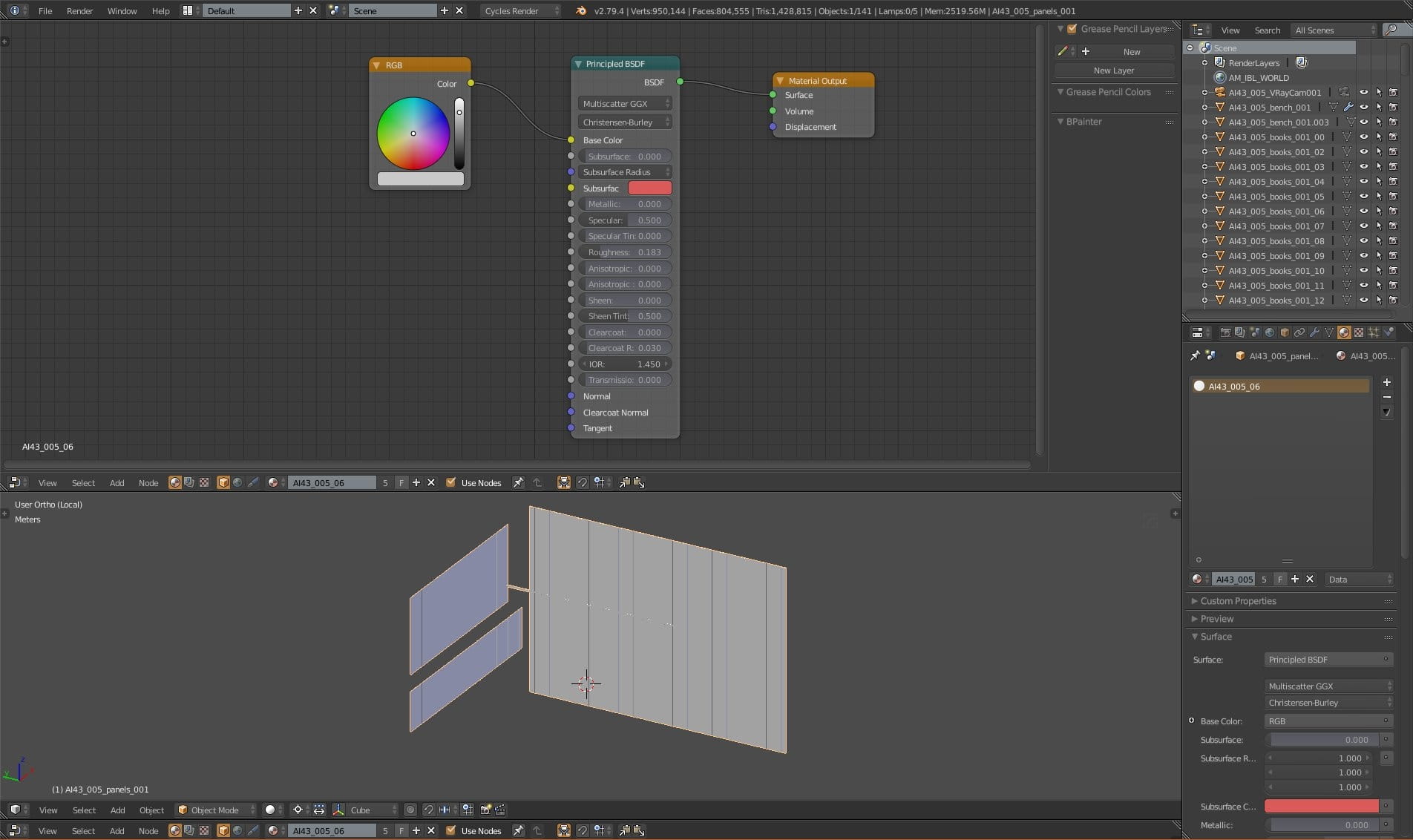
Wall material.
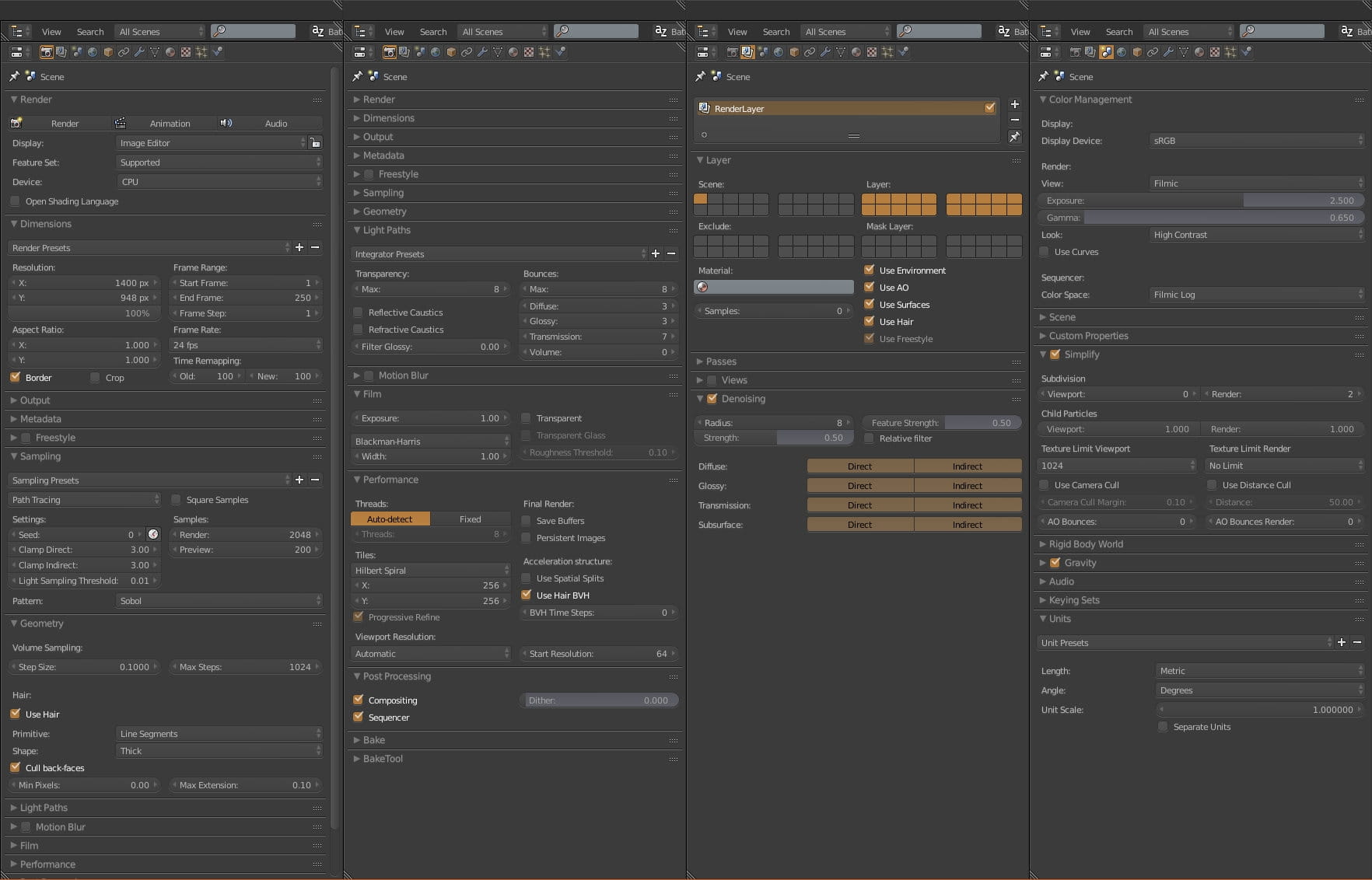
Render settings.

Isometric view of the scene (just 900 samples and denoiser), without building mesh. You can see that enivronment is white, it is a color that we set in Scene properties panel, acting as our global illumination.
Final render. Thanks for reading!





LEAVE A COMMENT






|

|

|

|

|
 Customer zone
 Your orders
 Edit account
 Add project
 Liked projects
 View your artist profile
COMMENTS