Search
Cart
Sign in
  • offerCustomer zone
  • offerYour orders
  • offerEdit account

  • offerAdd project
  • offerLiked projects
  • offerView your artist profile

  • Dark mode

We care about your privacy

We use cookies to provide you with the best possible experience. They also allow us to analyze user behavior in order to constantly improve the website for you. The consent is voluntary. You can withdraw it at any time or renew it in Cookie settings on the home page. Withdrawal of your consent does not affect the lawfulness of processing performed before the withdrawal. Privacy Protection Policy
Accept all
Accept selection
Reject all

Making of a Sunny Interior - Tip of the Week

Michał Franczak 2016-08-10 08:07 tutorial  > 3ds MAX  > modeling

Breakdown of a scene 8 from Archinteriors vol. 45.

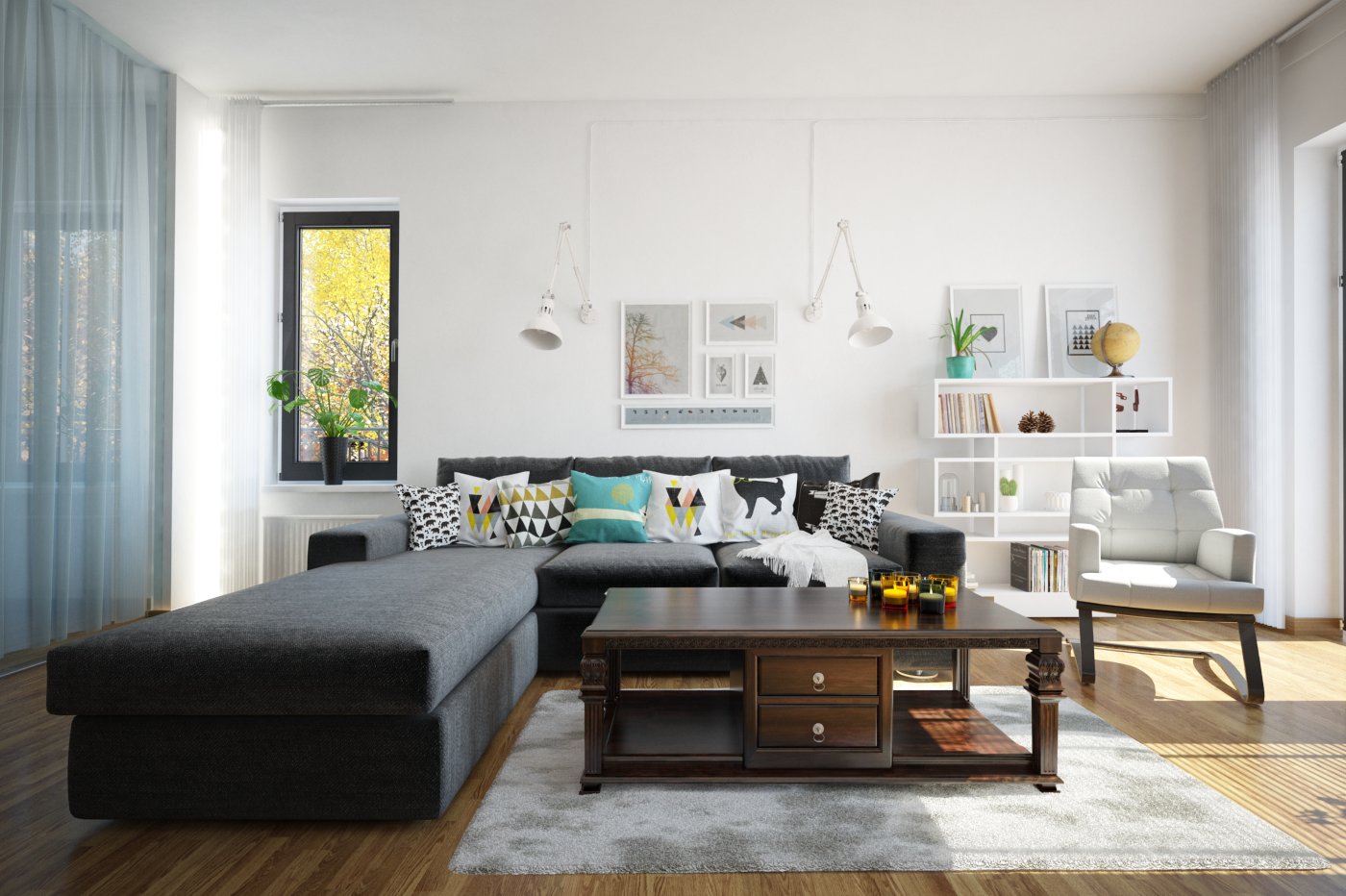
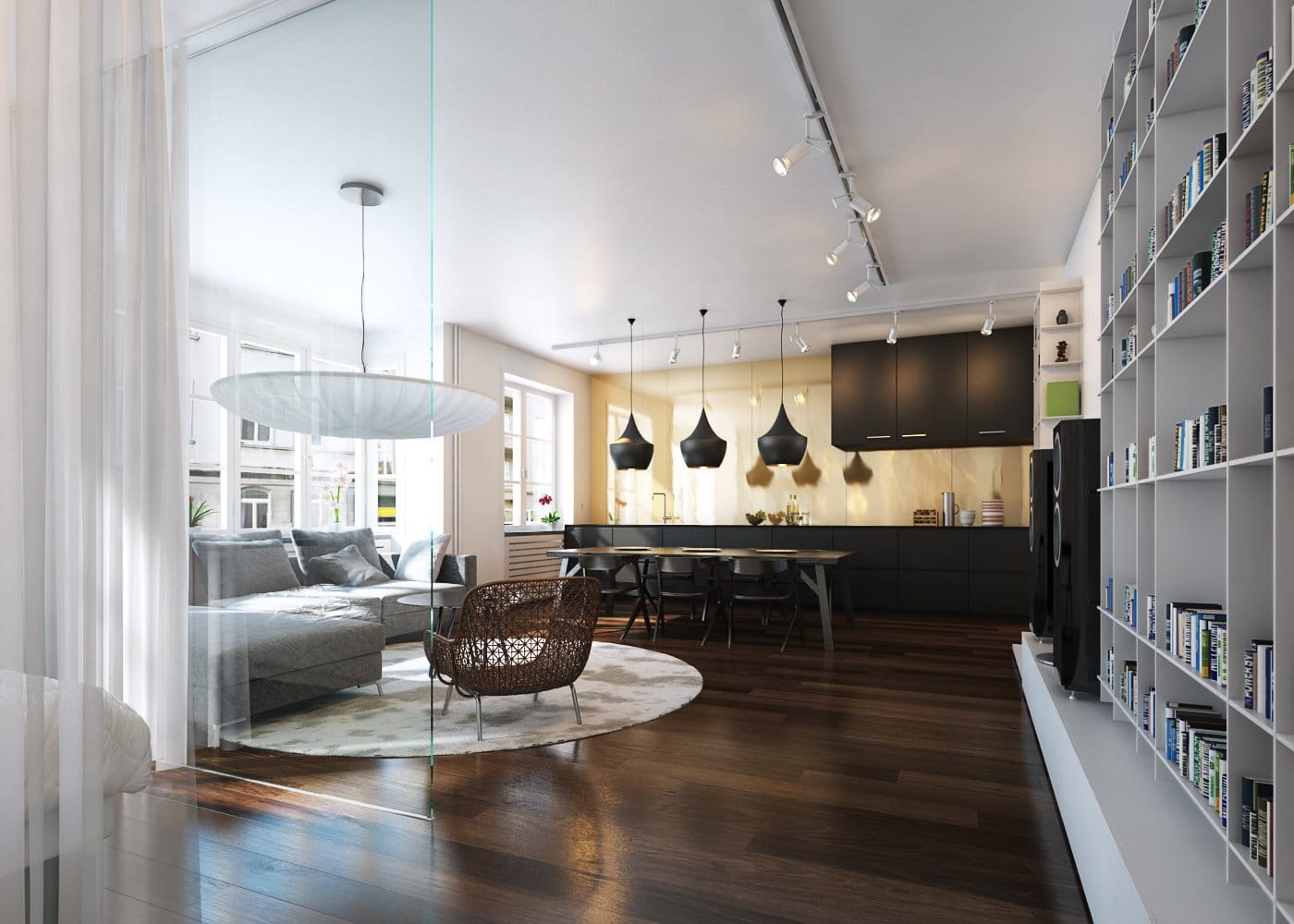
This sunny living room is one of many interiors of a complete house from Archexteriors vol. 29 collection.

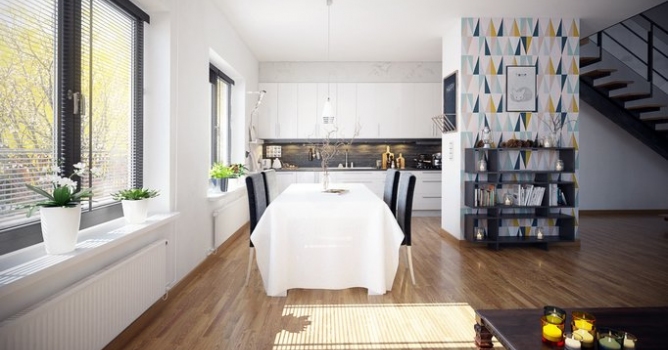
Click on image to enlargeAI45_008_Cam_001_PP_evermotion.jpg
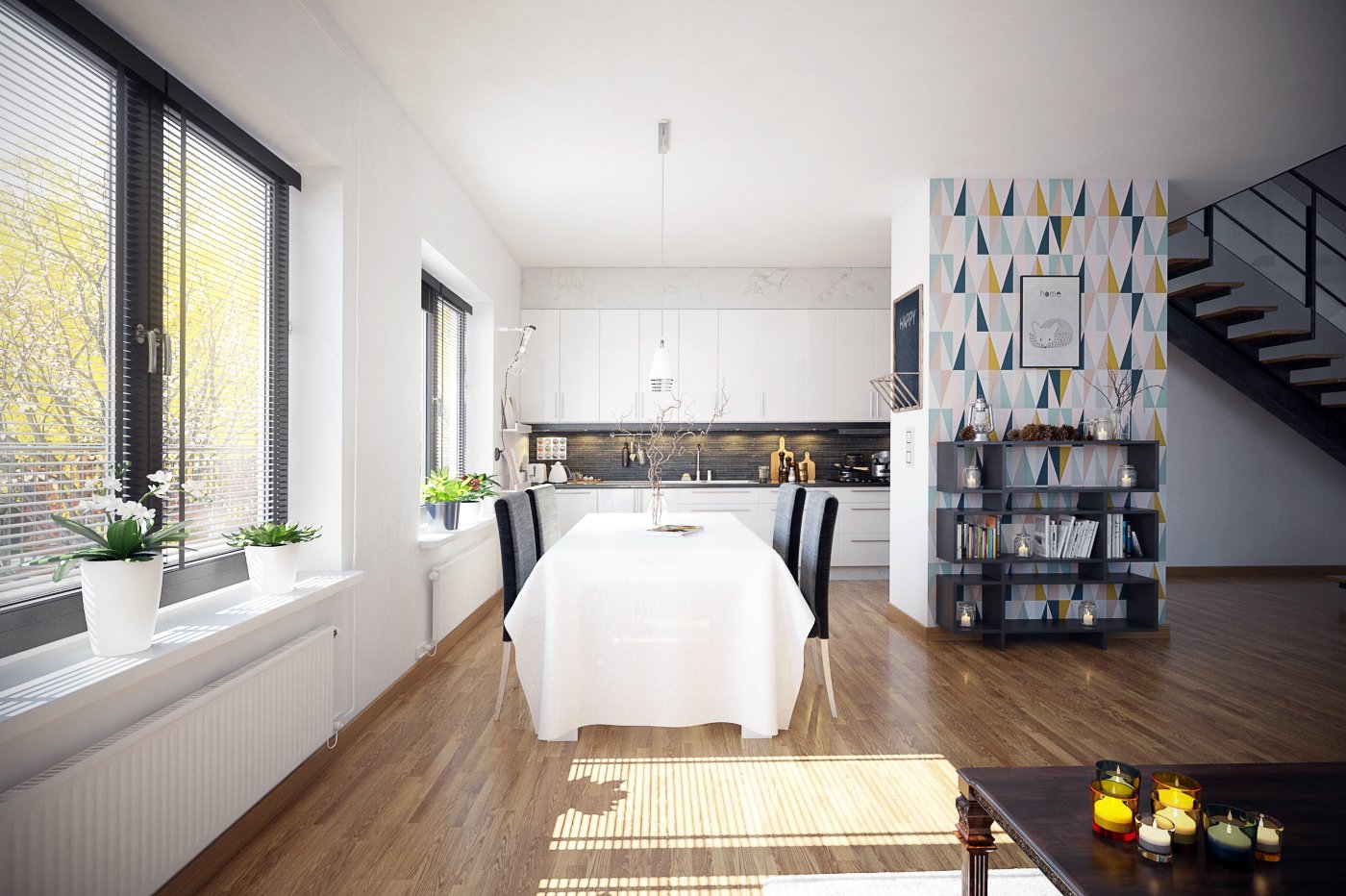
This is a final image after post-production - camera 1.


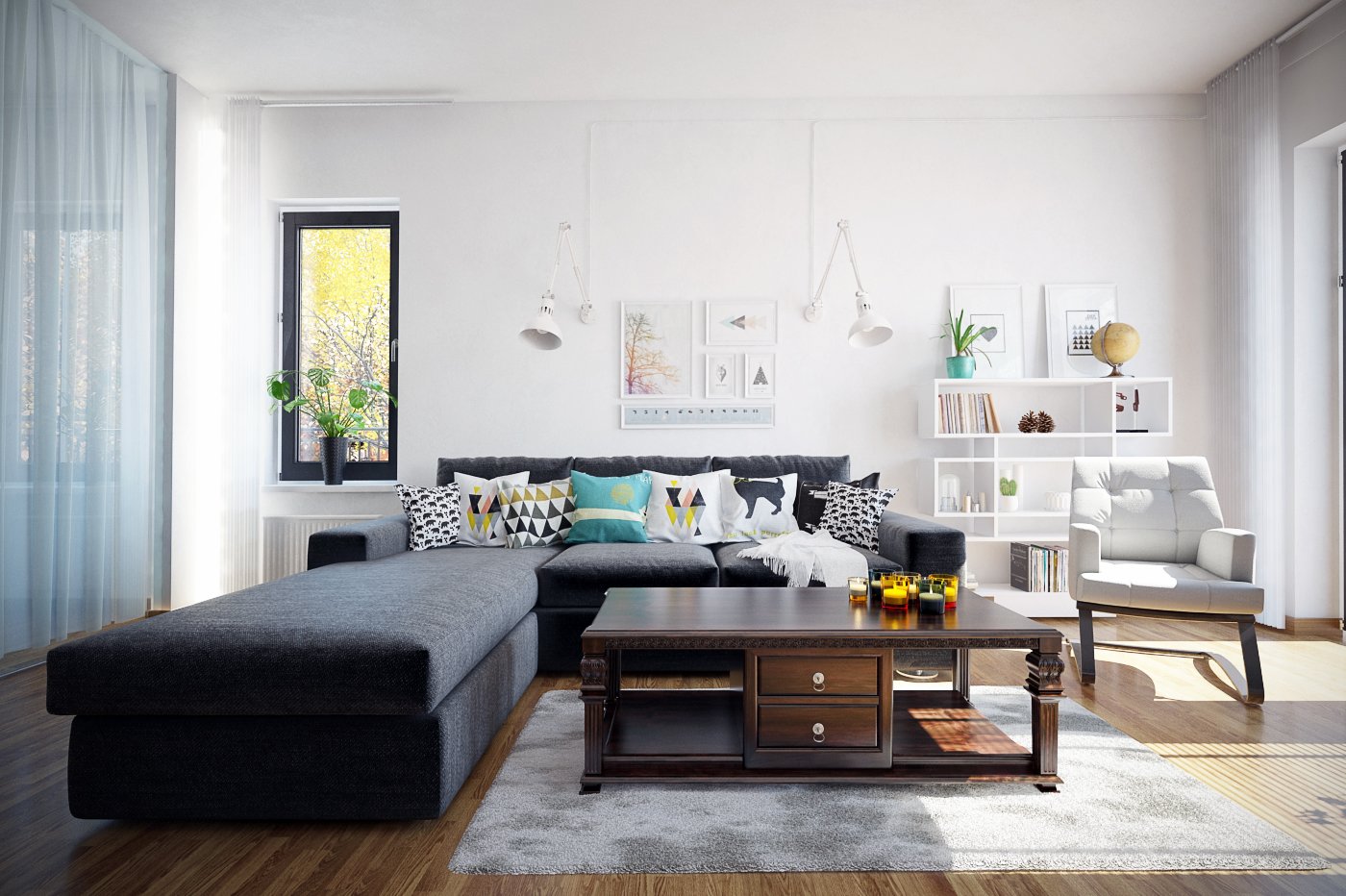
Click on image to enlargeAI45_008_Cam_002_PP_evermotion.jpg

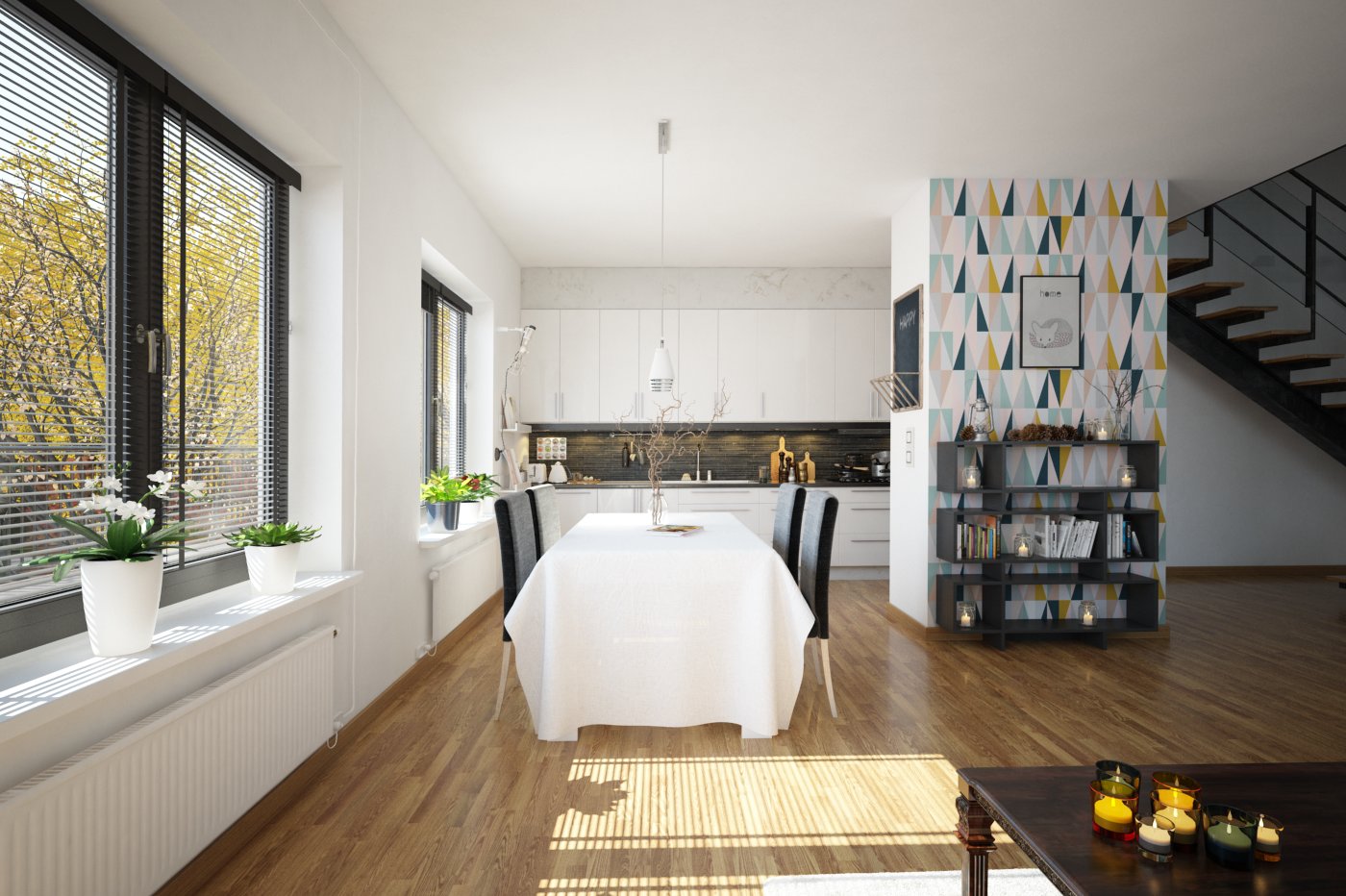
This is a final image after post-production - camera 2.


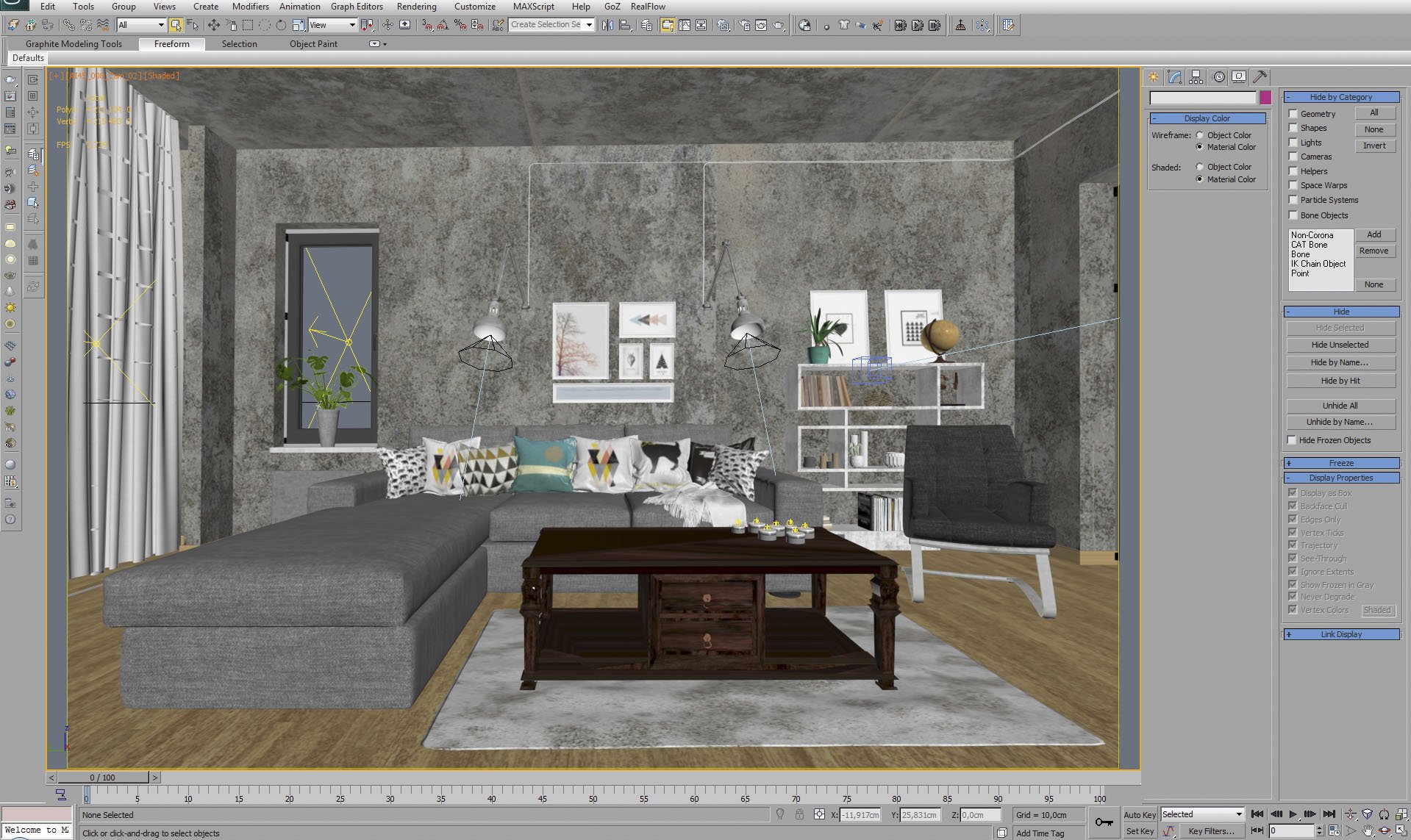
Click on image to enlargeAE45_s08__0043_Layer_1_evermotion.jpg

3ds Max viewport with material / object color enabled.


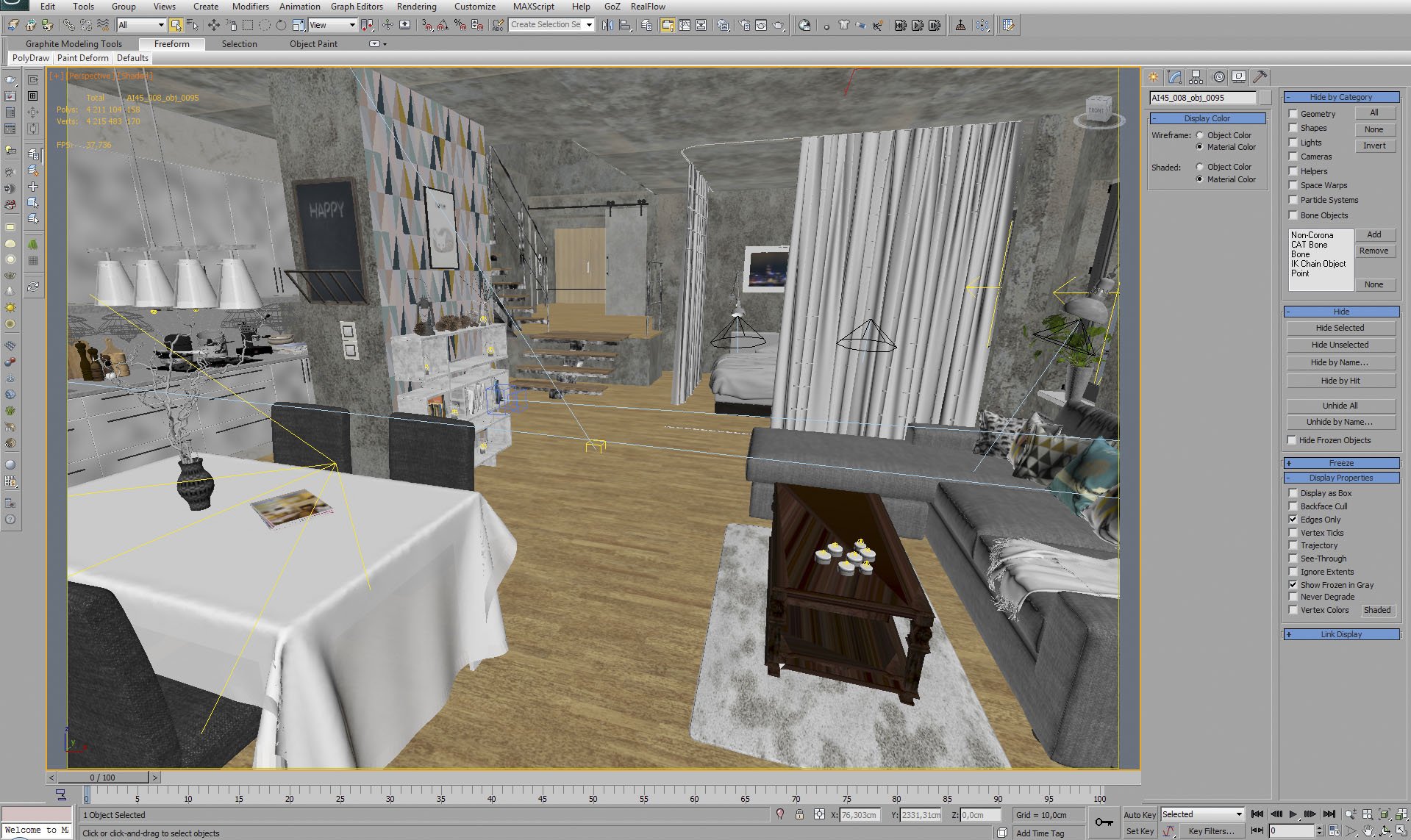
Click on image to enlargeAE45_s08__0042_Layer_2_evermotion.jpg

Another view of the interior.


Click on image to enlargeAE45_s08__0041_Layer_3_evermotion.jpg

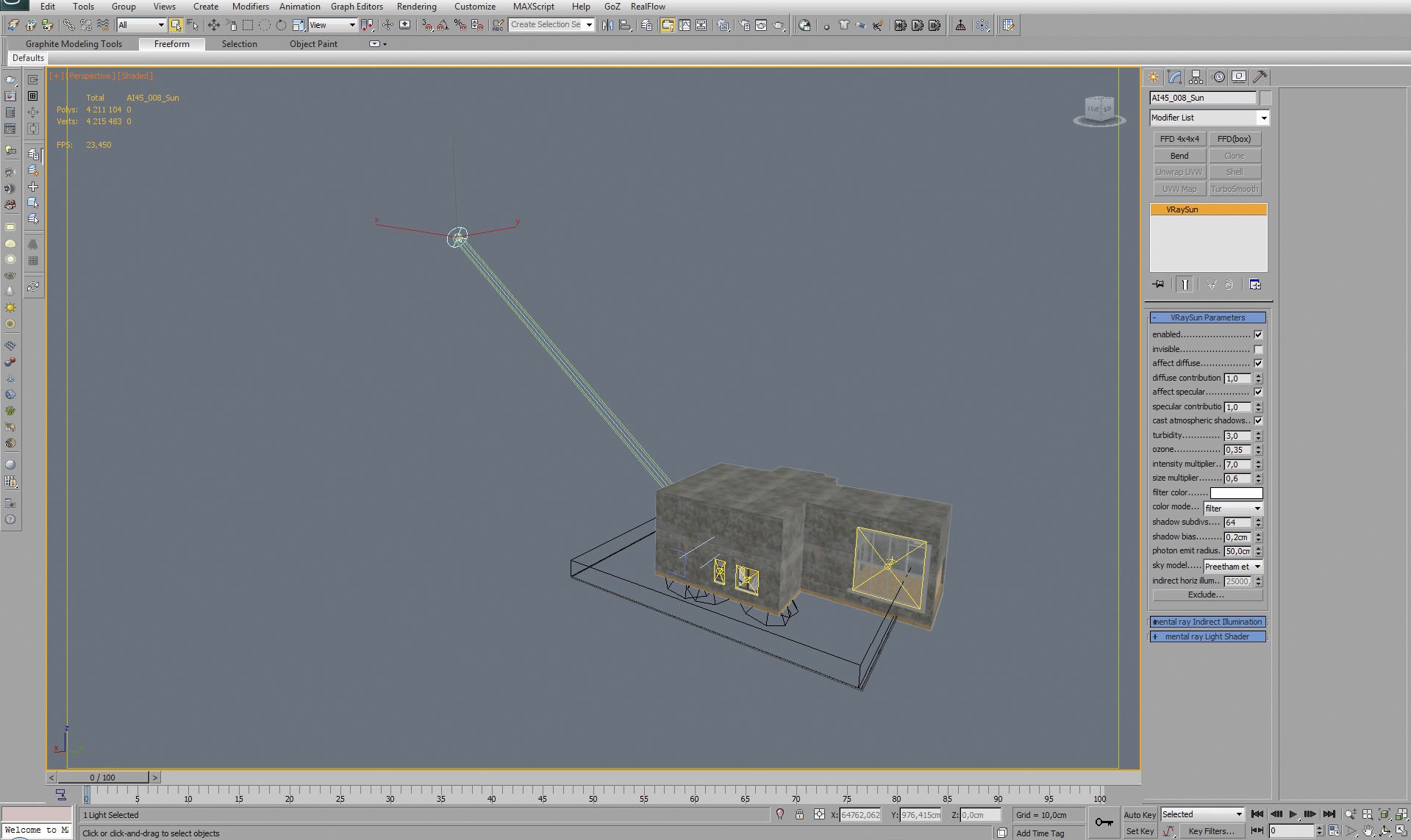
We've lit the scene using VraySun and VraySky.


Click on image to enlargeAE45_s08__0008_Layer_36_evermotion.jpg

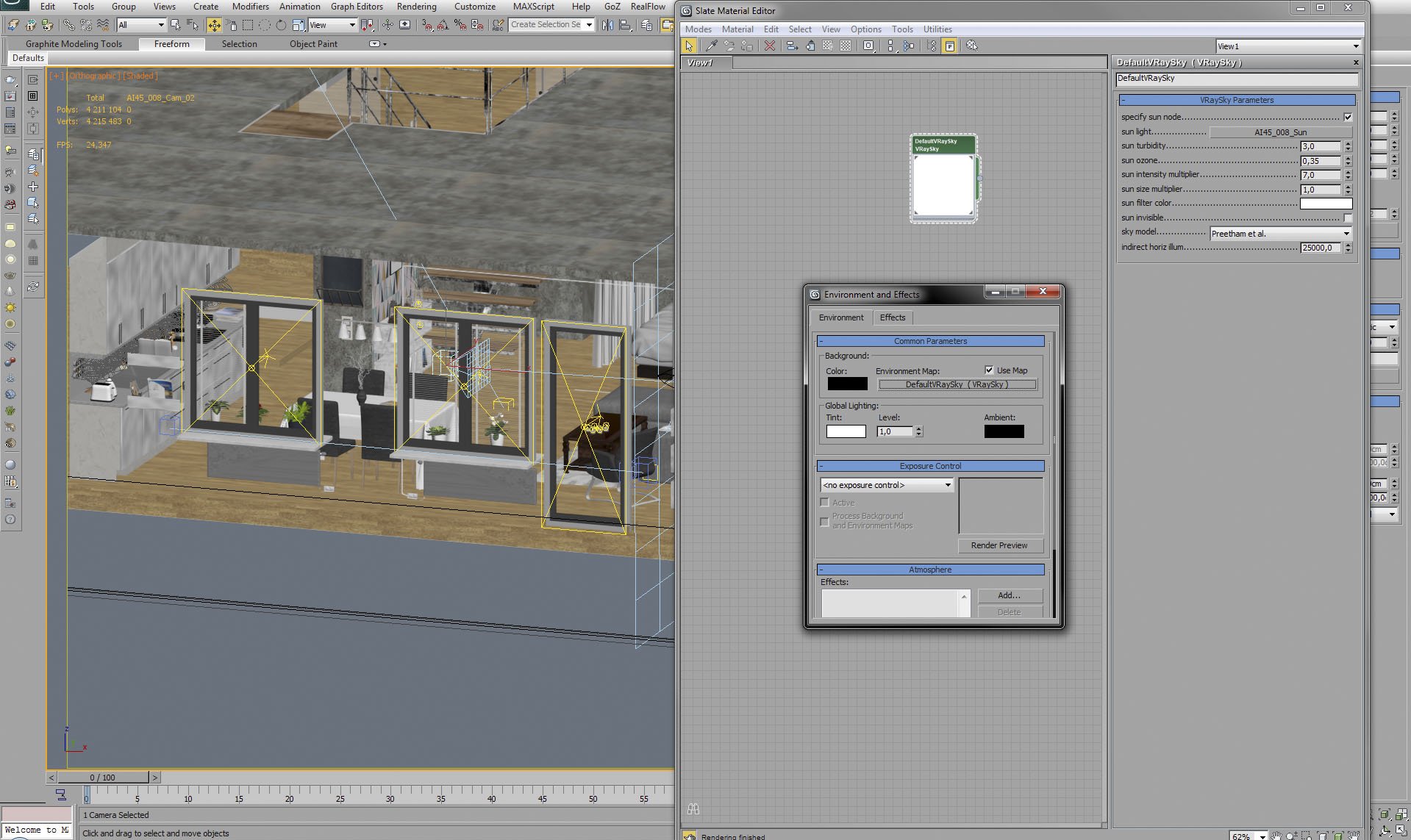
VraySky settings.


Click on image to enlargeAE45_s08__0040_Layer_4_evermotion.jpg

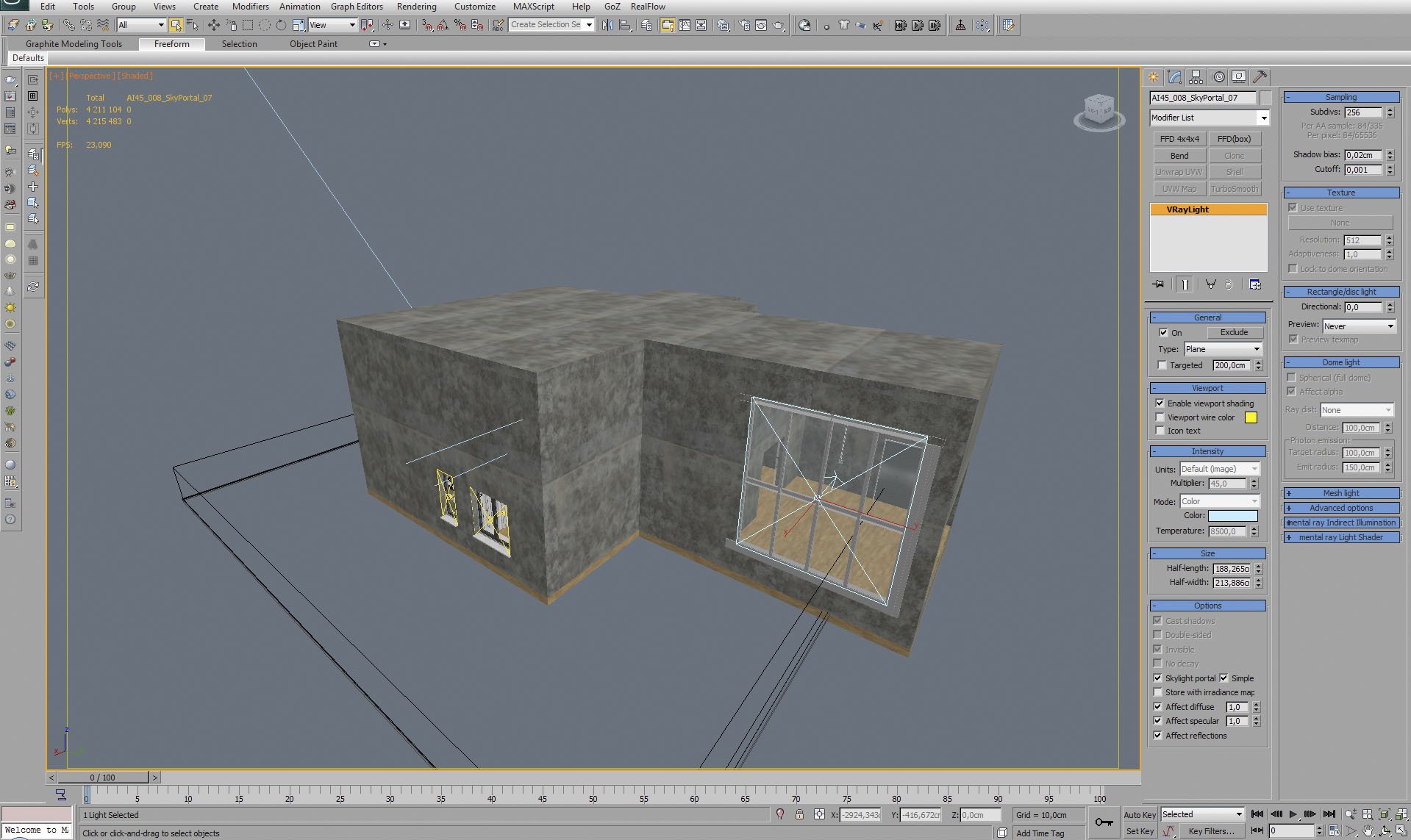
Buidling mesh. Light portals in the windows.


Click on image to enlargeAE45_s08__0039_Layer_5_evermotion.jpg

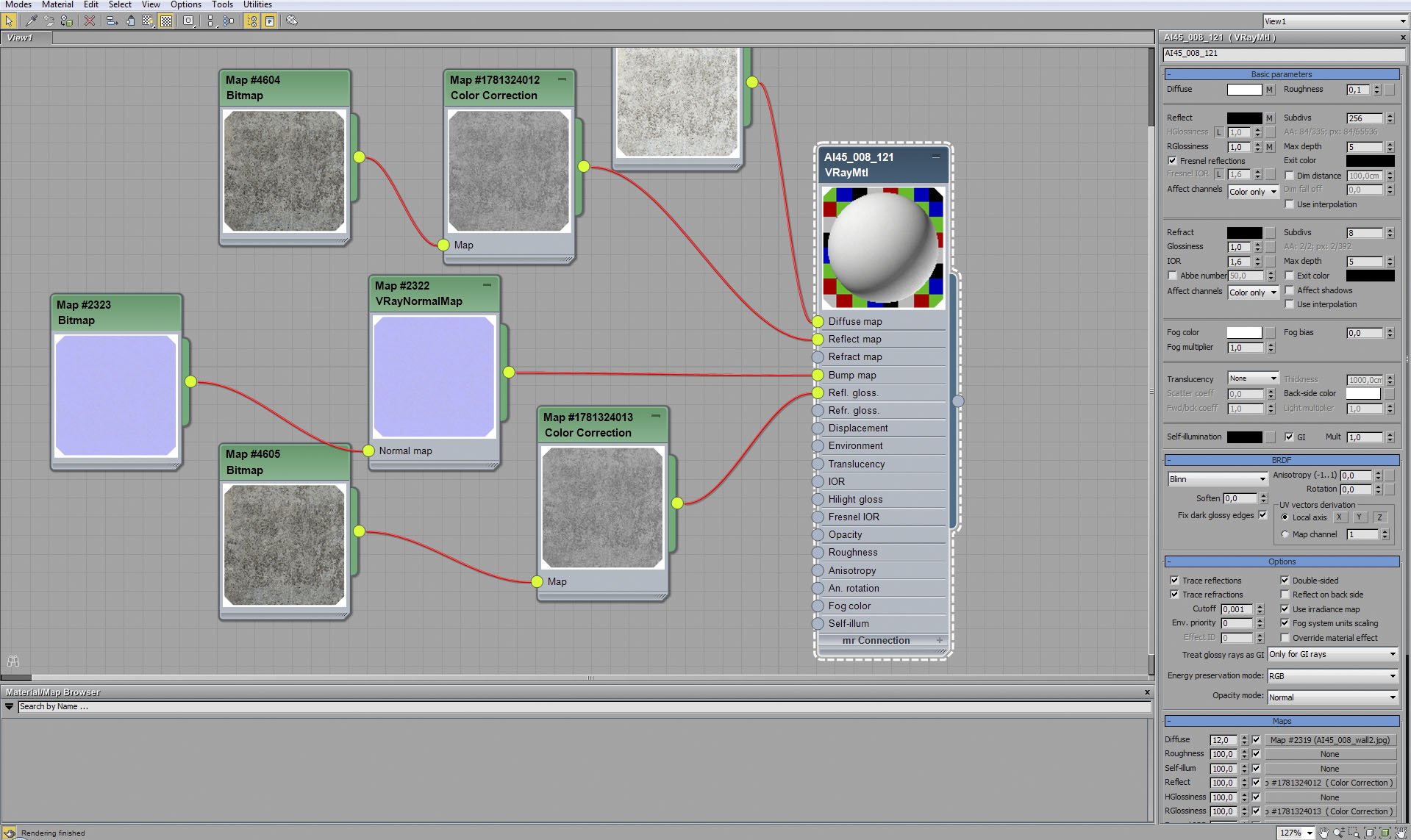
Walls material.


Click on image to enlargeAE45_s08__0038_Layer_6_evermotion.jpg

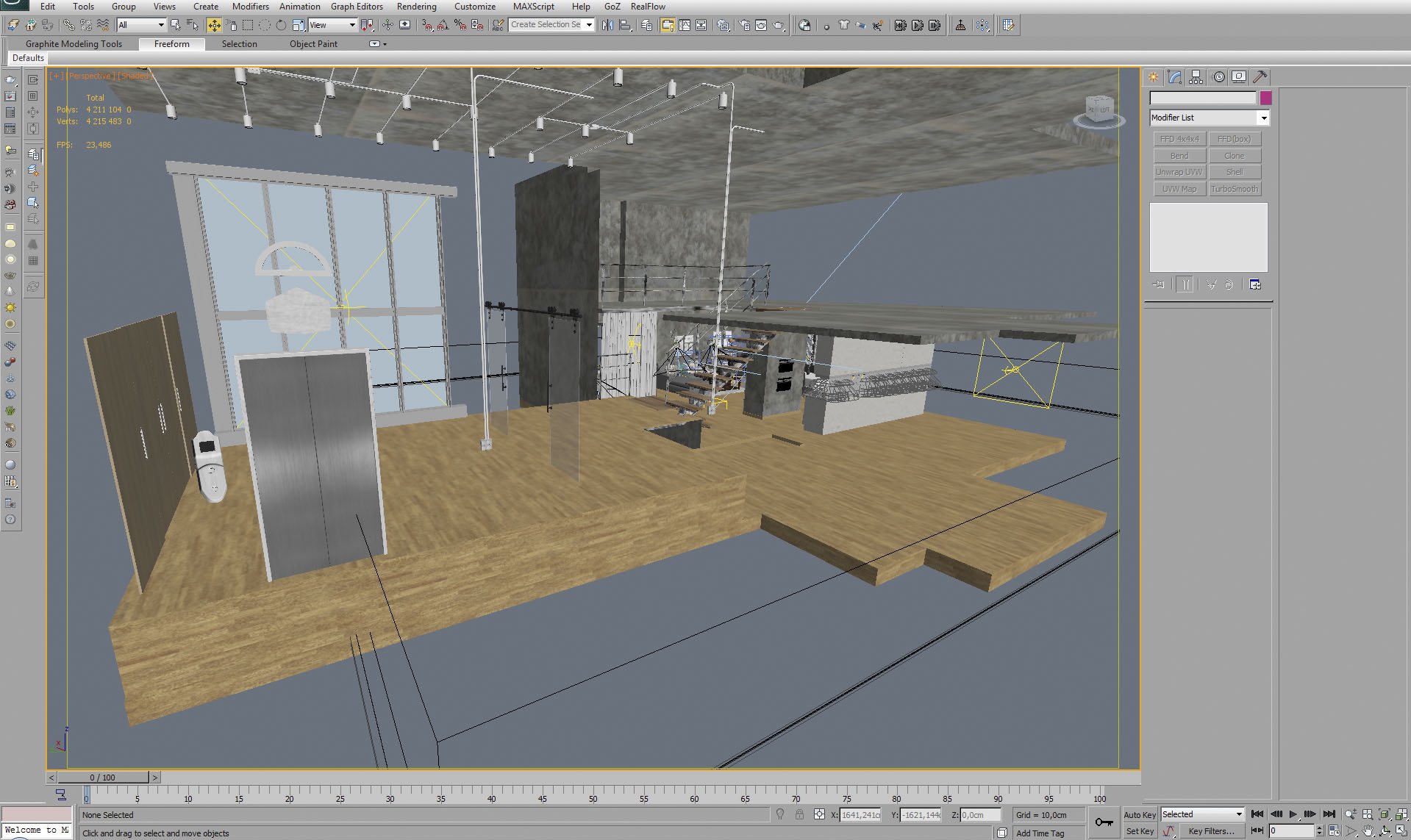
Interior, building mesh is hidden. As you can see, we have two floors, it's kind of sunny loft with a lots of space.


Click on image to enlargeAE45_s08__0037_Layer_7_evermotion.jpg

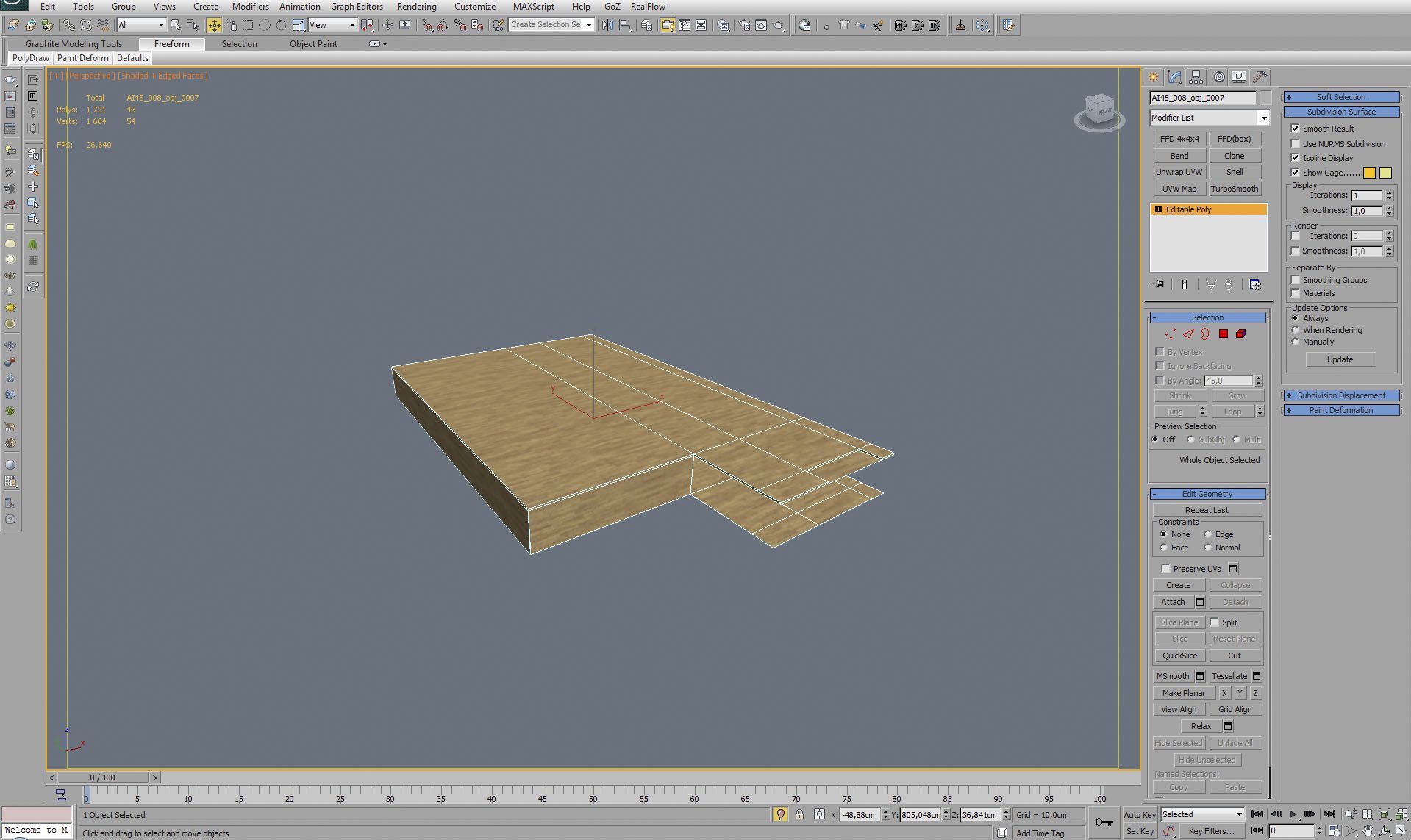
Floor mesh.


Click on image to enlargeAE45_s08__0036_Layer_8_evermotion.jpg

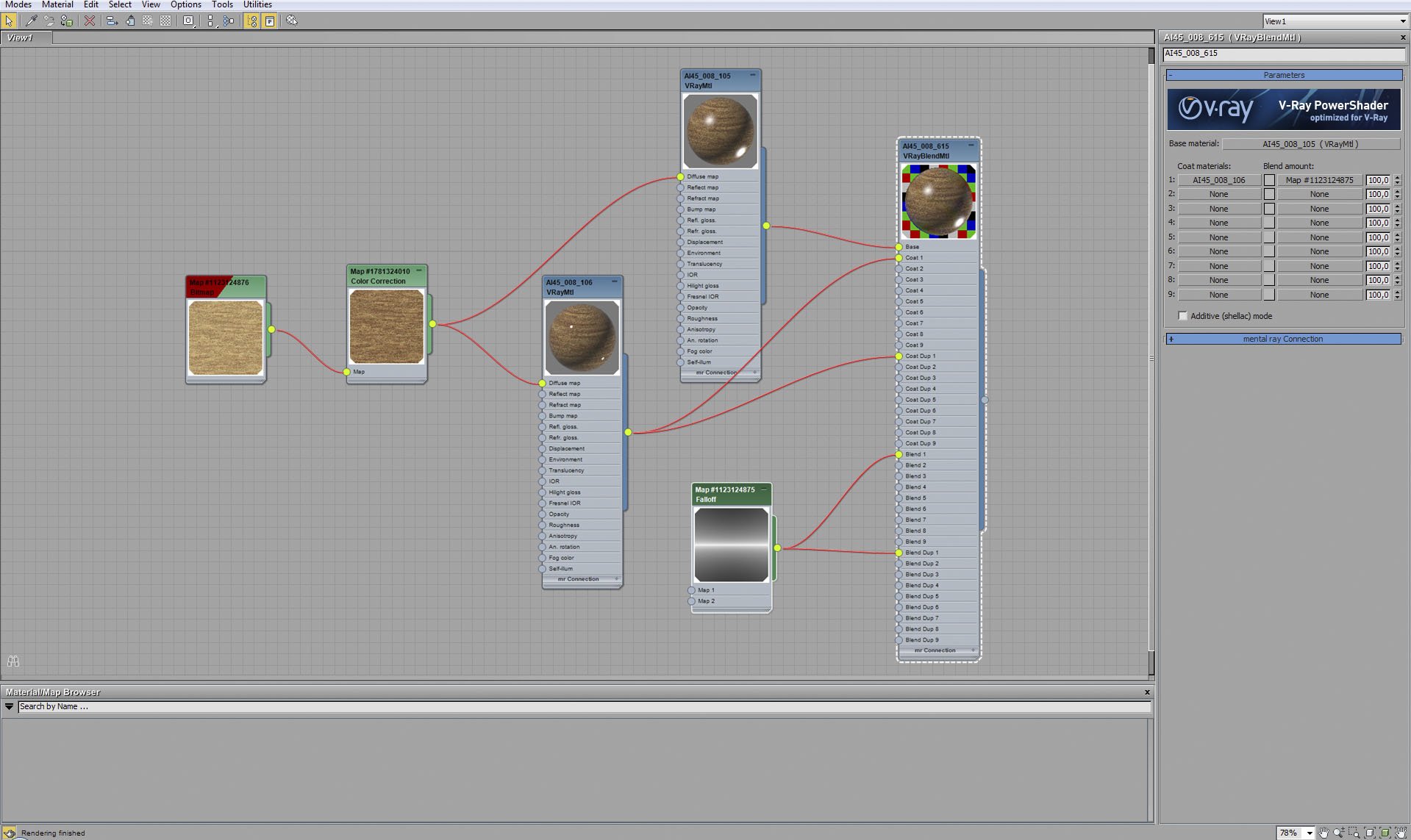
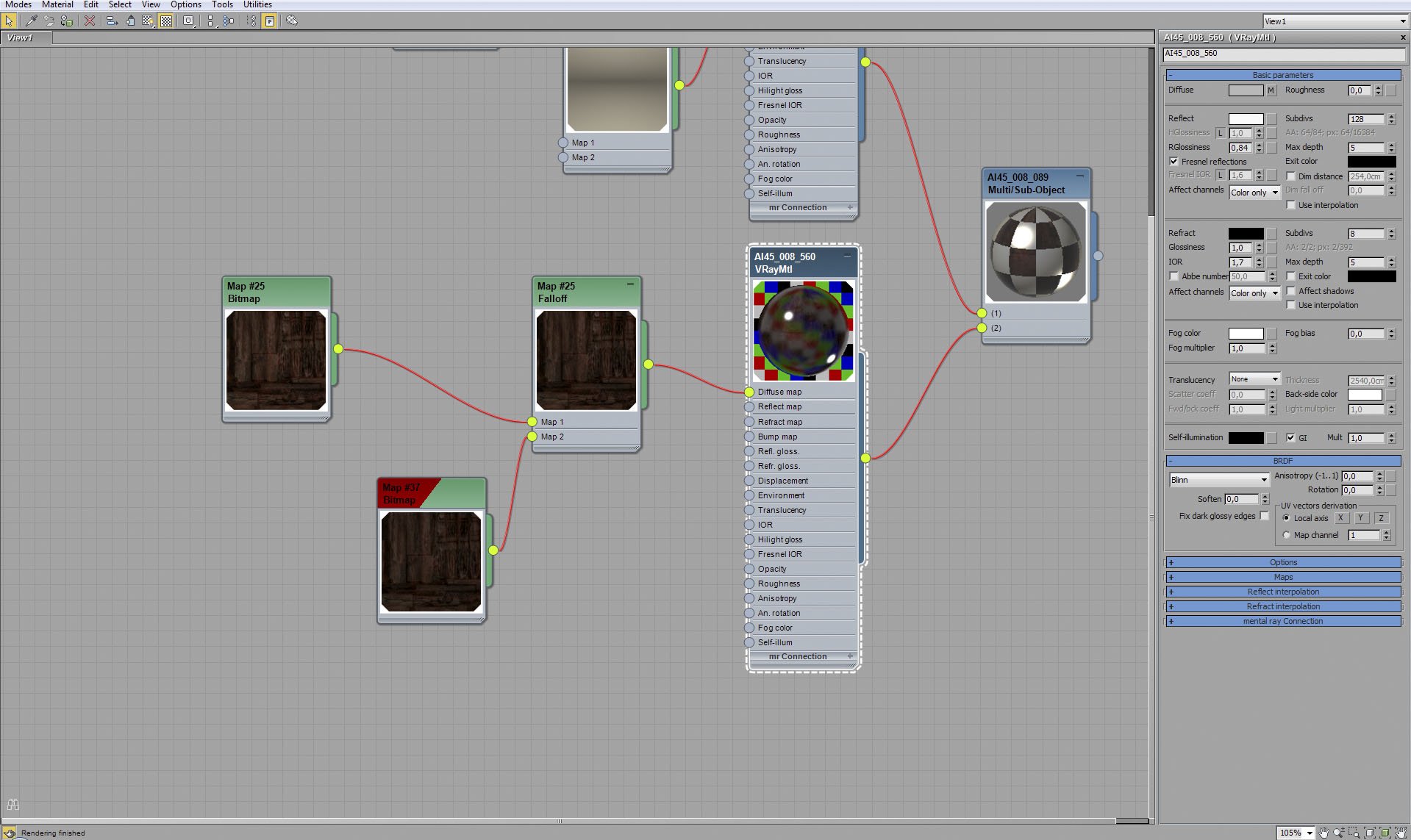
Floor material.


Click on image to enlargeAE45_s08__0035_Layer_9_evermotion.jpg

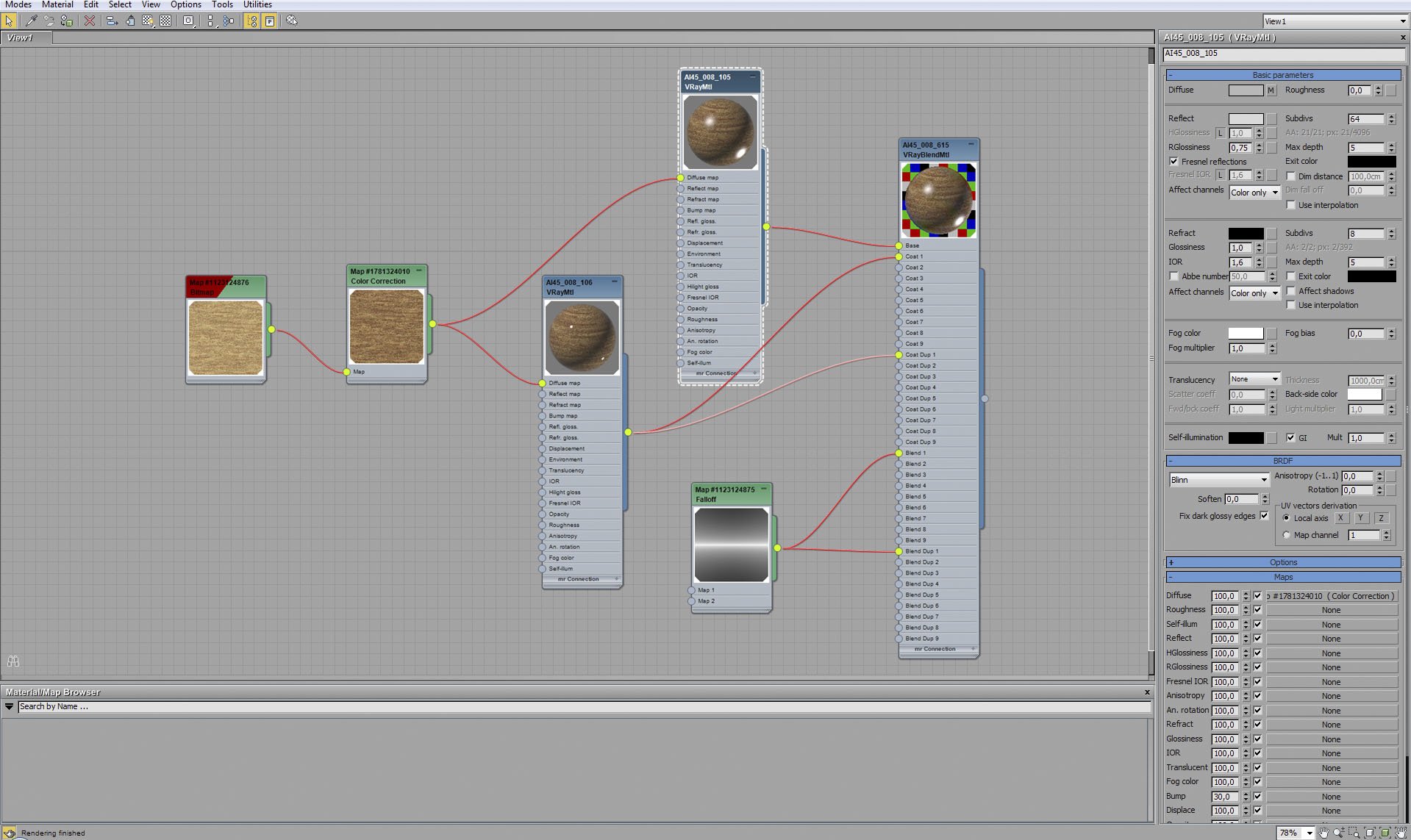
Floor material - base material.


Click on image to enlargeAE45_s08__0034_Layer_10_evermotion.jpg

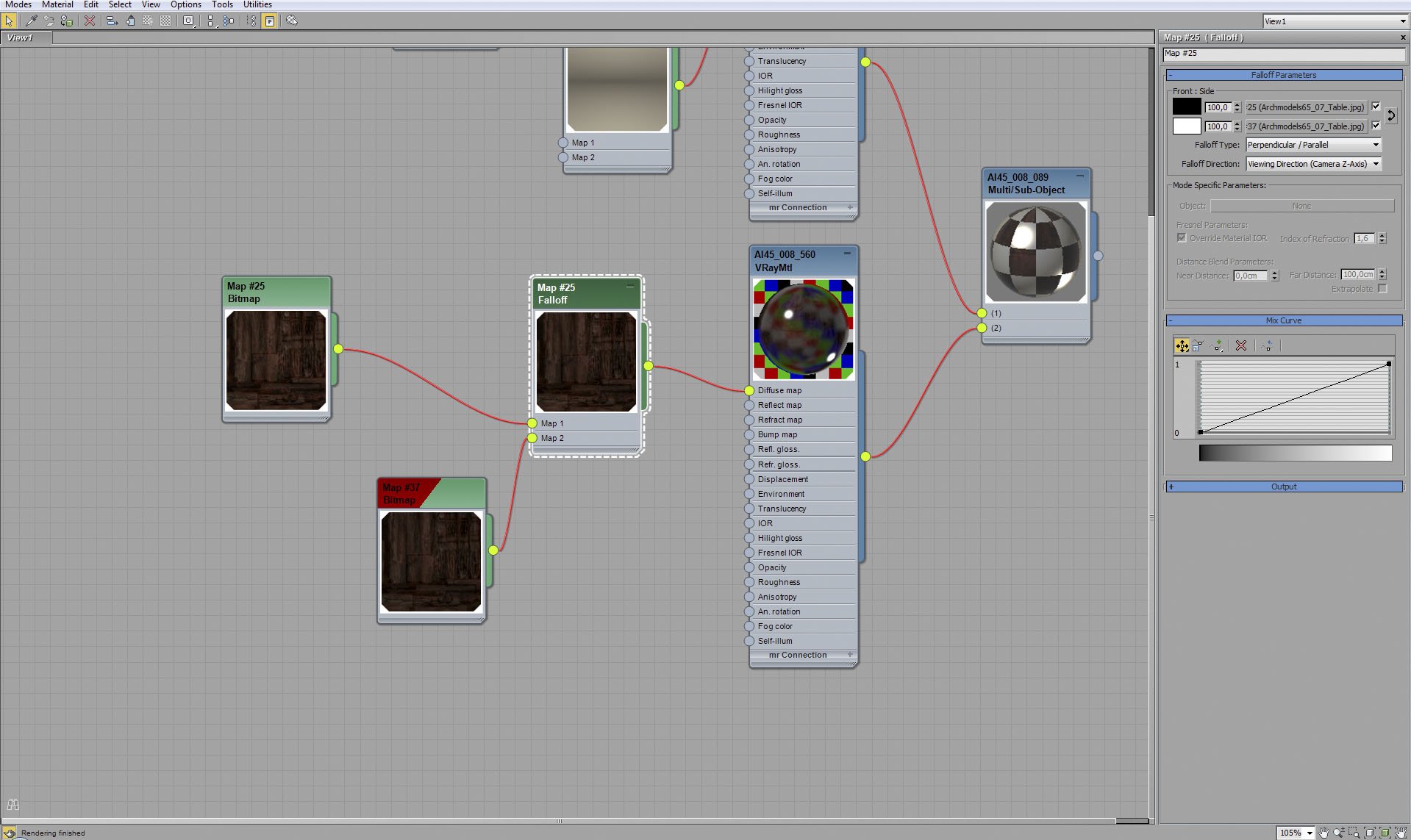
Floor material - falloff map settings.


Click on image to enlargeAE45_s08__0033_Layer_11_evermotion.jpg

Floor material - coat.


Click on image to enlargeAE45_s08__0032_Layer_12_evermotion.jpg

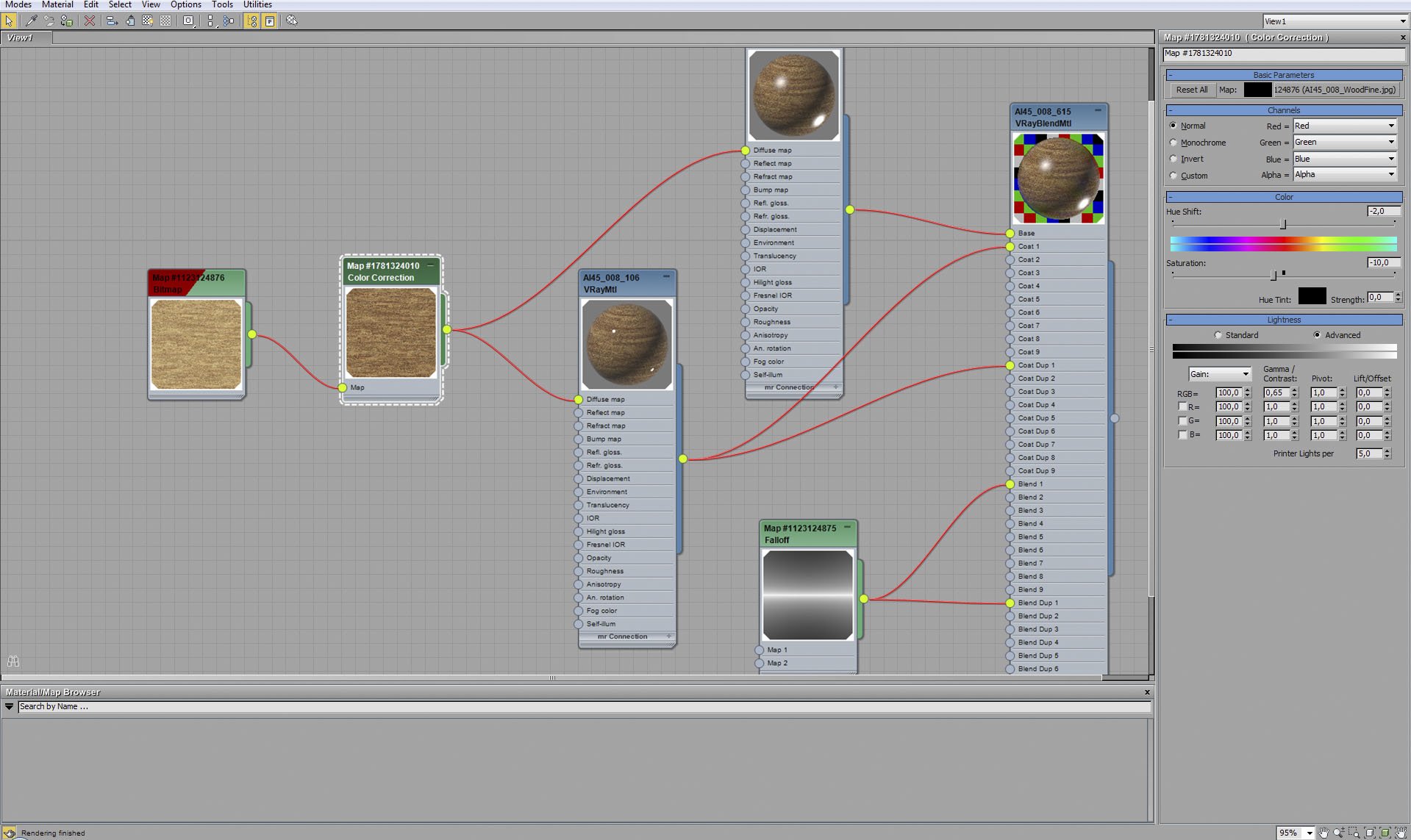
Floor material - we corrected color in diffuse map of coat material - small hue shift and a bit of desaturation.


Click on image to enlargeAE45_s08__0030_Layer_14_evermotion.jpg

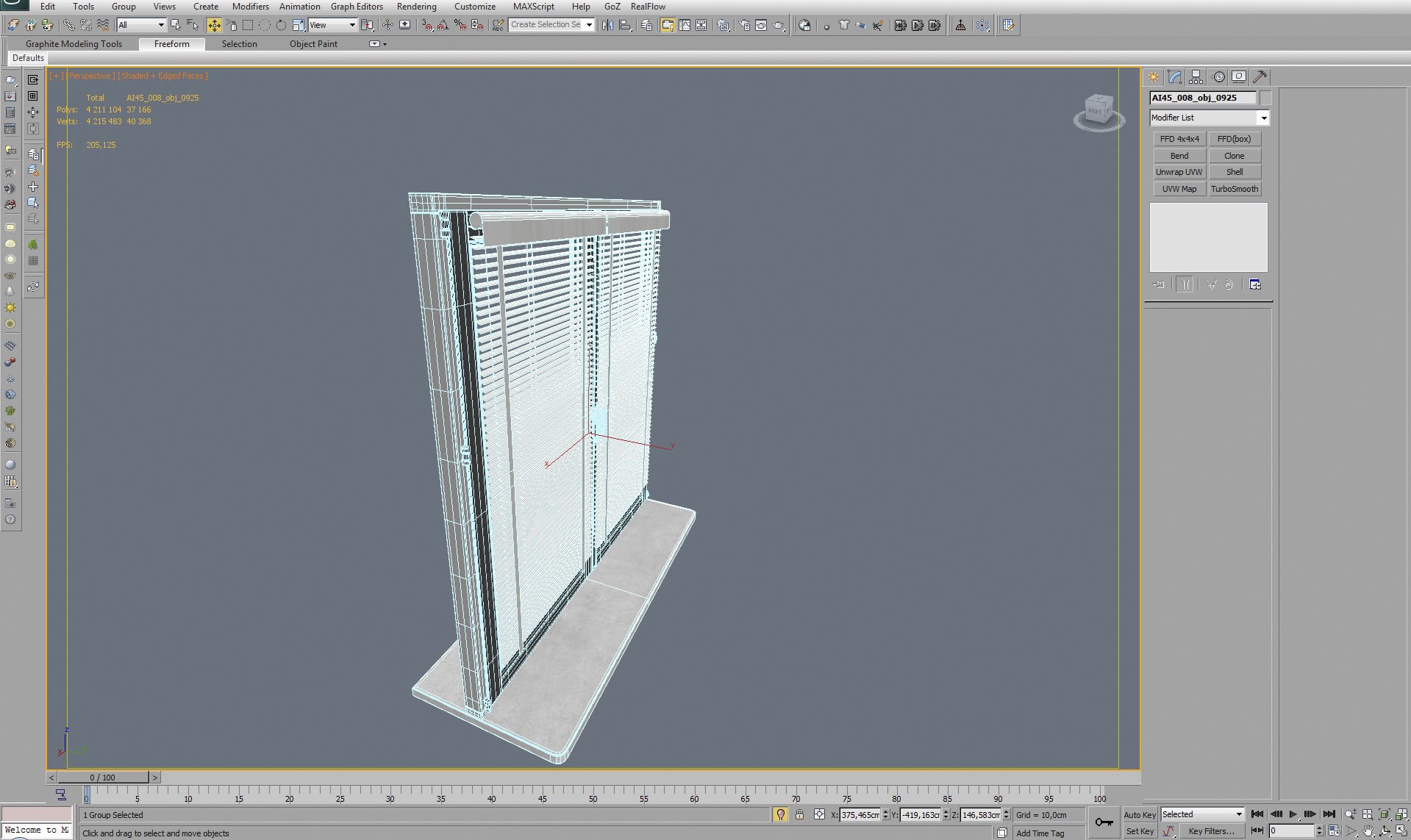
window with blinds - mesh.


Click on image to enlargeAE45_s08__0029_Layer_15_evermotion.jpg

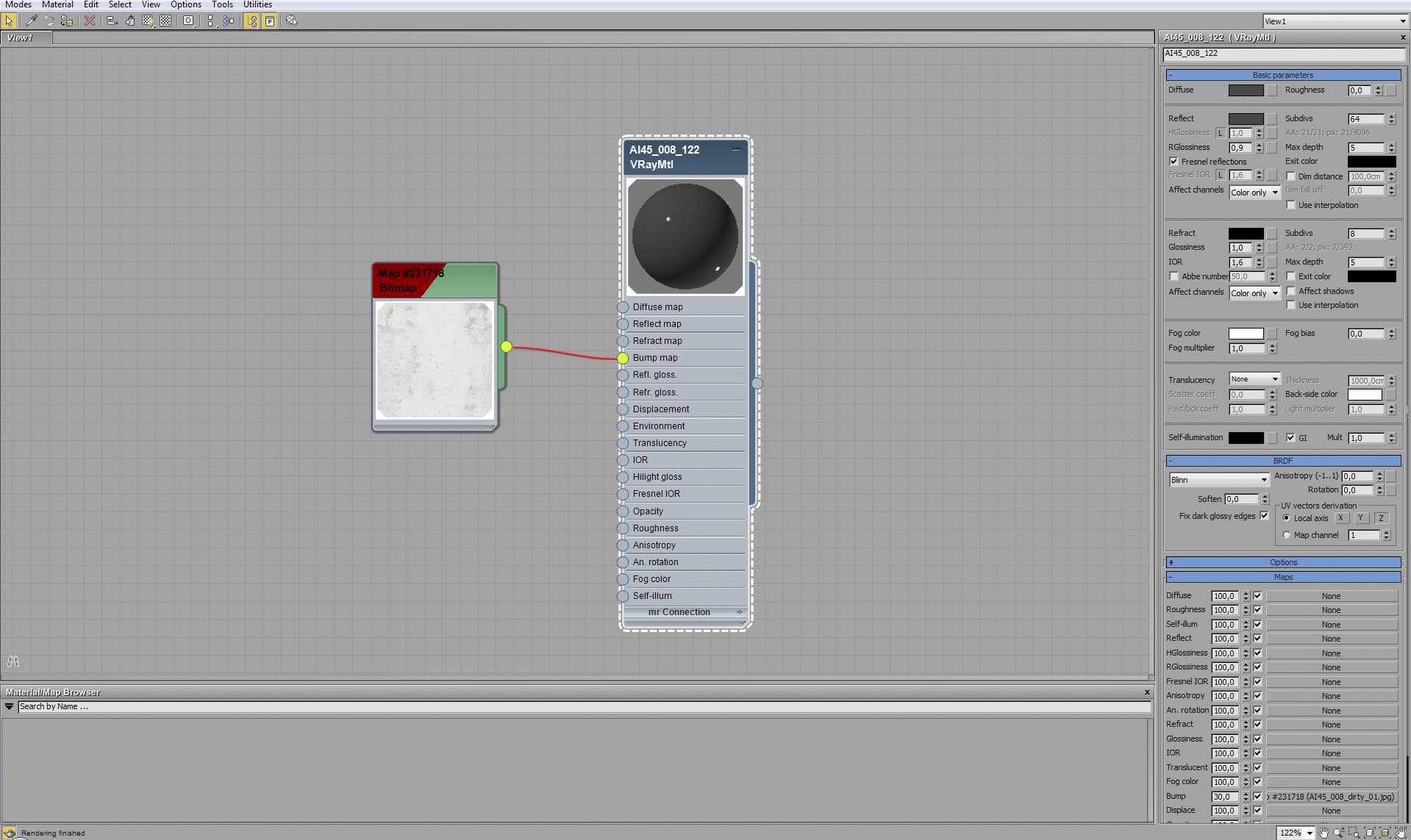
Window blinds material.


Click on image to enlargeAE45_s08__0028_Layer_16_evermotion.jpg

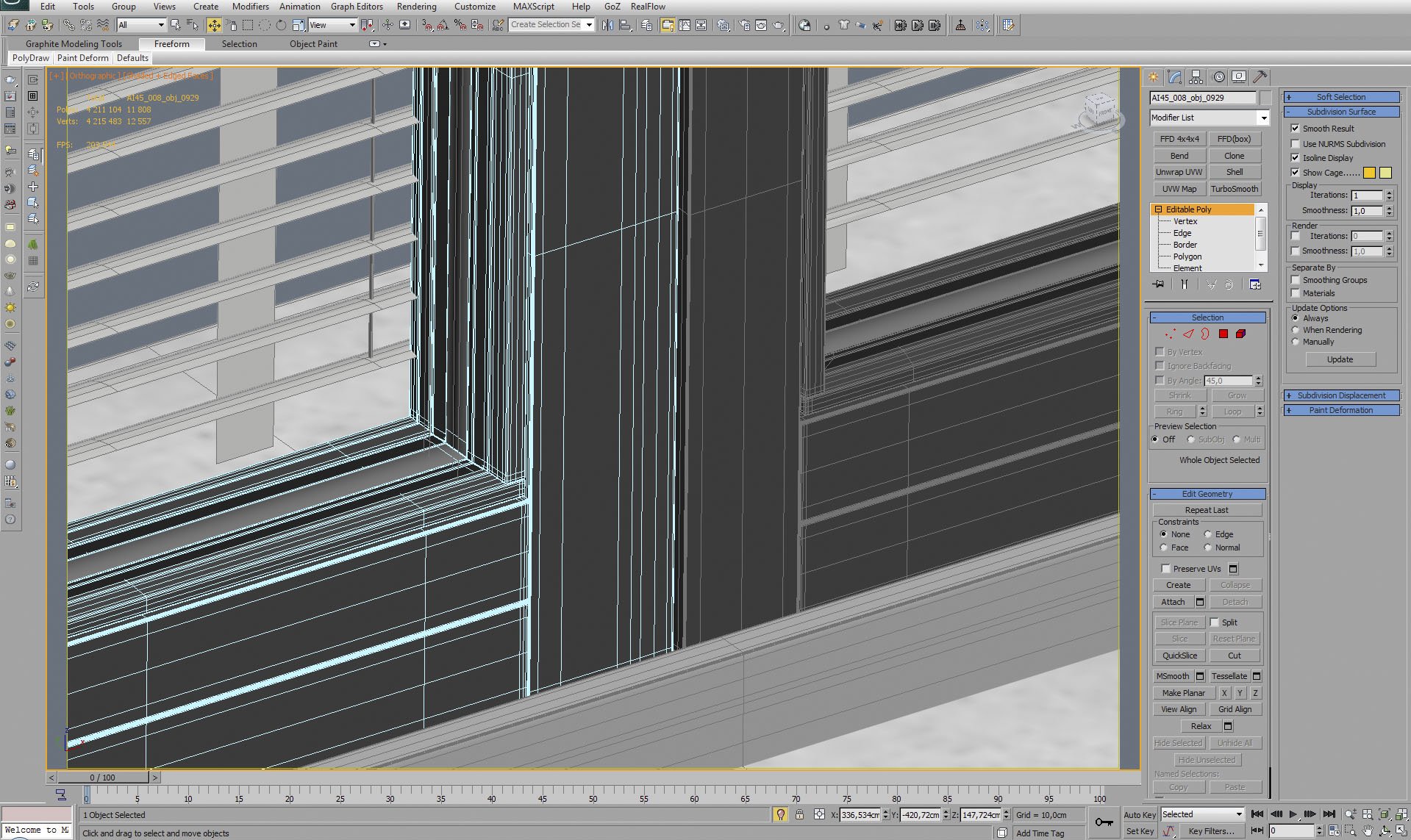
Window frame - close up.


Click on image to enlargeAE45_s08__0027_Layer_17_evermotion.jpg

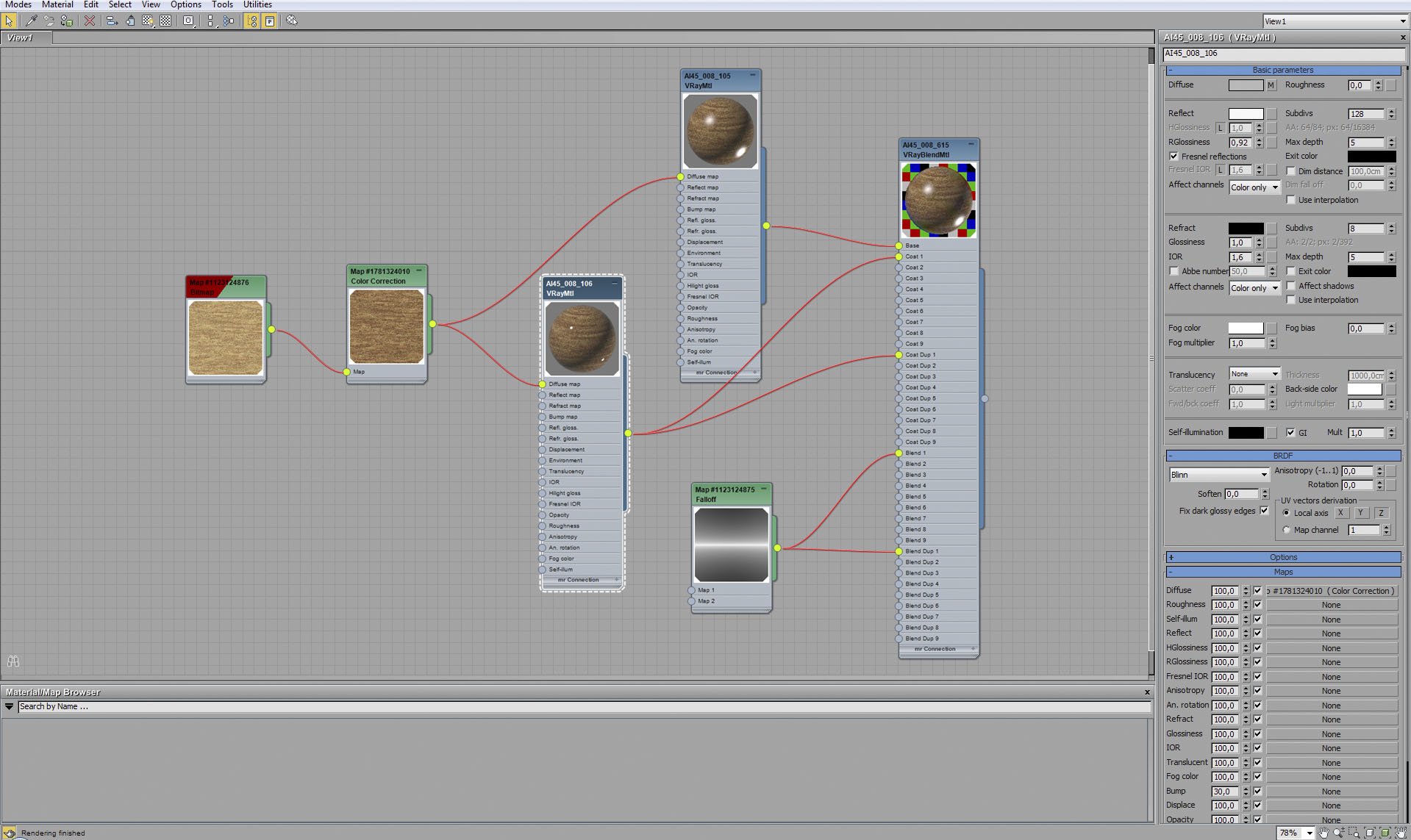
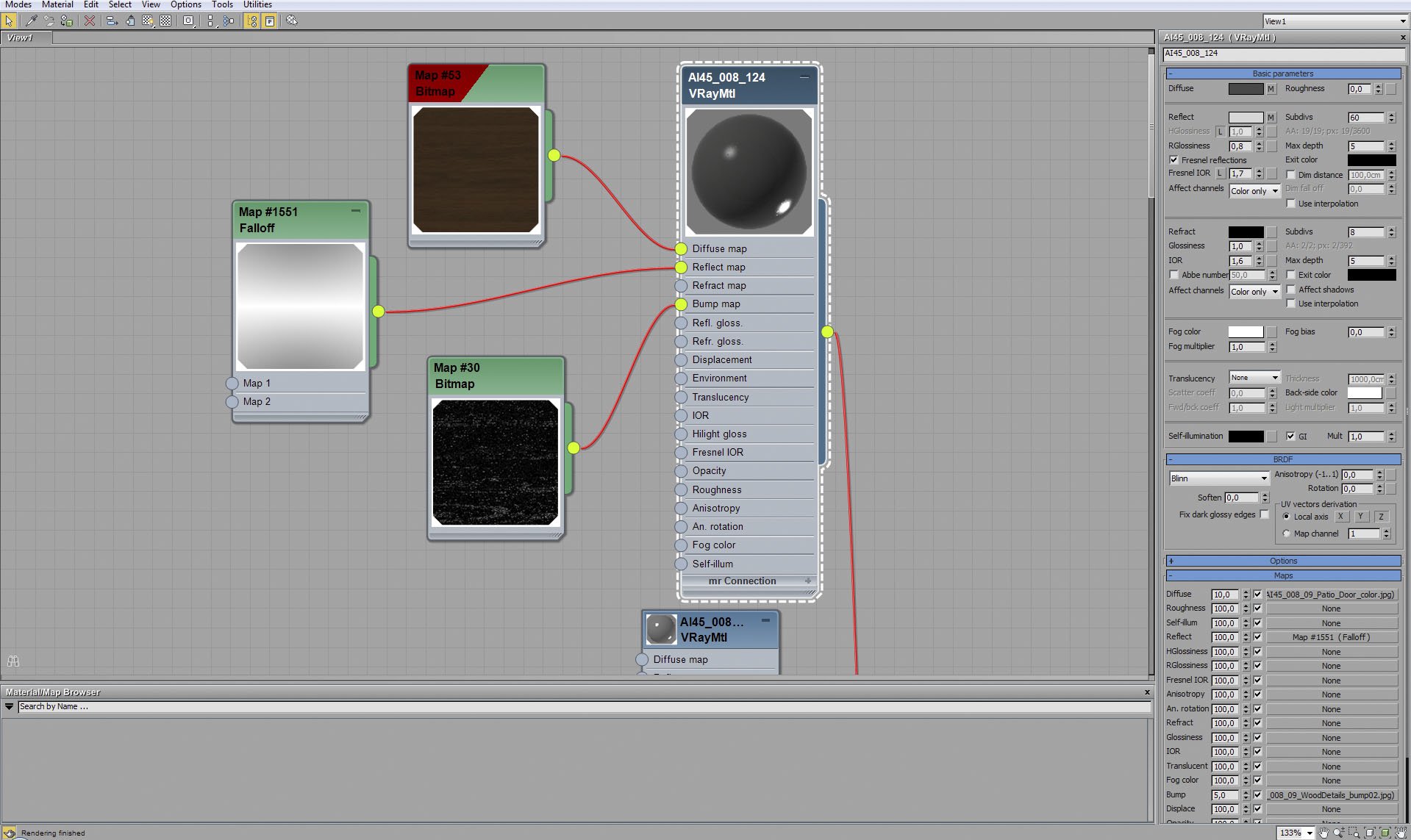
Window frame material.


Click on image to enlargeAE45_s08__0026_Layer_18_evermotion.jpg

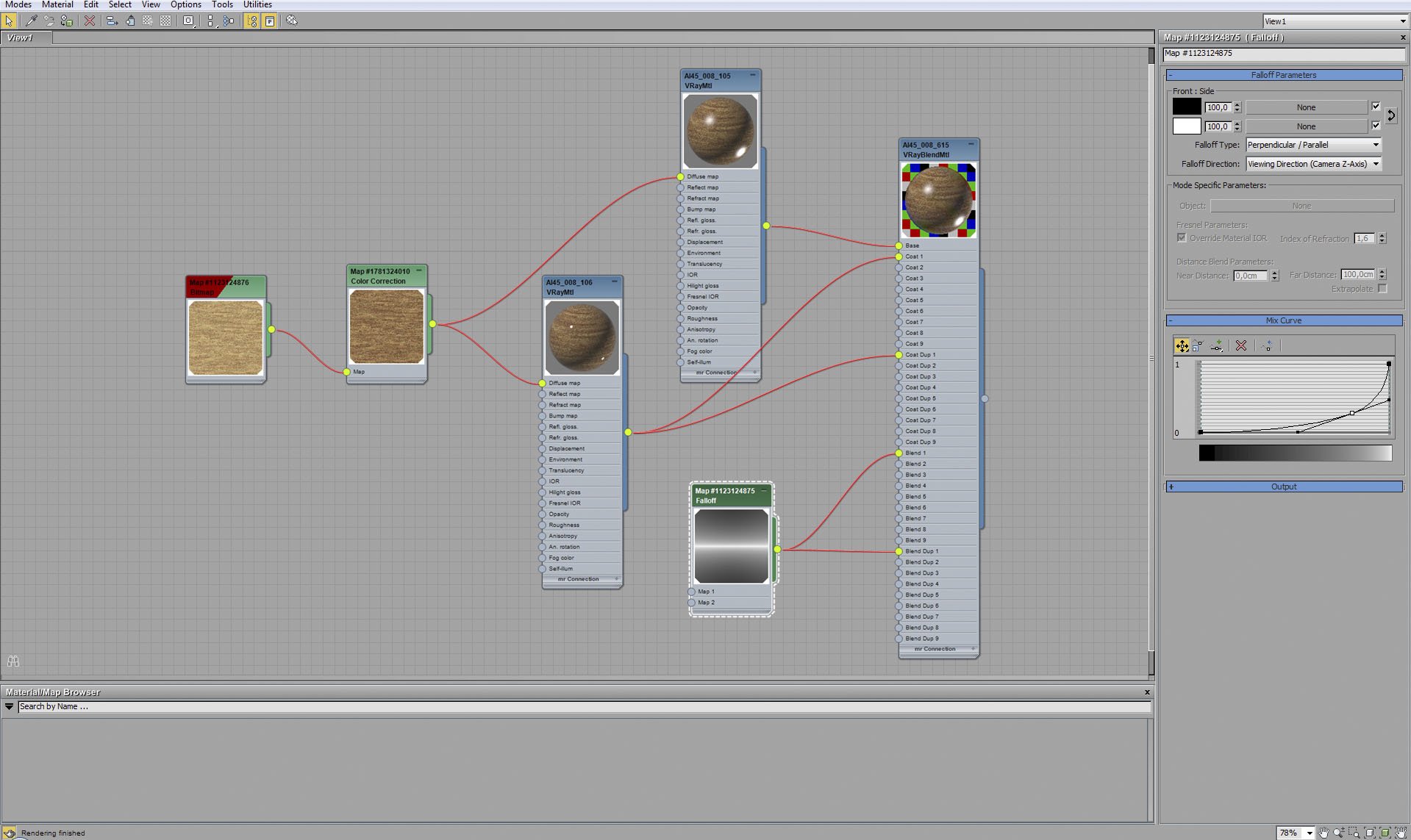
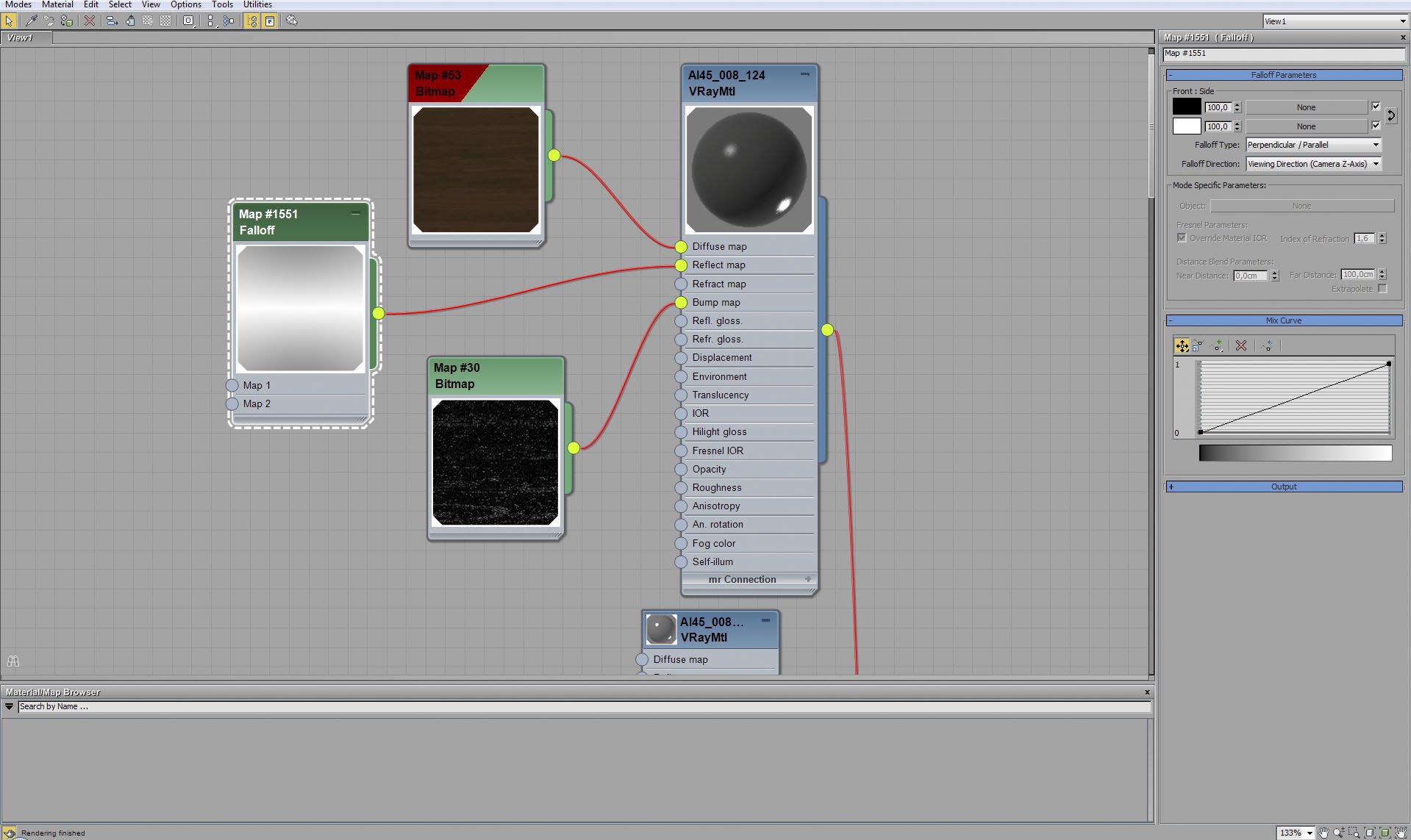
Window frame material - falloff map.


Click on image to enlargeAE45_s08__0025_Layer_19_evermotion.jpg

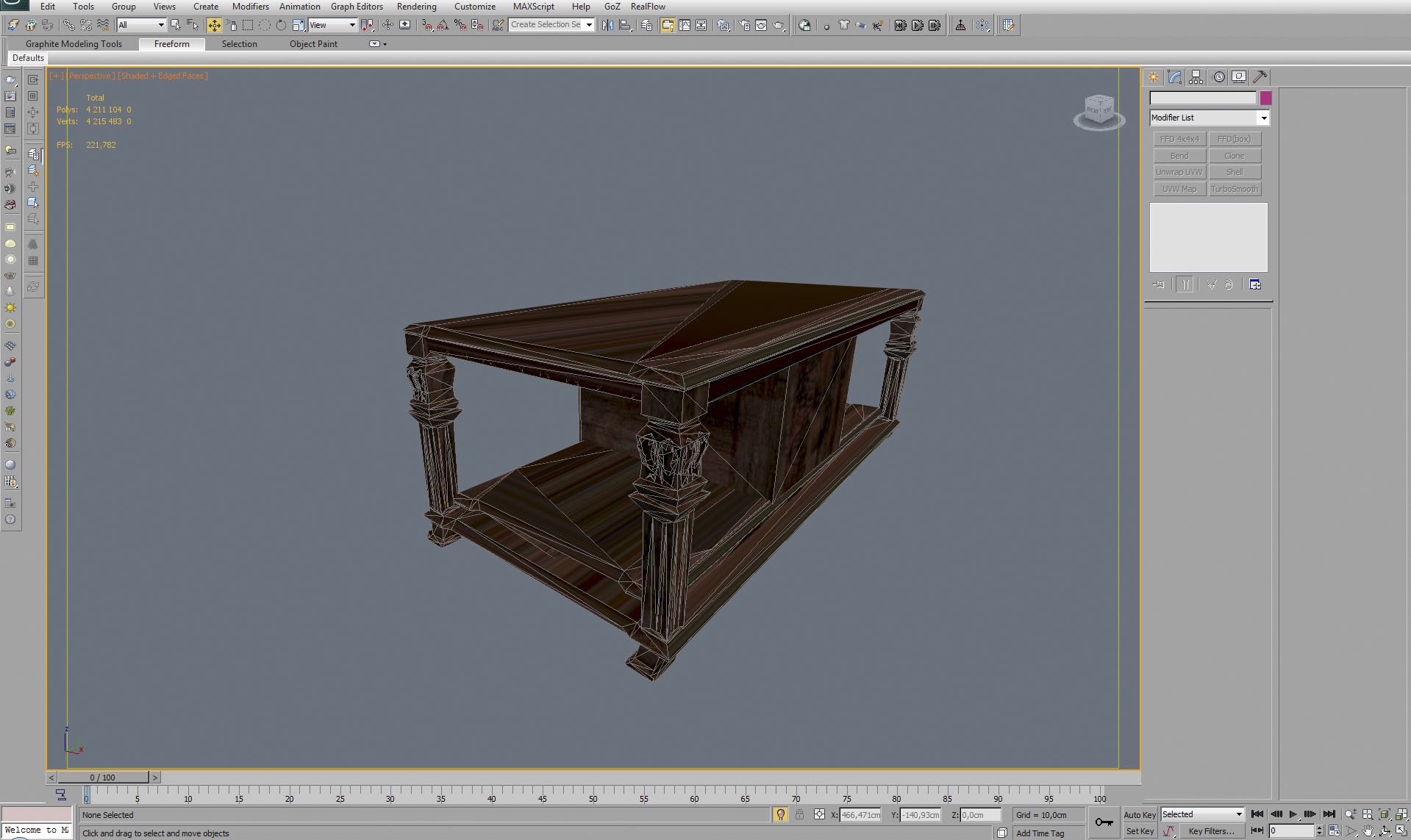
Old table mesh.


Click on image to enlargeAE45_s08__0024_Layer_20_evermotion.jpg

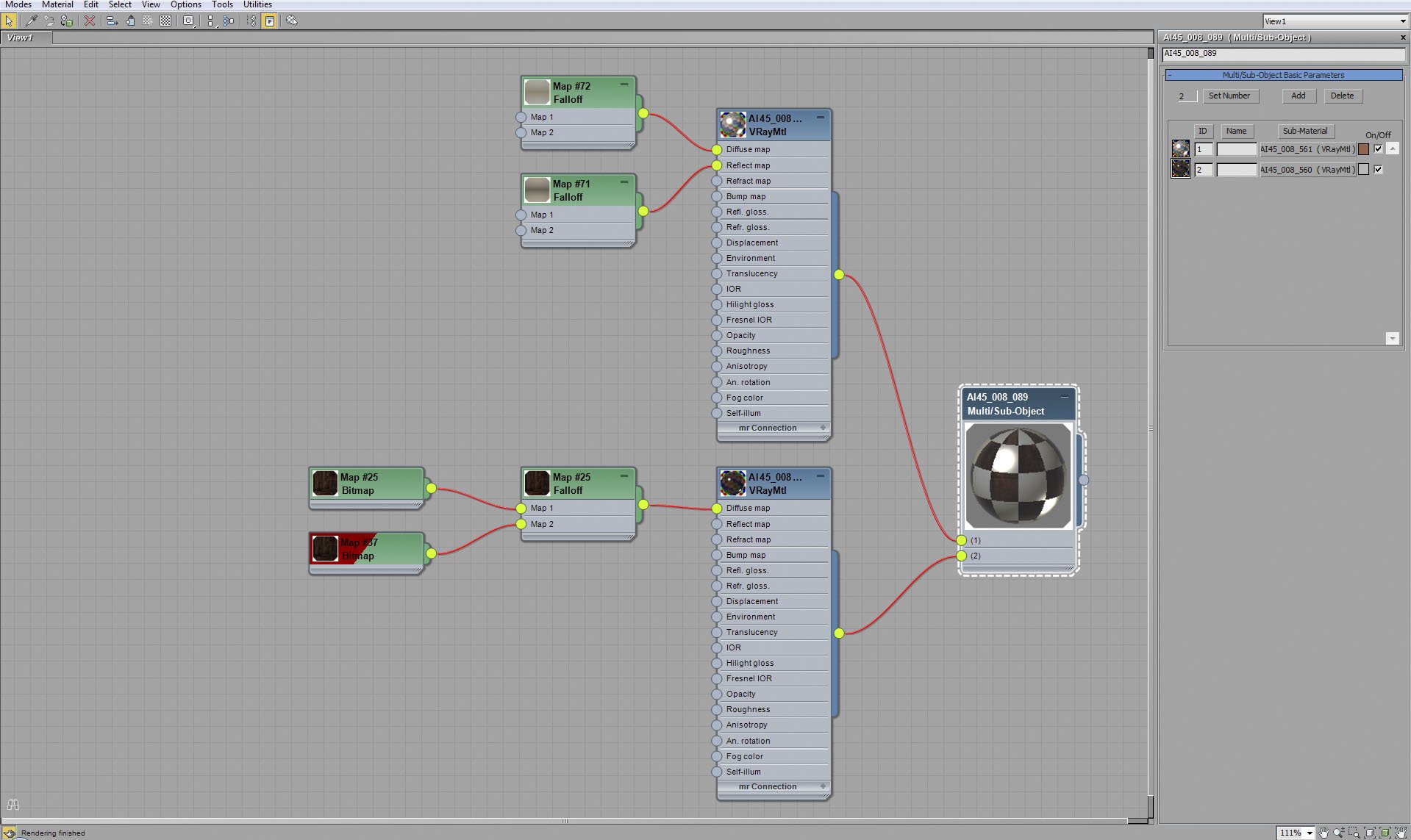
Old table material.


Click on image to enlargeAE45_s08__0023_Layer_21_evermotion.jpg

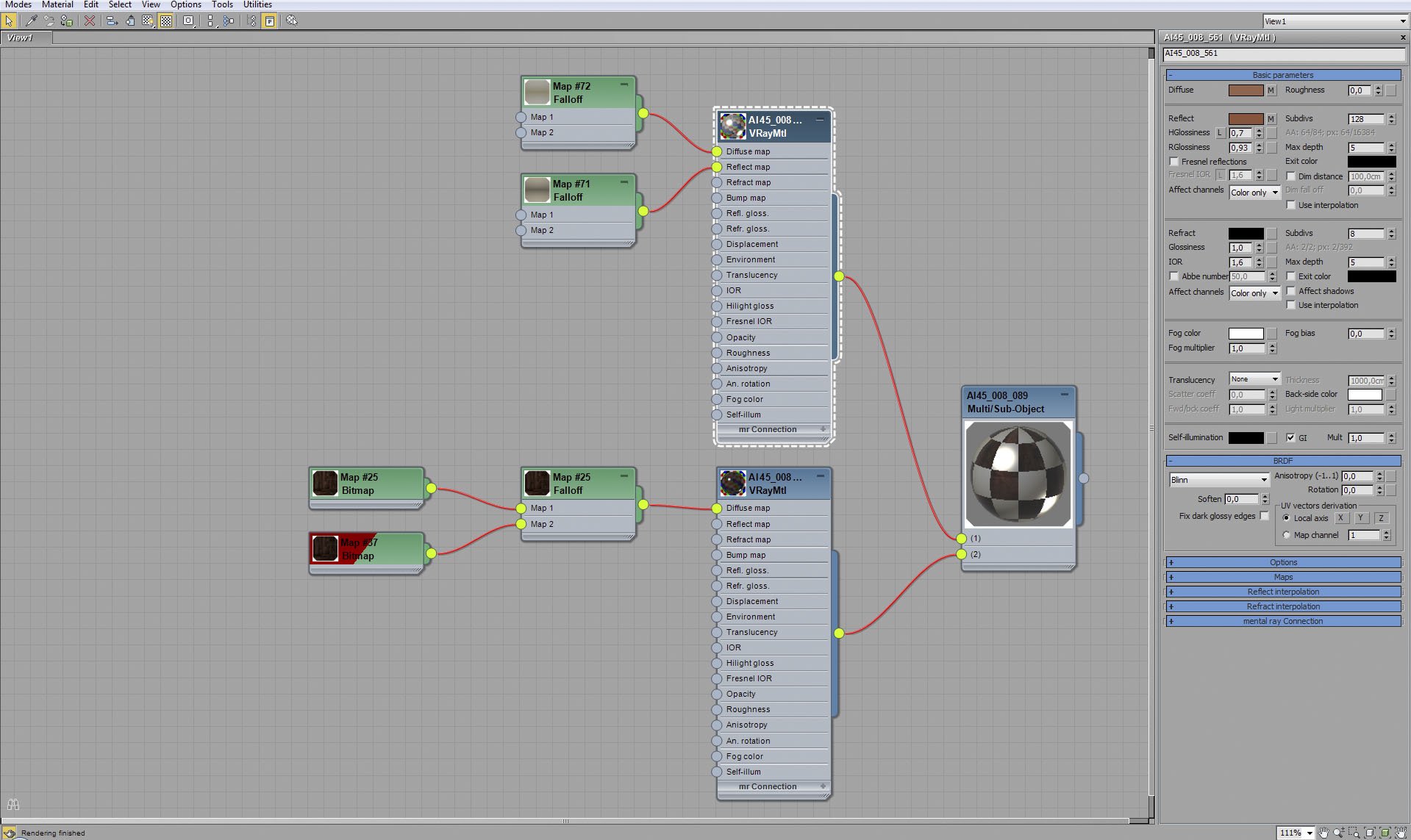
Old table material - base material.


Click on image to enlargeAE45_s08__0022_Layer_22_evermotion.jpg

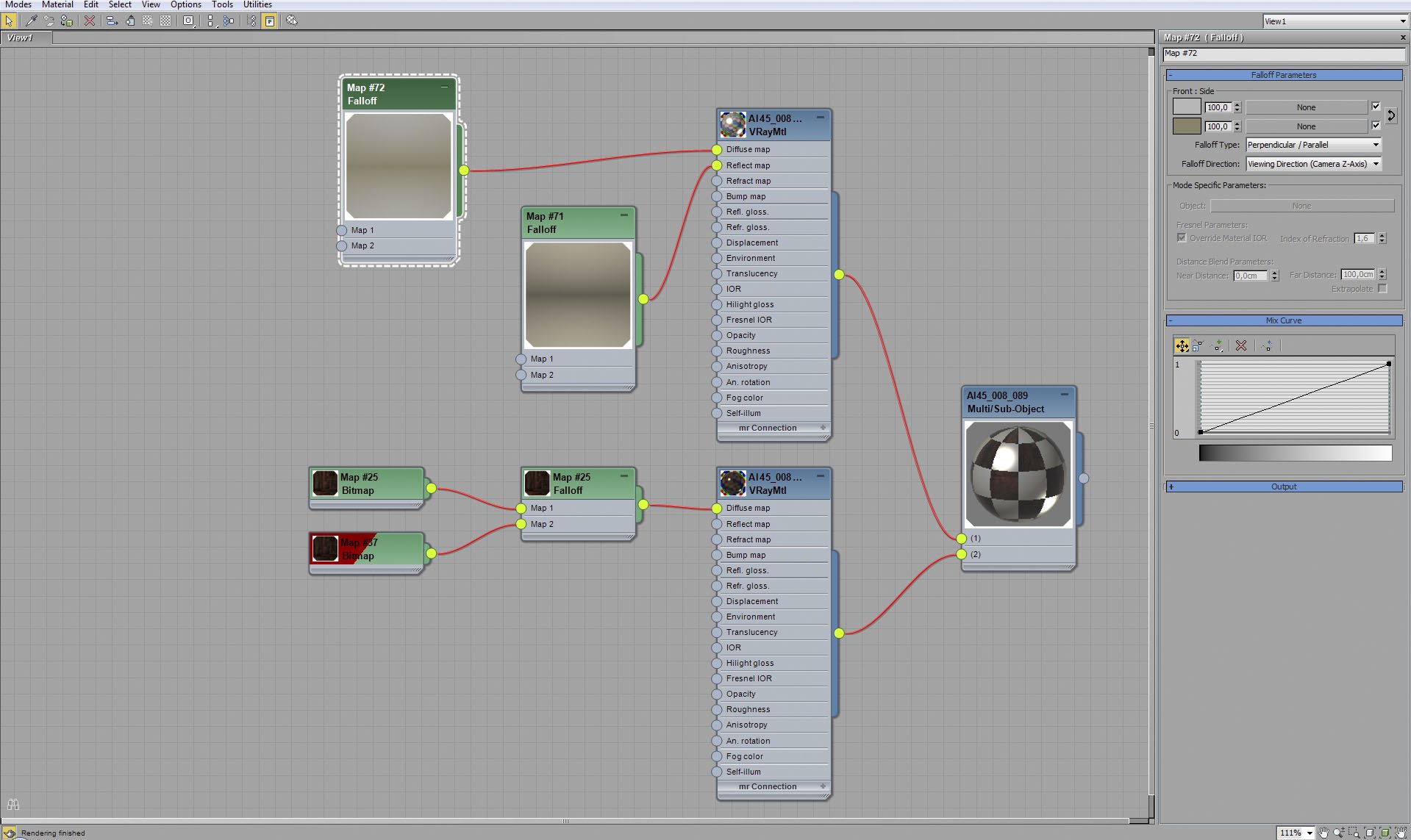
Old table material - base material falloff map settings.


Click on image to enlargeAE45_s08__0021_Layer_23_evermotion.jpg

Old table material - base material reflect falloff map settings.


Click on image to enlargeAE45_s08__0020_Layer_24_evermotion.jpg

Old table material - coat material.


Click on image to enlargeAE45_s08__0019_Layer_25_evermotion.jpg

Old table material - fallof map settings of coat material diffuse map.


Click on image to enlargeAE45_s08__0018_Layer_26_evermotion.jpg

Tiled wall mesh.


Click on image to enlargeAE45_s08__0017_Layer_27_evermotion.jpg

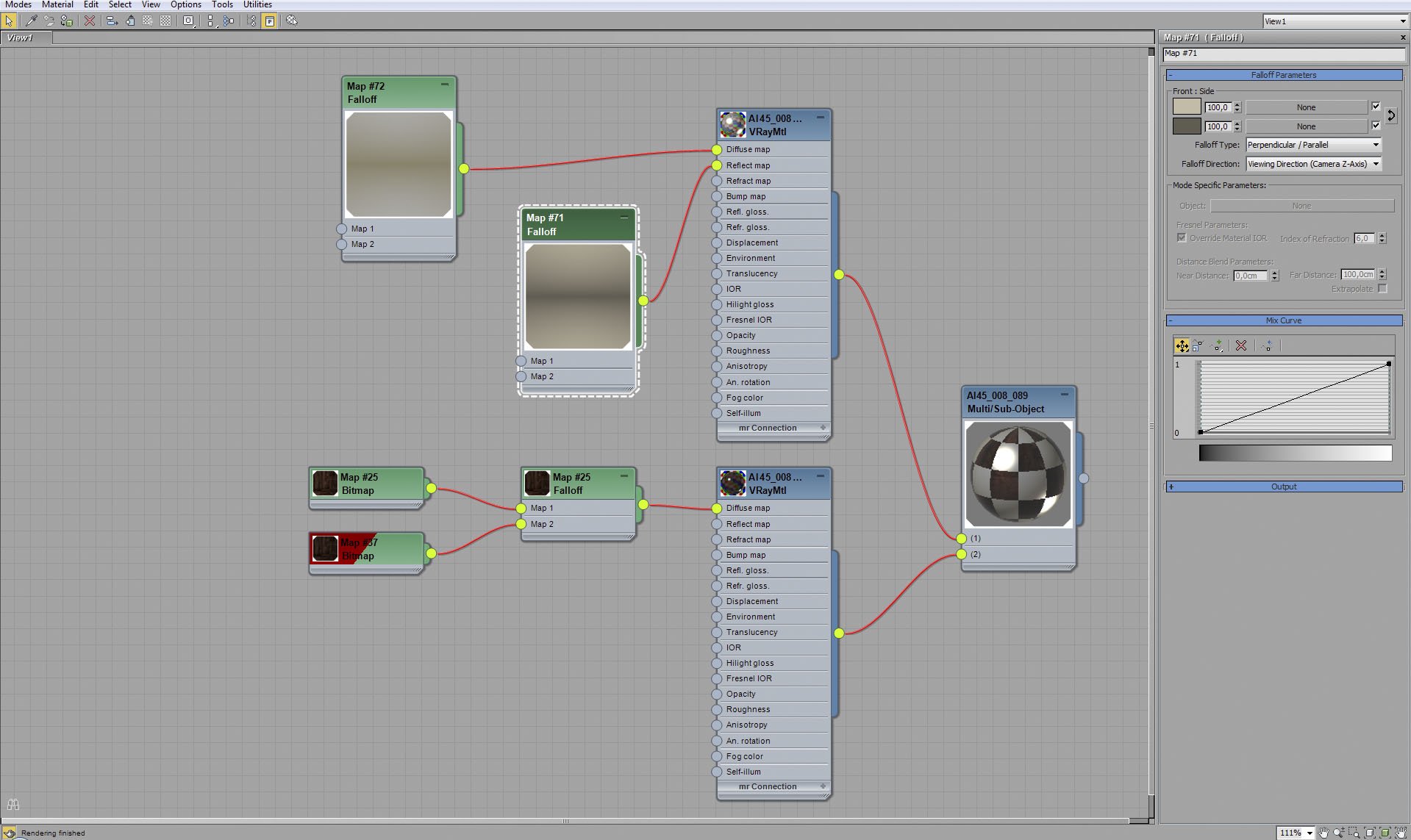
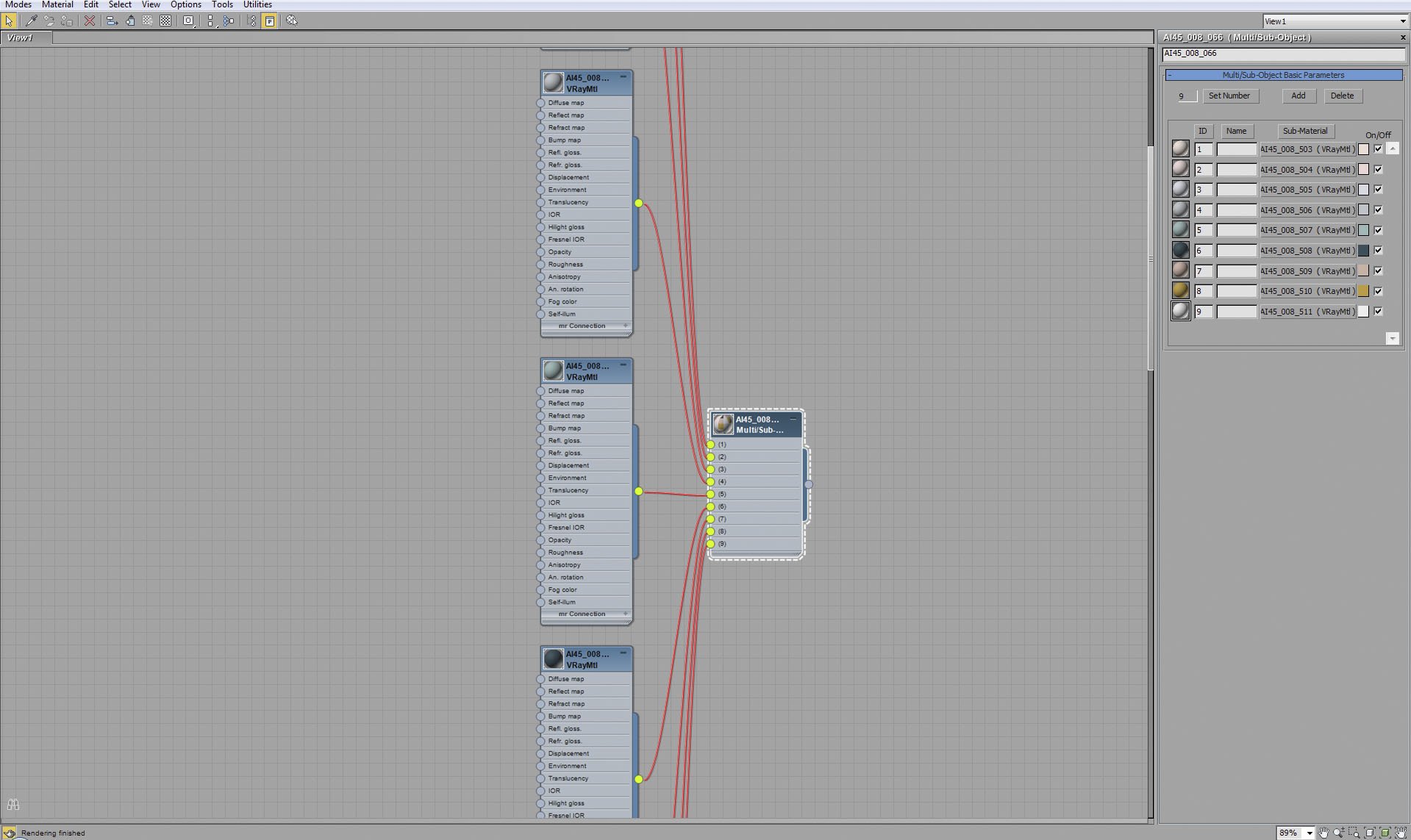
We used multi-sub object material that consists of eight sub-materials to make a material for this mesh.


Click on image to enlargeAE45_s08__0016_Layer_28_evermotion.jpg

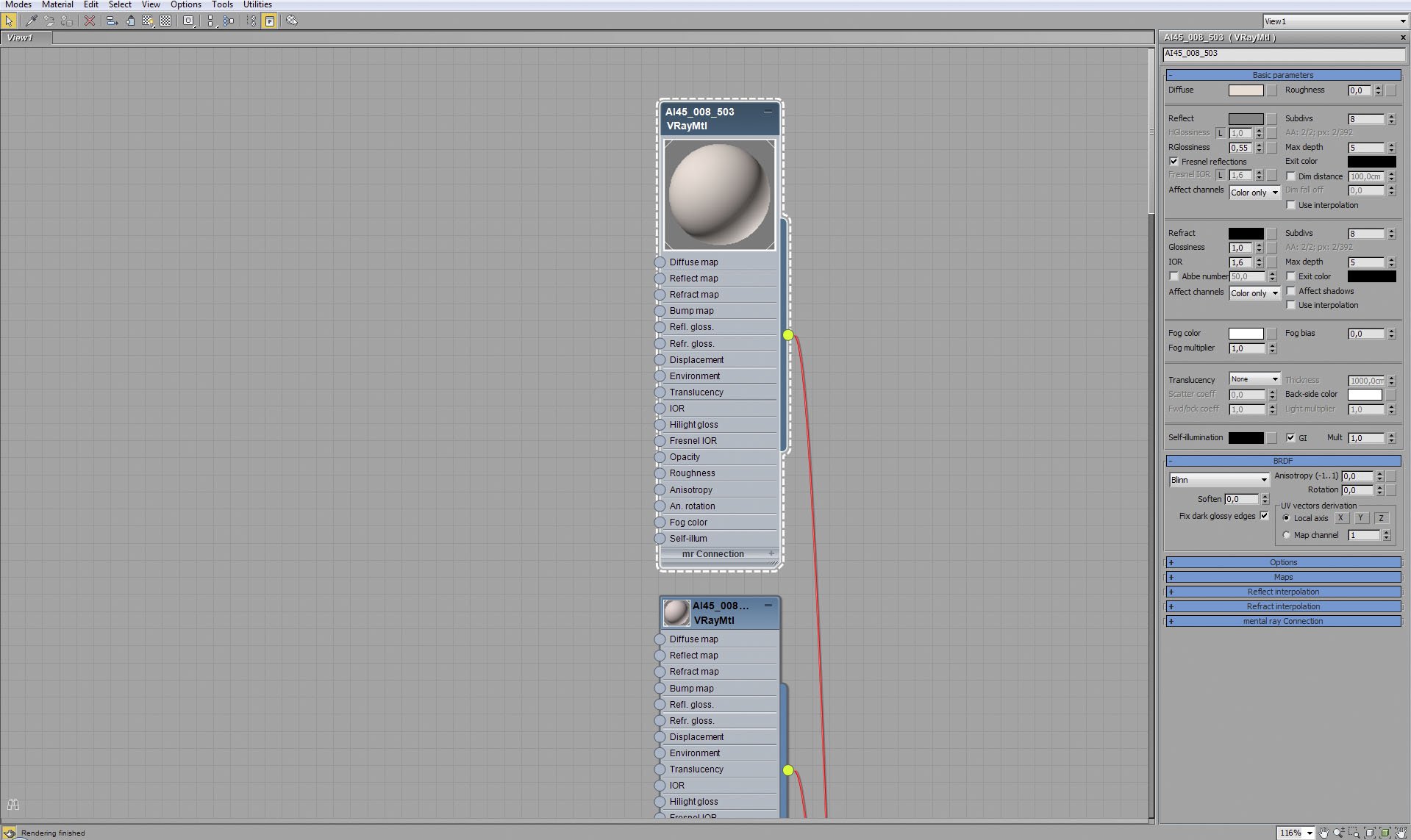
One of eight sub-materials.


Click on image to enlargeAE45_s08__0015_Layer_29_evermotion.jpg

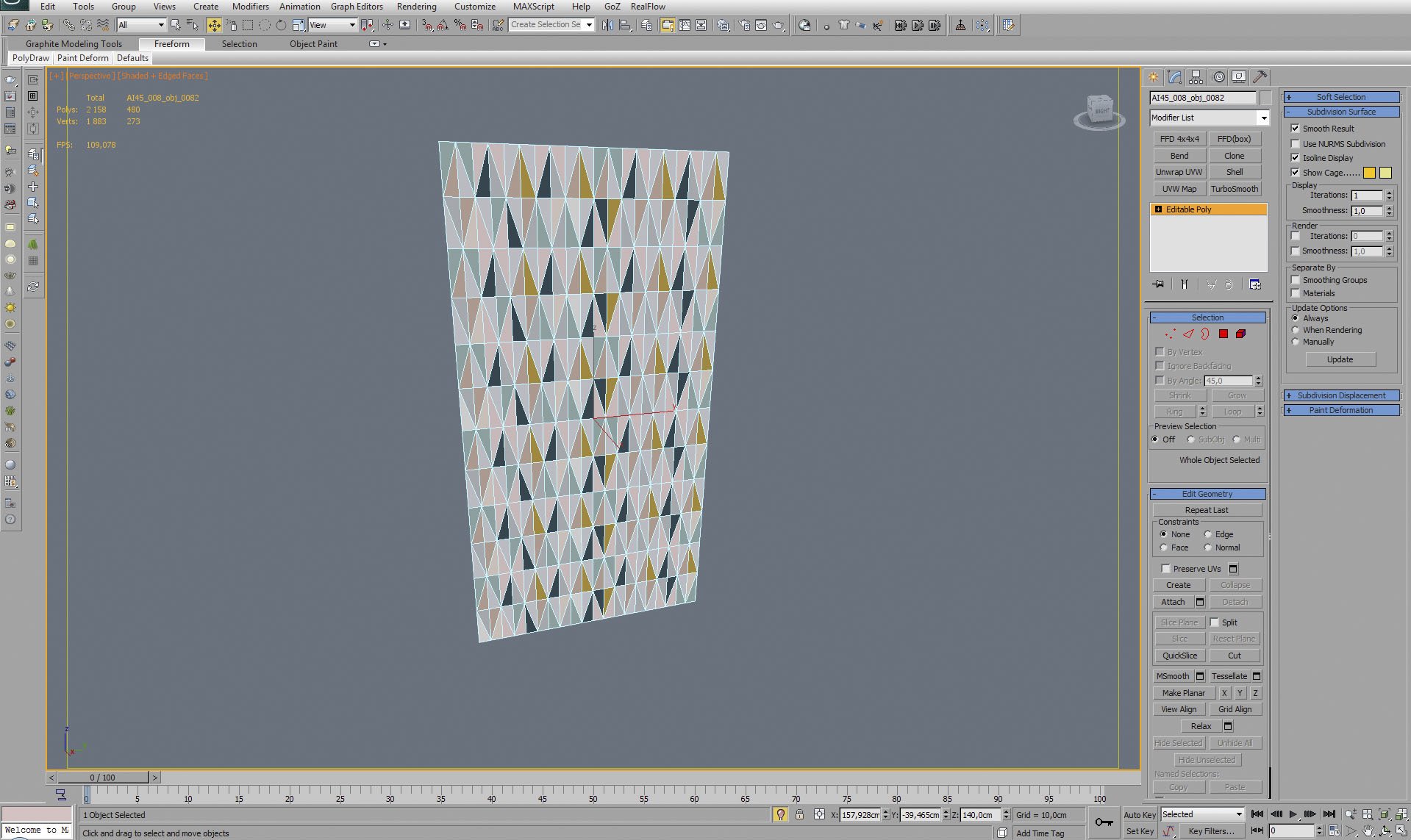
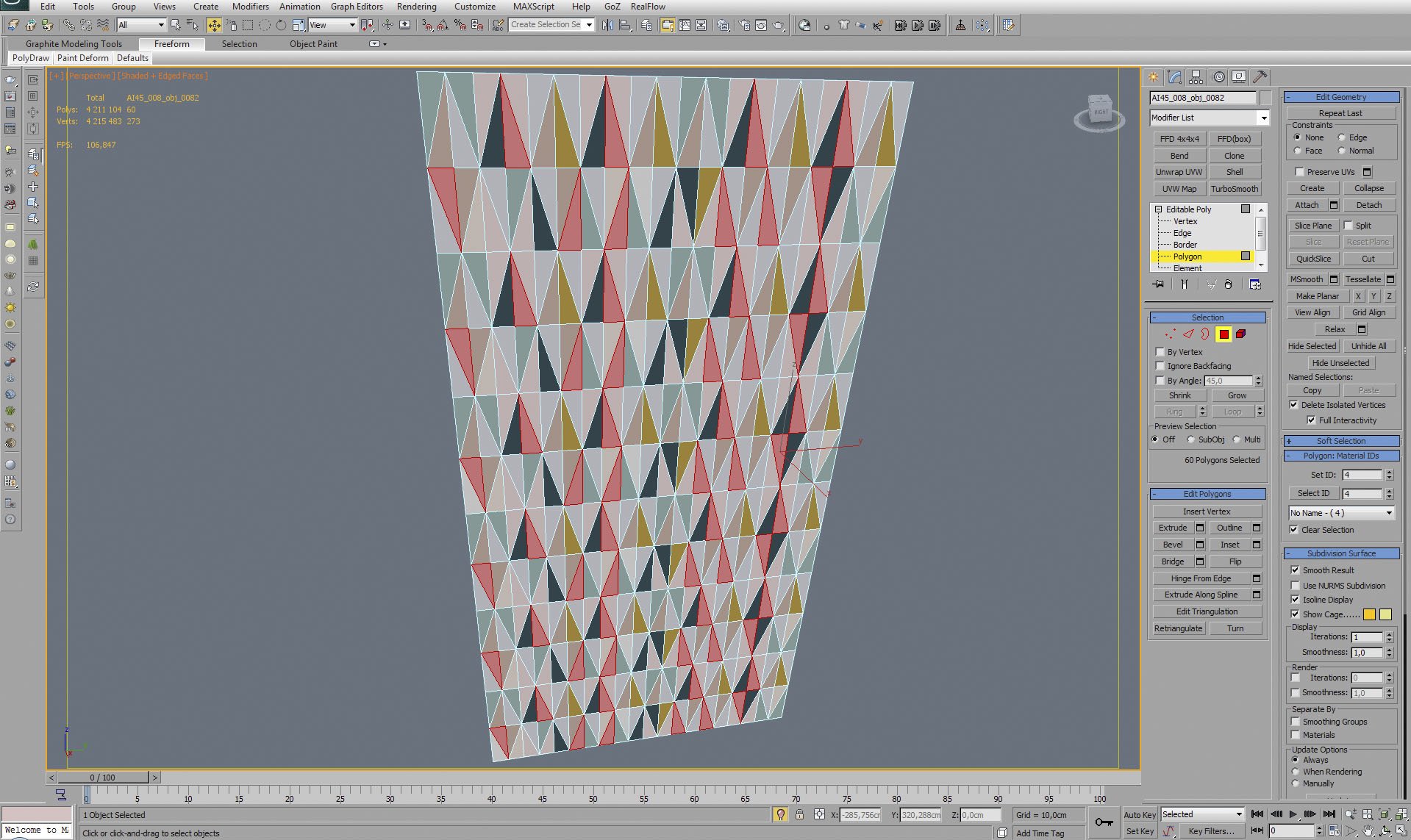
We assigned different IDs to polygons - here you can see al polygons with ID 4 are selected, the rest is unselected. Polygons of the same ID share the same sub-material.


Click on image to enlargeAE45_s08__0014_Layer_30_evermotion.jpg

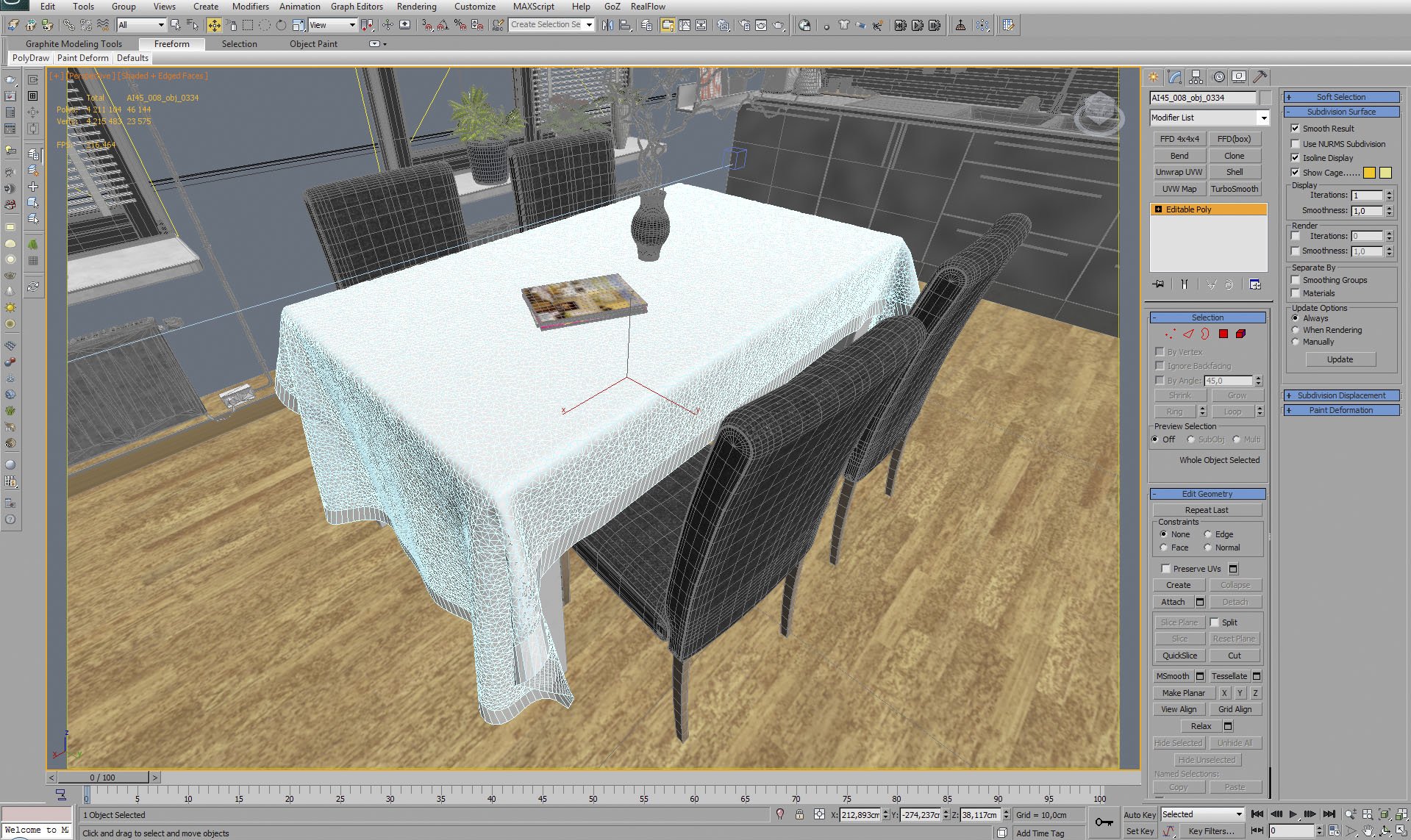
Tablecloth mesh. It was made and placed on a table with cloth simulation.


Click on image to enlargeAE45_s08__0013_Layer_31_evermotion.jpg

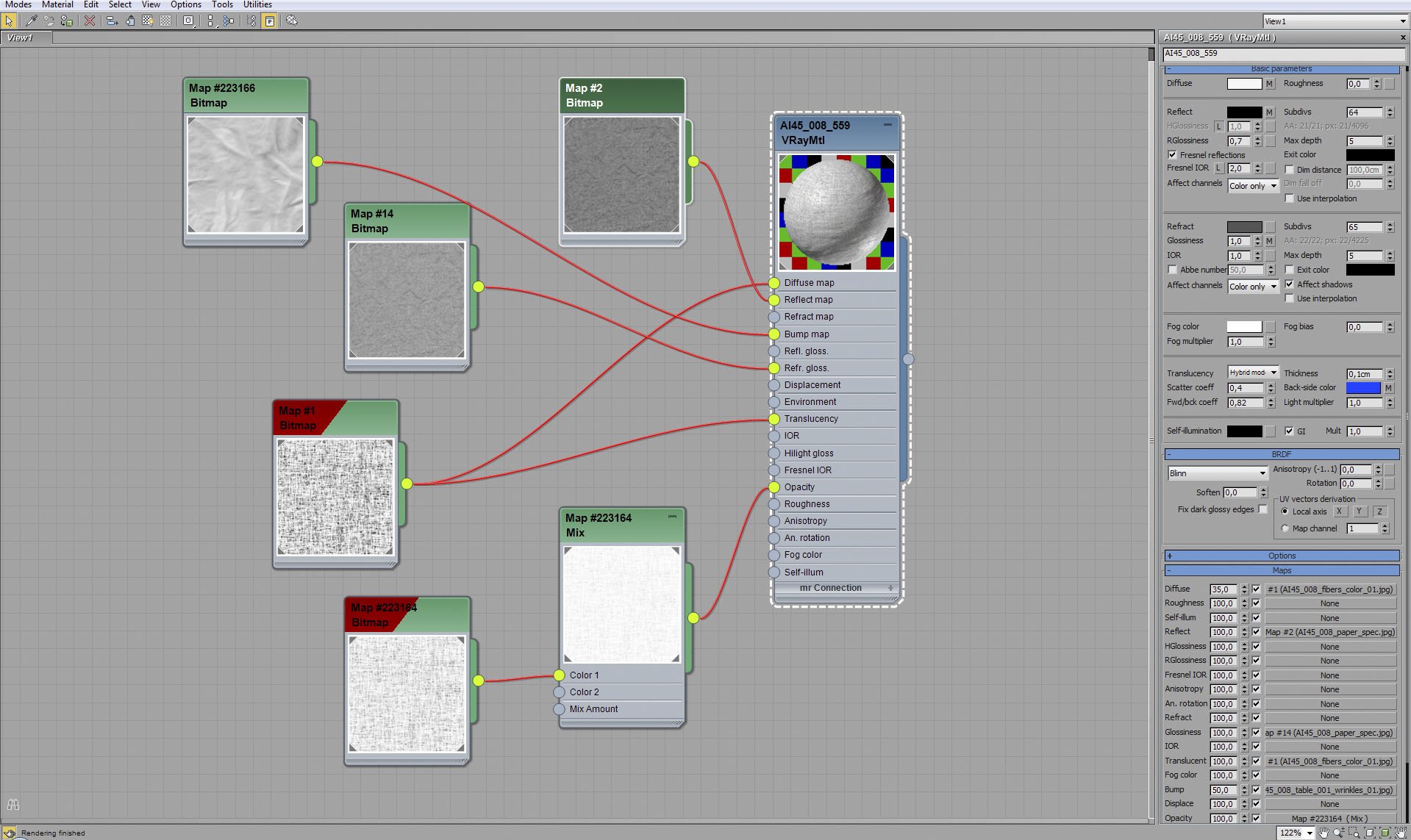
Tablecloth material.


Click on image to enlargeAE45_s08__0012_Layer_32_evermotion.jpg

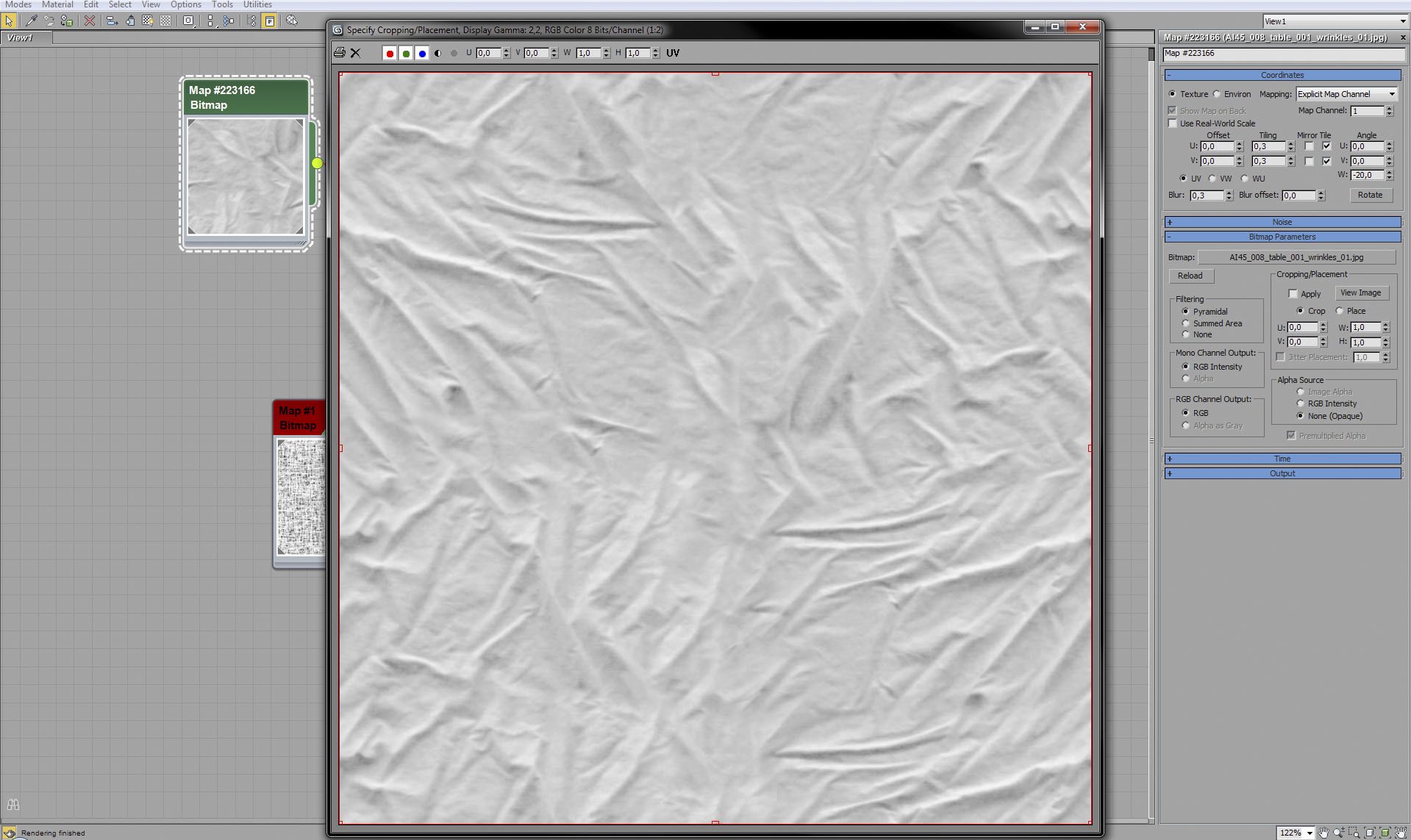
Tablecloth material - bump map.


Click on image to enlargeAE45_s08__0011_Layer_33_evermotion.jpg

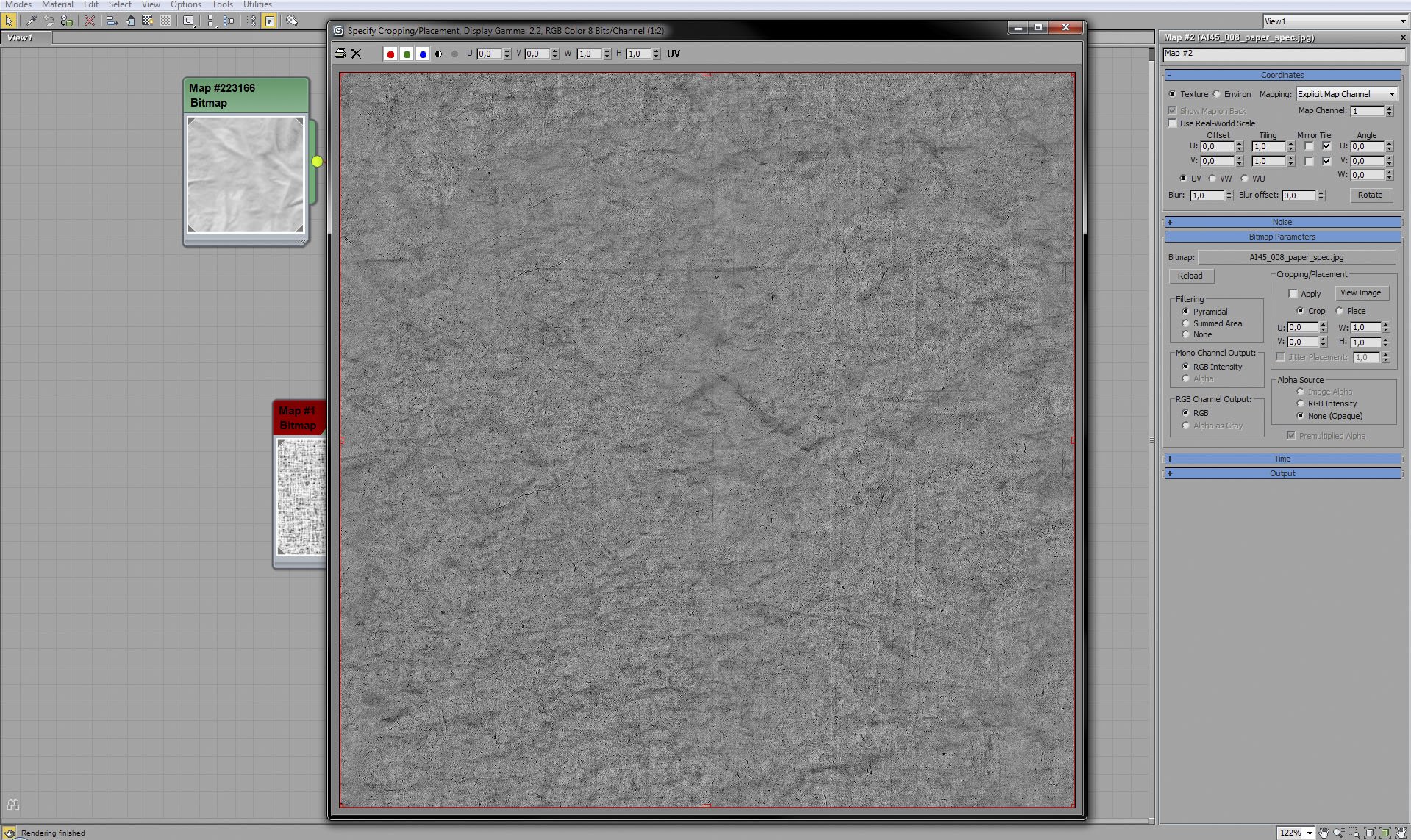
Tablecloth material - diffuse map.


Click on image to enlargeAE45_s08__0010_Layer_34_evermotion.jpg

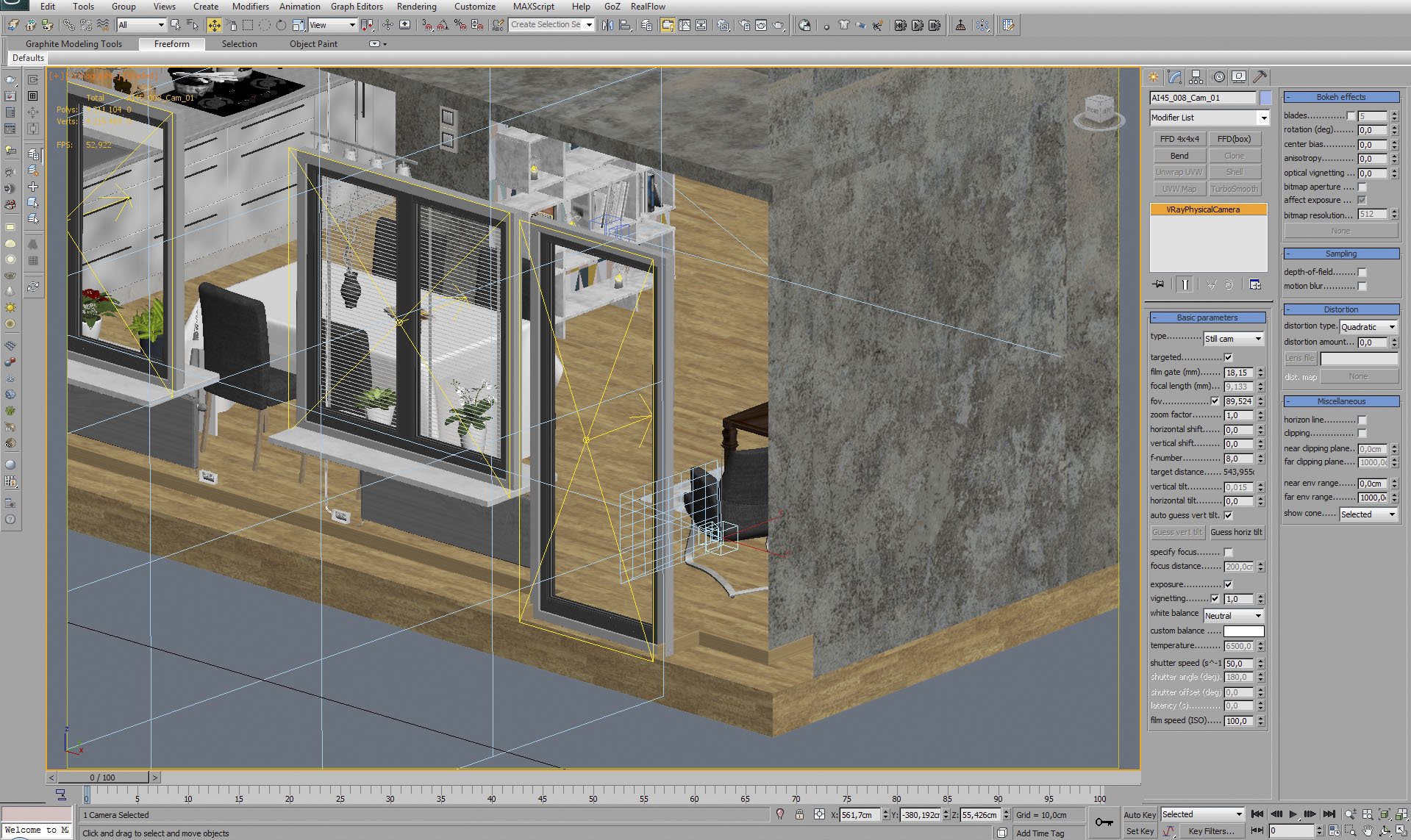
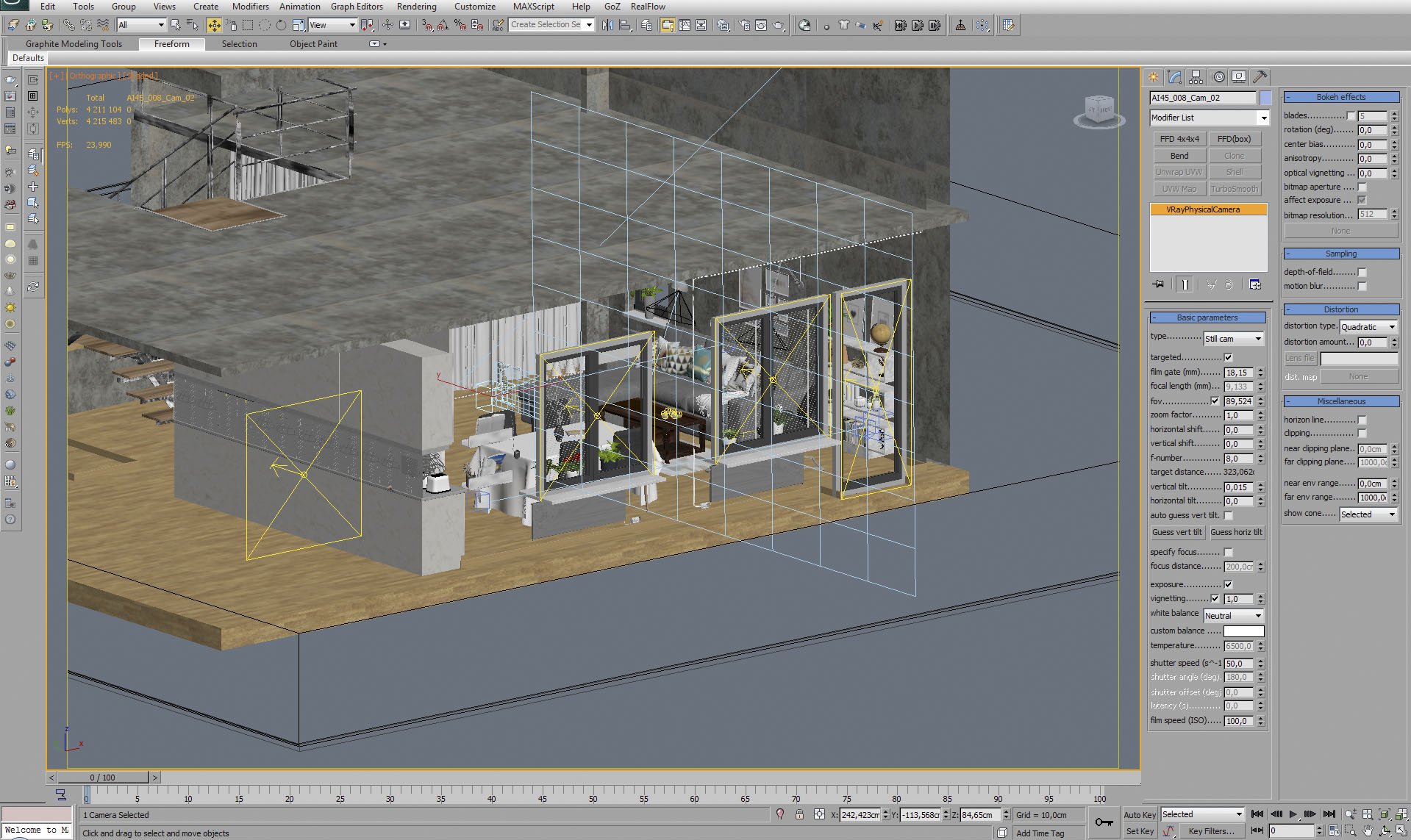
Camera 1 settings.


Click on image to enlargeAE45_s08__0009_Layer_35_evermotion.jpg

Camera 2 settings.


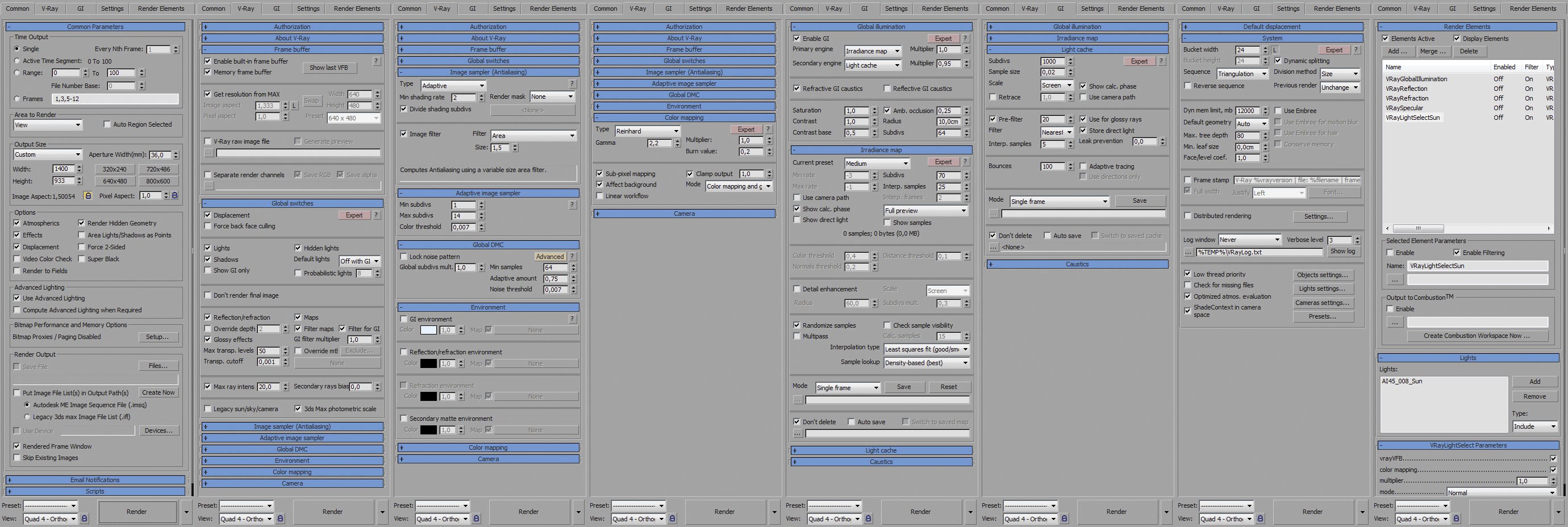
Click on image to enlargerender_settings_evermotion_7.jpg

Render settings.


Click on image to enlargeAI45_008_Cam_001_.RGB_color_evermotion.jpg

Raw render (rgb output)


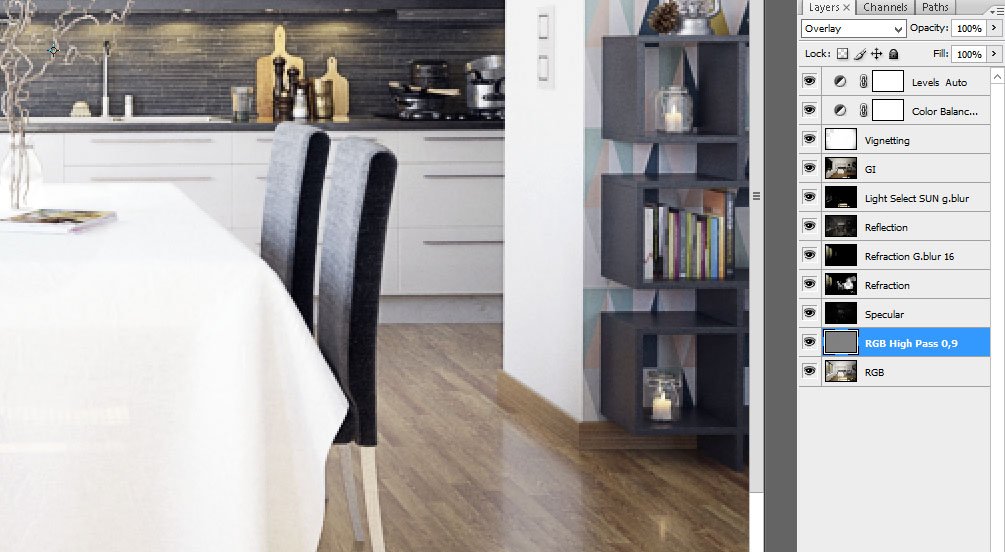
Click on image to enlargecam_1_ps_evermotion.jpg

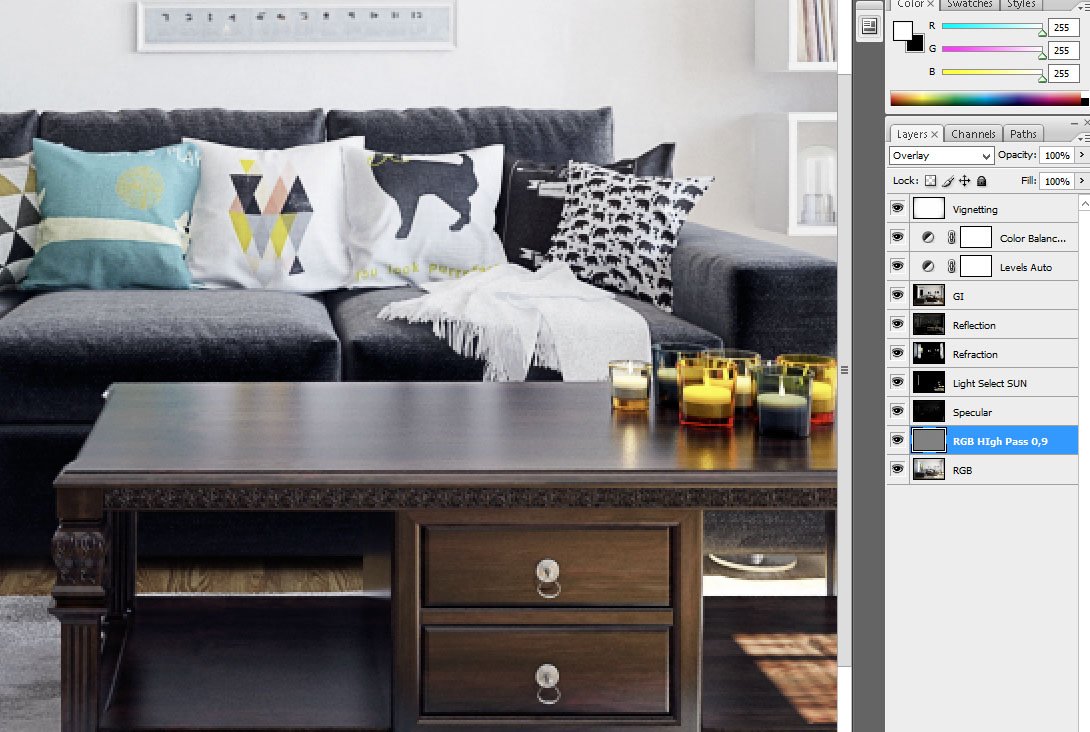
Photoshop post-production - standard set: sharpening, layering render elements + color balance (a bit of blue tint).


Click on image to enlargeAI45_008_Cam_001_PP_evermotion.jpg

Final render - camera 1.


Click on image to enlargeAI45_008_Cam_002_.RGB_color_evermotion.jpg

Raw render - camera 2.


Click on image to enlargecam_2_ps_evermotion.jpg

Photoshop post-production. Similar as in the case of camera 1 - subtle tonal changes, increased contrast, sharpening, vignette.


Click on image to enlargeAI45_008_Cam_002_PP_evermotion.jpg

Final render - camera 2. Thanks for reading! :)


Author: Michał Franczak Editor: Michał Franczak
Tags: archinteriors makingof sunny vol.45
You may also like...
Making of Archinteriors vol. 32 scene

Making of Archinteriors vol. 32 scene

Andrew from Evermotion shows how he made Archinteriors vol. 32 scene using Blender for modeling and 3ds Max and VRay for lighting and rendering.
×

LEAVE A COMMENT

You need to be logged in to leave a comment. Don't have account? Register now.