We use cookies to provide you with the best possible experience. They also allow us to analyze user behavior in order to constantly improve the website for you.
The consent is voluntary. You can withdraw it at any time or renew it in Cookie settings on the home page. Withdrawal of your consent does not affect the lawfulness of processing performed before the withdrawal.
Privacy Protection Policy
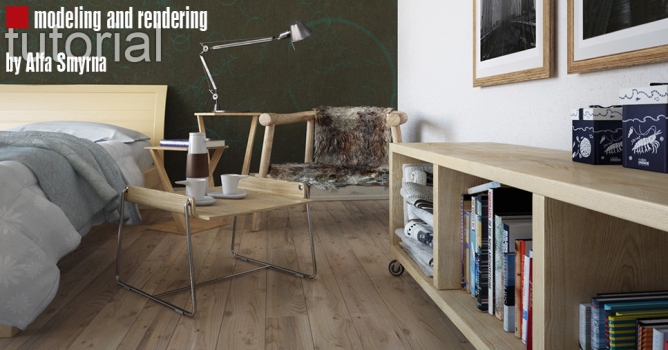
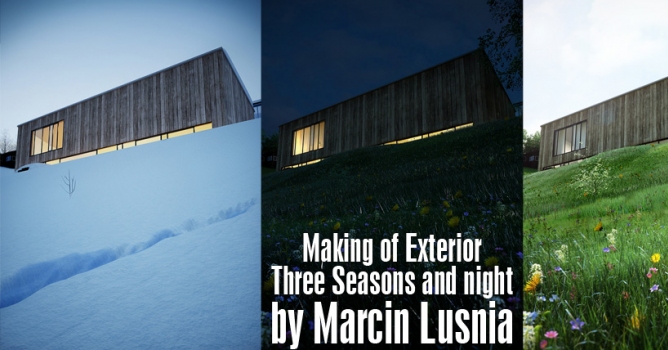
First of all thank you for reading this! Since this particular project is consisted of 10 completely different scenes I chose to explain the crucial parts instead of walking you through with only one scene.
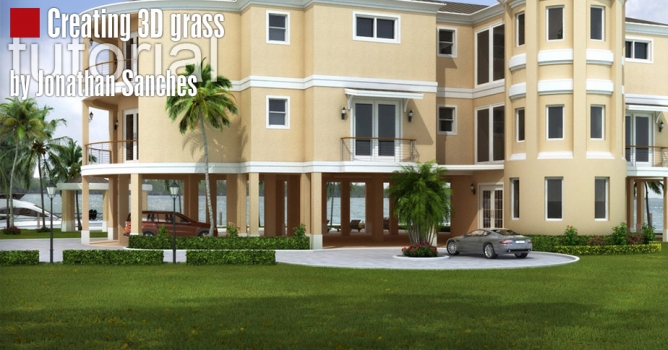
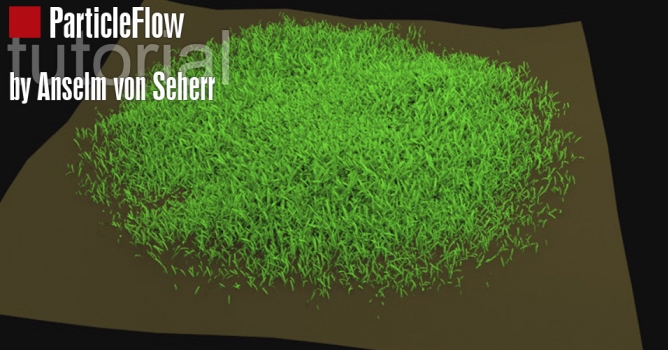
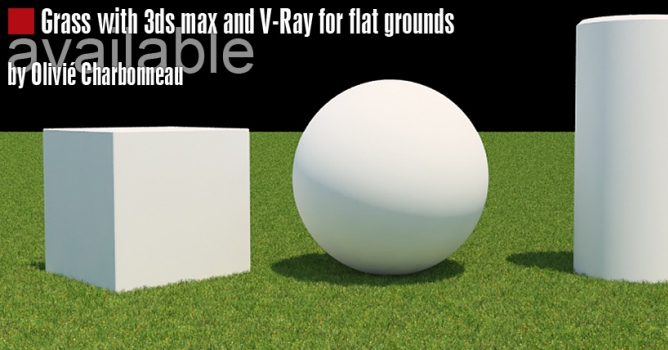
Explore Evermotion's tutorial on creating stunning 3D grass with a focus on realism. Learn essential techniques and workflows to achieve lifelike grass textures and detailed vegetation, enhancing the visual quality of your 3D scenes.
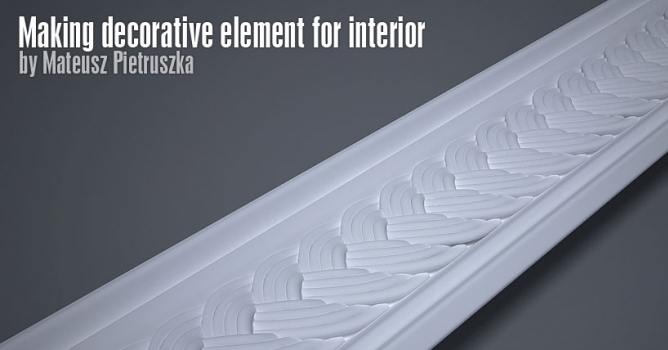
In this tutorial I would like to show you process of making decorative element for interior. Effect, I think, is pretty good and this technique combined with another can be used to model more complicated elements. Level of difficulty depends mostly on your knowledge about 3ds Max (you don't have to be pro to be able to achieve final result fast).
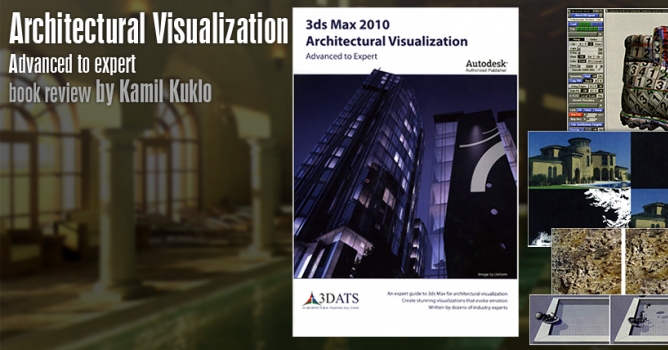
"3ds Max 2010 Architectural Visualization. Advanced to Expert" is a third book in a series published by 3DATS. Two previous guides that led us from beginner to advanced level, were positively reviewed and raised my expectations greatly before another lecture.
In this walkthrough, we guide you through the process of building a polished 3D interior scene inspired by the cover of Archmodels vol. 306 – Table Sets.








 Customer zone
 Your orders
 Edit account
 Add project
 Liked projects
 View your artist profile