THIS IS OLD TUTORIAL. IT CAN BE DISPLAYED WRONG OR CORRUPTED - IF SO PLEASE CONTACT US

INTRODUCTION
Hello, in this tutorial I will show you how to create realistic steel shader with anisotropic reflections.
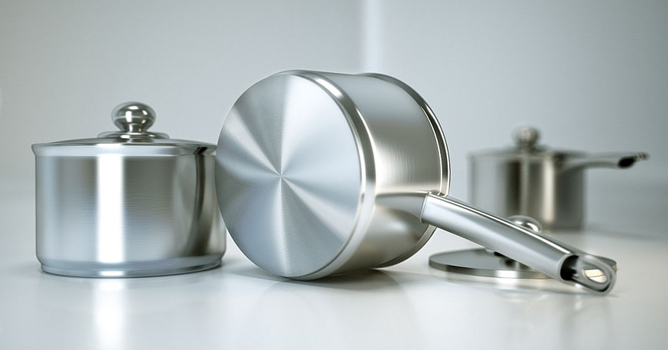
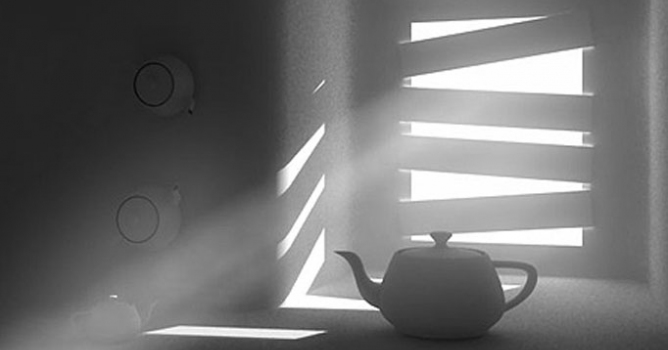
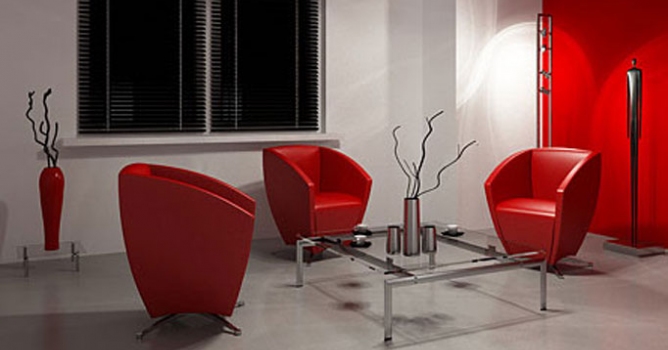
We can observe this effect quite often in real life. Here are some reference photos:


MODELING
First of all let's create model of the pot. Create it's profile using spline, next use loft modifier and move its axis to center and then convert it to editable poly.


Use chamfer and connect to make proper edges.
To view final result add turbosmooth modifier with 2 iterations.


Create top using cylinder, then bevel and extrude center faces to make upper part.


The handle is created with simple box modeling with shell and turbo smooth.


CREATING SHADER
Now we are going to create steel shader. Here are settings for this material. It is quite simple, there is scratch map put in bump slot to achieve subtle brushed metal effect. Use cylindrical uvw mapping on each part of the pot And then convert object to poly.


Now we have to create anisotropic shader for the bottom part.

Anisotropic material settings:


Here are maps used in reflection and normal bump slots:
Get full resolution reflect map
Get full resolution normal map

Very important thing to do is set BRDF to Ward mode. This mode behaves much more physically correct than phong or blinn.


I deleted faces from the bottom and then caped the hole, to make it completely planar surface. Select this face and apply UVW modifier to it, select planar mapping. Check if gradient map from anisotropy rotation is properly placed by displaying it in viewport.


Now just Apply this material to selected bottom face of our pot.
If shader doesn't work you may have to change UV vectors derivation is anisotropy settings. That's all, here is final render with a a little post production in PS:


Here is complete scene with camera and studio setup:
scene.zip


add comment
comments
2010.01.26
hello i am mann from india working as a interior designer looking for some vray exterior day and night lighting tips could you pls help me.my e mail add is manjeetarch@hotmail.com
2010.01.23
hai iam anil iam working in 3dmax hyd so plz help me battunavanil@gmail.com
2009.12.17
My name is Hang Shun, I am from China. My profession is interior designer, I am glad to see you! My e-mail is: 249242939@qq.com. Want to explore with like-minded friends
2009.09.29
Такая же проблема, как и у Hi_Mo. Нижняя часть кастрюли очень темная. В чем проблема? The same problem, as well as at Hi_Mo. The bottom part of a pot very dark. In what a problem?
2009.09.26
thanks for the tutorial, if you not mind please share about lighting.. www.darchitectstudio.multiply.com
2009.09.25
thanks for all. but How...about, light....?thanks
2009.09.22
Thank for the tutorial. But if i render your scene (with your settings), the anisotropy part of the pot renders out much to dark, you now why? Have you lighten up this part in photoshop? any suggestions? Thanks (vray 1.5 sp2)
2009.09.13
круто..Cool
2009.09.06
hey man nice tutorial, but how bout the regular aluminium material? thanks
2009.08.28
cool ill try to make something like this thanks
2009.08.08
quien iba a pensar que es asi de sencillo..... gracias carnal
2009.07.29
to make the acquaintance of somebody, I'm tuan, I'm from Viet Nam
2009.07.29
my article very great
2009.07.15
qedaesf
©Evermotion 2009 - all rights reserved - copying and publishing without permission is forbidden.
EVERMOTION s.c., ul. Przedzalniana 8, 15-688 Bialystok, ph.: +48 85 674 50 05, fax: +48 85 874 3029 POLAND. Our office is open from 8am to 4pm (+1.00 GMT)