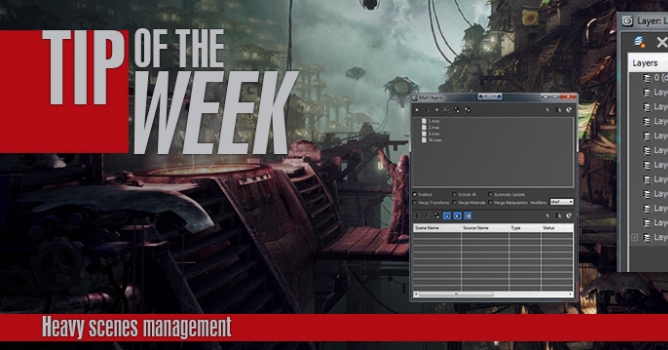
TipOftheWeek. Heavy scenes management
A short tutorial on how to manage a complicated and poly heavy scenes in 3dsmax.
Author: Edi / Evermotion
Editor: dr_After
Tags:
This time we are given over 400 pages filled with tips and tricks that may streamline everyday work of 3D artists.
London, UK (PRWEB UK) 29 January 2013: The new HDR Light Studio 4 Live connection for Autodesk 3ds Max with Chaos Group V-Ray launches today.
In this tutorial we will learn how to control particle properties in more procedural way. We will learn how to use 3Dsmax Curve Editor to control some of the parameters to create cool effects in simple PFlow setup.
You may also like...
In this tutorial we will learn how to control particle properties in more procedural way. We will learn how to use 3Dsmax Curve Editor to control some of the parameters to create cool effects in simple PFlow setup.
×
LEAVE A COMMENT













 Customer zone
 Your orders
 Edit account
 Add project
 Liked projects
 View your artist profile
COMMENTS