We use cookies to provide you with the best possible experience. They also allow us to analyze user behavior in order to constantly improve the website for you.
The consent is voluntary. You can withdraw it at any time or renew it in Cookie settings on the home page. Withdrawal of your consent does not affect the lawfulness of processing performed before the withdrawal.
Privacy Protection Policy
Welcome everyone! I will explain how you can make a simple plant step by step (or as you can see picture by picture ;) ). I will just show you general method to model this plant.
As you can see below I started modeling from simple cylinder and after that I converted it to editable poly to make some modifications.
Roots are my favourite part of modeling process. I made some extrusions to make it. I used connect and cut tool, and after this i moved vertices to correct position.
When I'am sure that model is finished I added turbosmooth with iterations 1 or 2 (depend from quality you want).
It's time for sculpting, I used standard 3ds max tool - paint deformation.
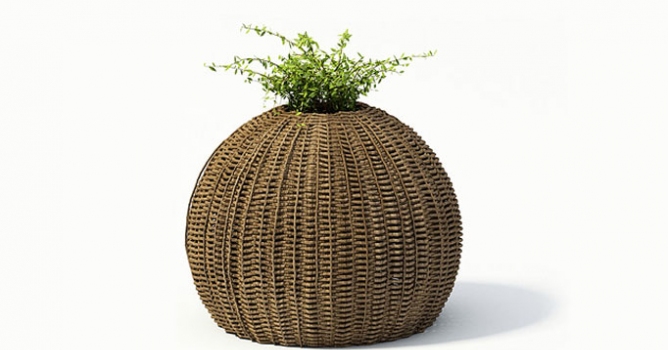
That's all, here we have final render.
Now take a look at another example, this time it's plant with leafs I started with simple sphere...
Follow the instruction... :)
I used Particle Flow to deploy branches and leaves.
This image shows us how it looks after render:
Hope that you understad everything and this tutorial was helpfull.
Working in CG and archviz often means balancing creative intent with production realities. Human presence can support scale, context, and clarity, but it also adds another layer of decisions. Ready-made 3D character assets help keep visual focus where it belongs without expanding the project scope beyond its real needs
In professional visualization, buildings are more than background elements. They define context, scale, and clarity for industrial and commercial projects. Well-prepared 3D building models help viewers read a scene instantly and understand its purpose without relying on technical descriptions or supporting text
The production pipeline in CG and visualization is built on a sequence of clear decisions. Each stage depends on how information is defined, shared, and preserved. 3D models serve as digital assets that translate abstract ideas into structured visual data and consistently carry them through to the final render
In professional CG and architectural visualization, efficiency depends on structured decision-making and reliable resources. Using grouped 3D assets allows us to focus on scene logic, composition, and project consistency instead of repetitive asset preparation and library management.
3D furniture models support structured, predictable interior design workflows in professional archviz. In projects where deadlines, coordination, and visual consistency matter, ready-to-use assets reduce friction and enable teams to focus on spatial decisions rather than repetitive preparation.
In this walkthrough, we guide you through the process of building a polished 3D interior scene inspired by the cover of Archmodels vol. 306 – Table Sets.
COMMENTS