Search
Cart
Sign in
  • offerCustomer zone
  • offerYour orders
  • offerEdit account

  • offerAdd project
  • offerLiked projects
  • offerView your artist profile

  • Dark mode

We care about your privacy

We use cookies to provide you with the best possible experience. They also allow us to analyze user behavior in order to constantly improve the website for you. The consent is voluntary. You can withdraw it at any time or renew it in Cookie settings on the home page. Withdrawal of your consent does not affect the lawfulness of processing performed before the withdrawal. Privacy Protection Policy
Accept all
Accept selection
Reject all

How To Relight without re-rendering in Arnold for Cinema 4d

YT 2021-02-17 10:42 tutorial  > 3ds MAX  > rendering

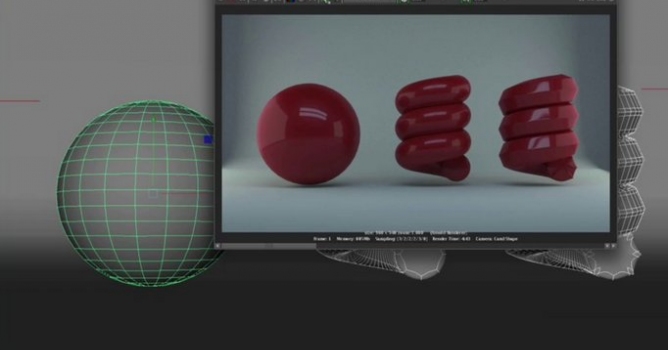
Video tutorial about Light Mixer Imager in Arnold for Cinema 4d.

Light mixing is a process where multiple light render passes are rendered separately. Each pass has all of the paths that end at the camera and begin at the given lights. In a post-process, the balance or mix of those lights can be adjusted using a set of sliders, or color sliders.



Author: YT Editor: Michał Franczak
Tags: arnold render
You may also like...
Arnold Al Shaders LightGroup

Arnold Al Shaders LightGroup

Delve into the capabilities of Arnold AL Shaders and learn how to utilize the lightgroup functionality in Arnold 5. Evermotion's tutorial walks you through the process of achieving advanced lighting control.
×

LEAVE A COMMENT

You need to be logged in to leave a comment. Don't have account? Register now.