Evermotion: More Than an Asset Library
How Evermotion became a full-scale production partner for archviz, automotive and synthetic data.


Total: € 0
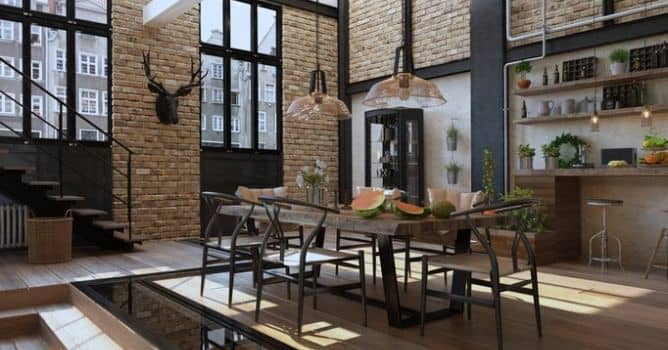

This vintage pub is a part of Archinteriors vol. 54 collection that consists of ten public spaces. It is a scene number seven in this collection. The scene presents a historic interior with old brick walls and wooden woodwork. We placed decorative bulbs in the lamps and filled the room with numerous props, including potted plants.
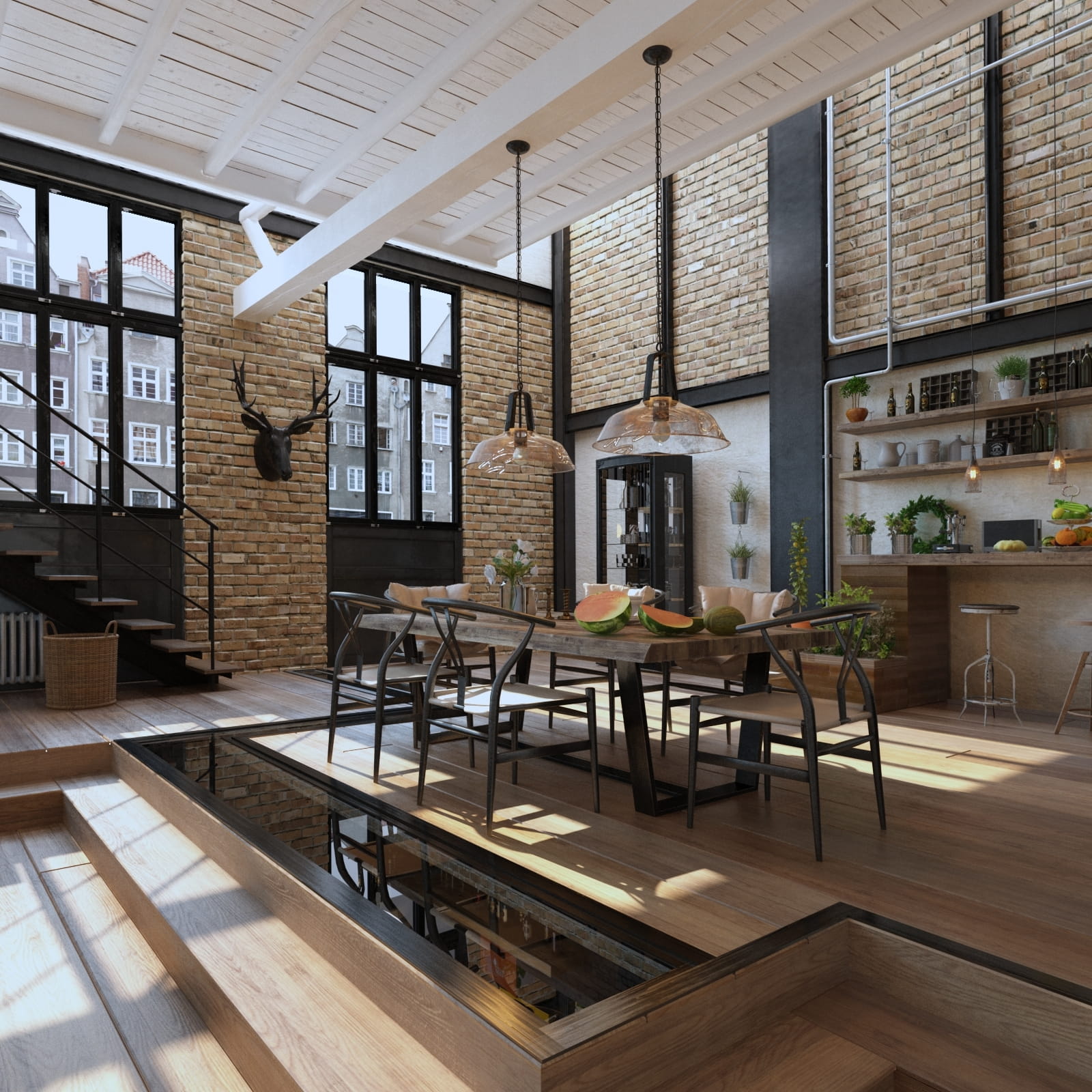
The final render after post-production- camera 1.
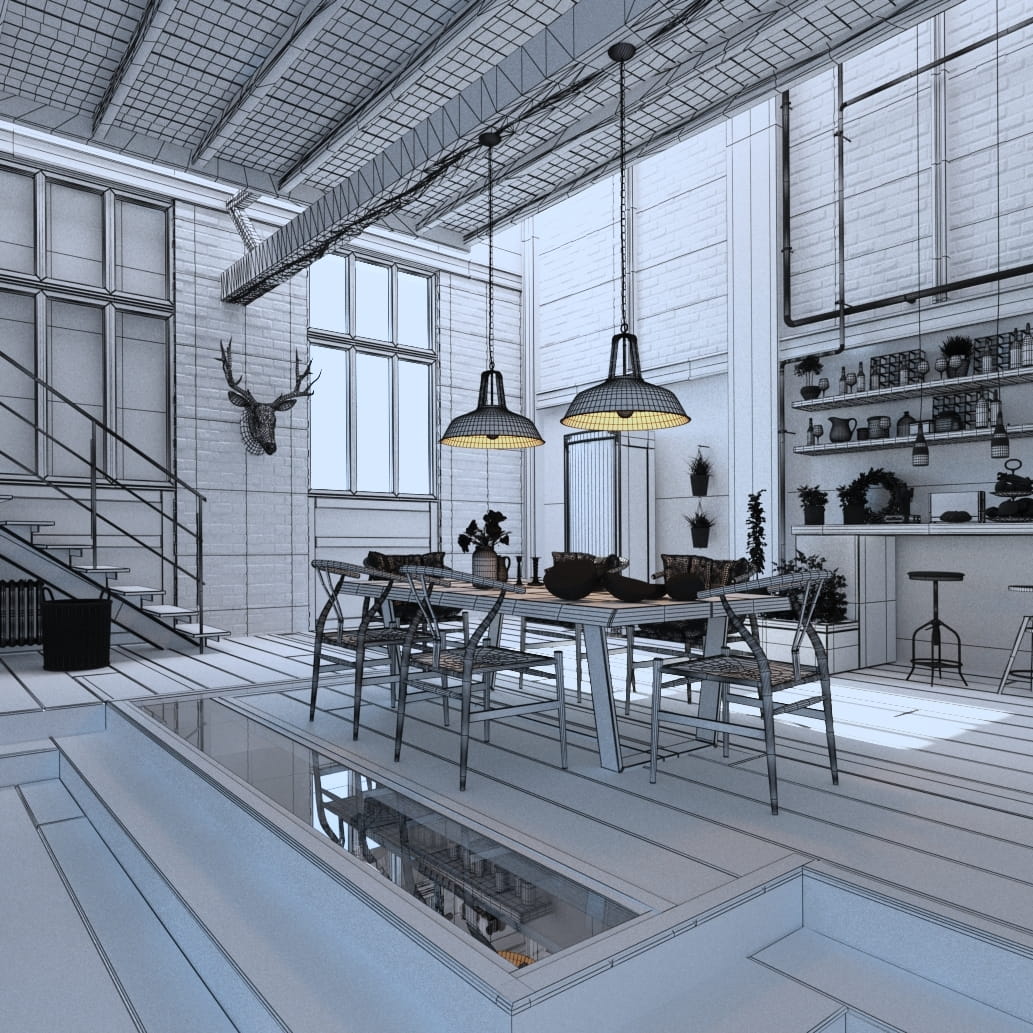
Wireframe view - camera 1.
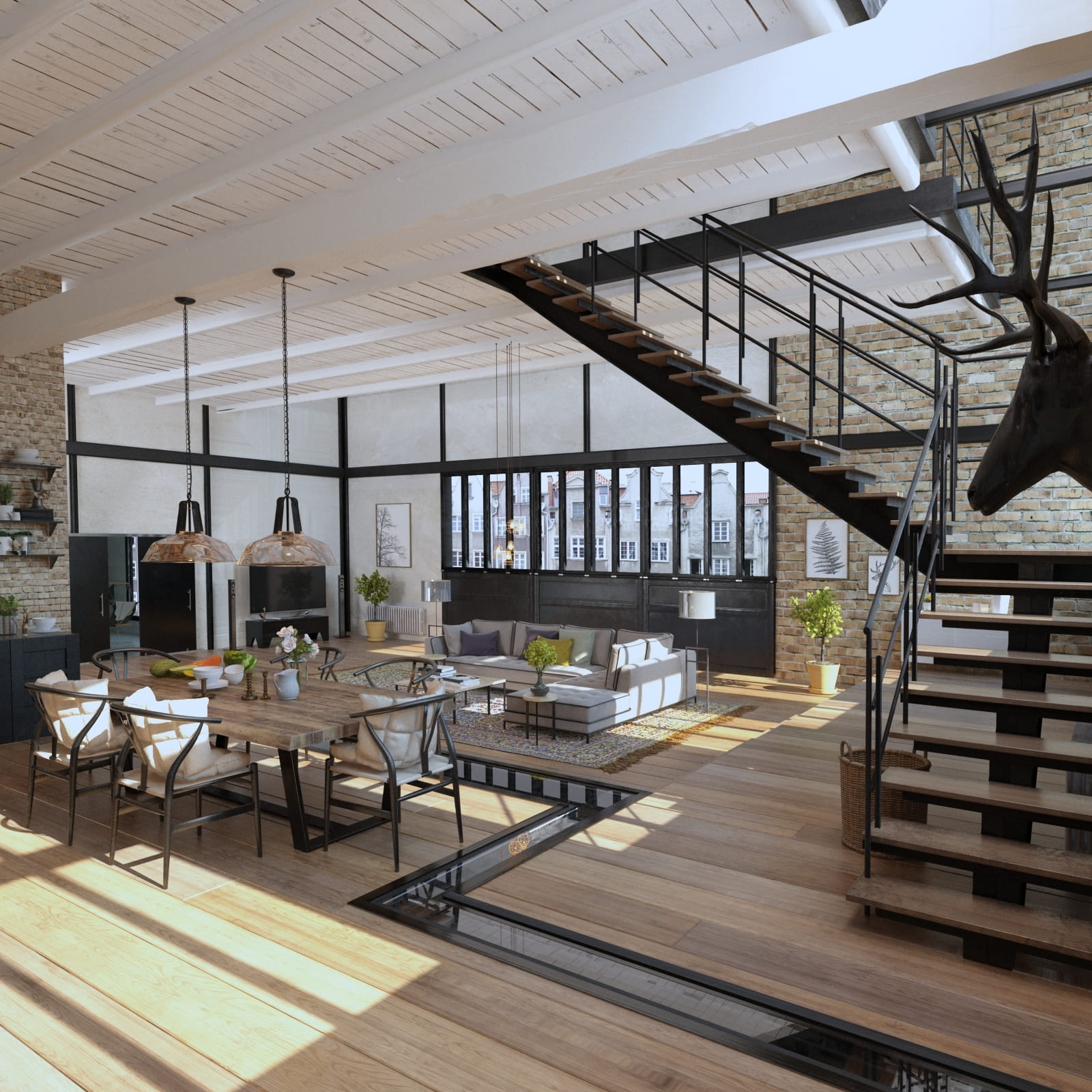
The final render after post-production, camera 2
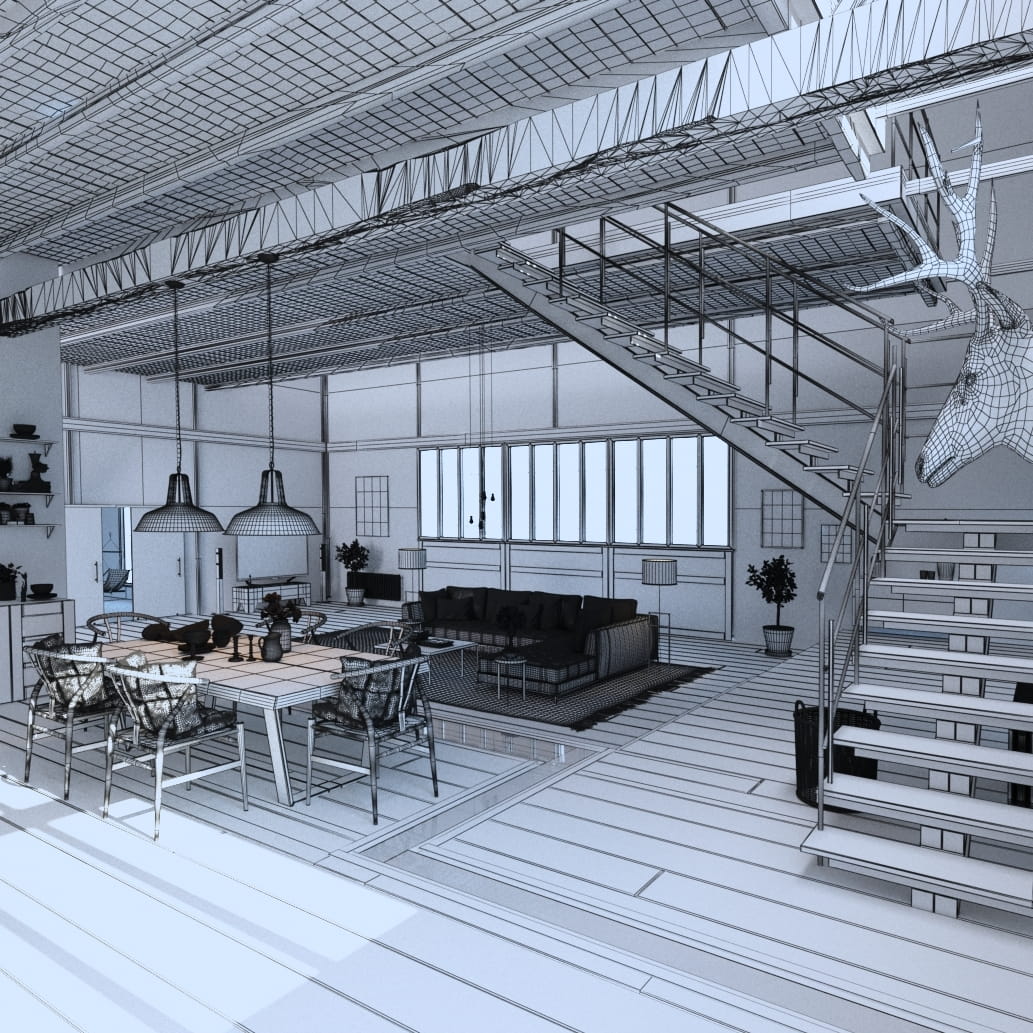
Wireframe view, camera 2
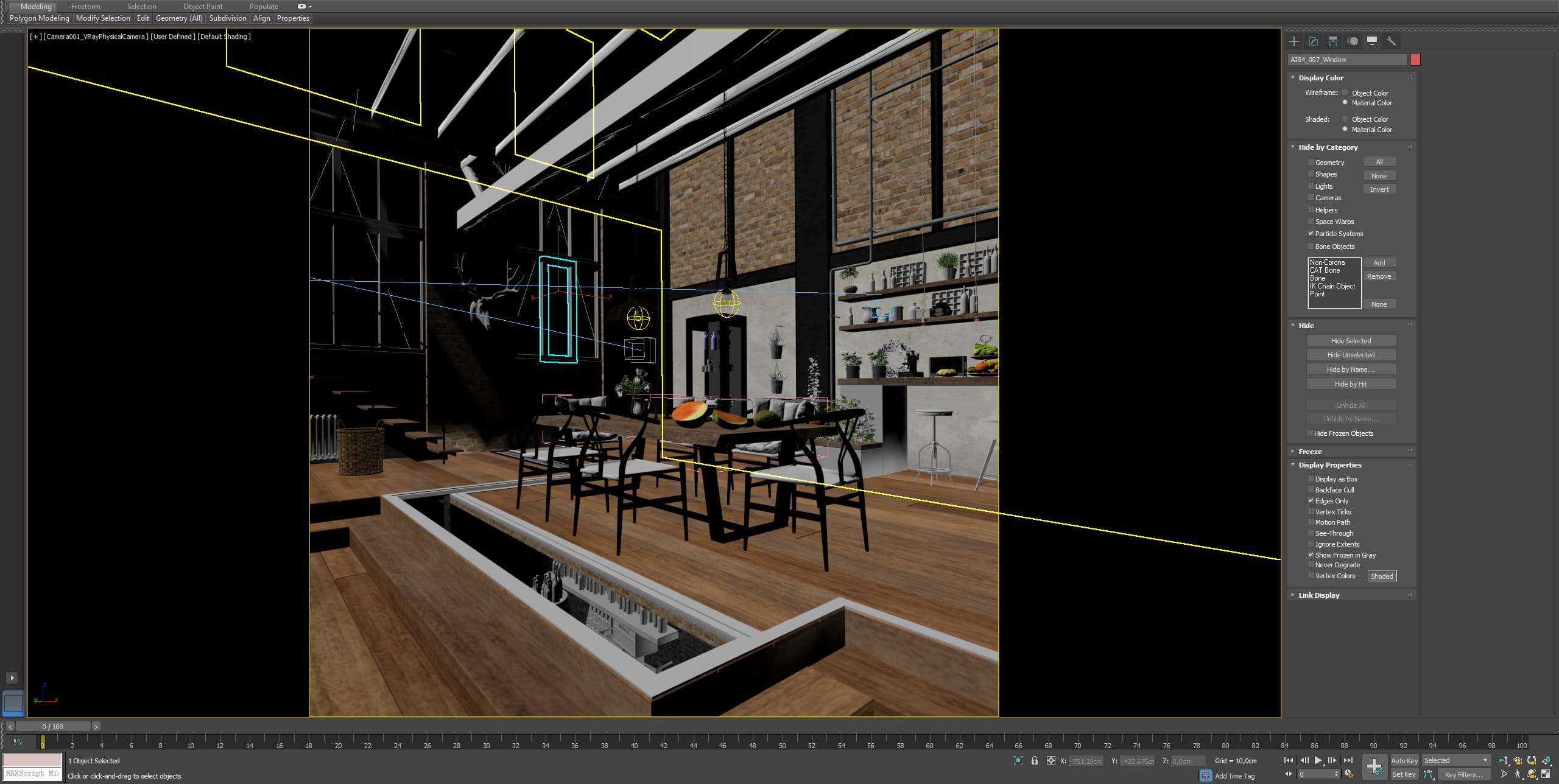
The scene in 3ds Max viewport.
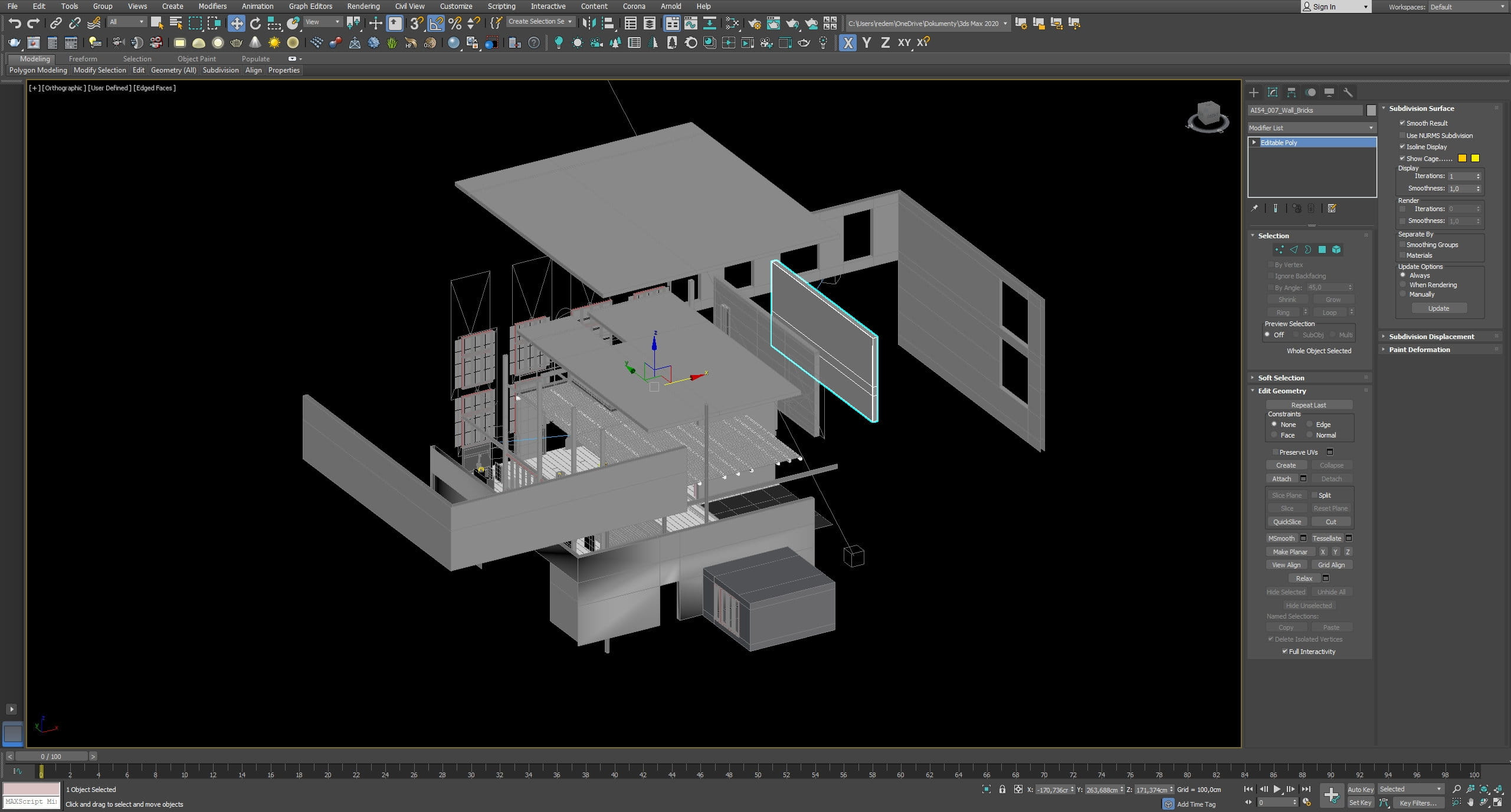
Building meshes exploded - the interior looks simple in render, but in fact it consists of a large number of separate meshes - for walls, windows, wood, logs, platforms, etc.
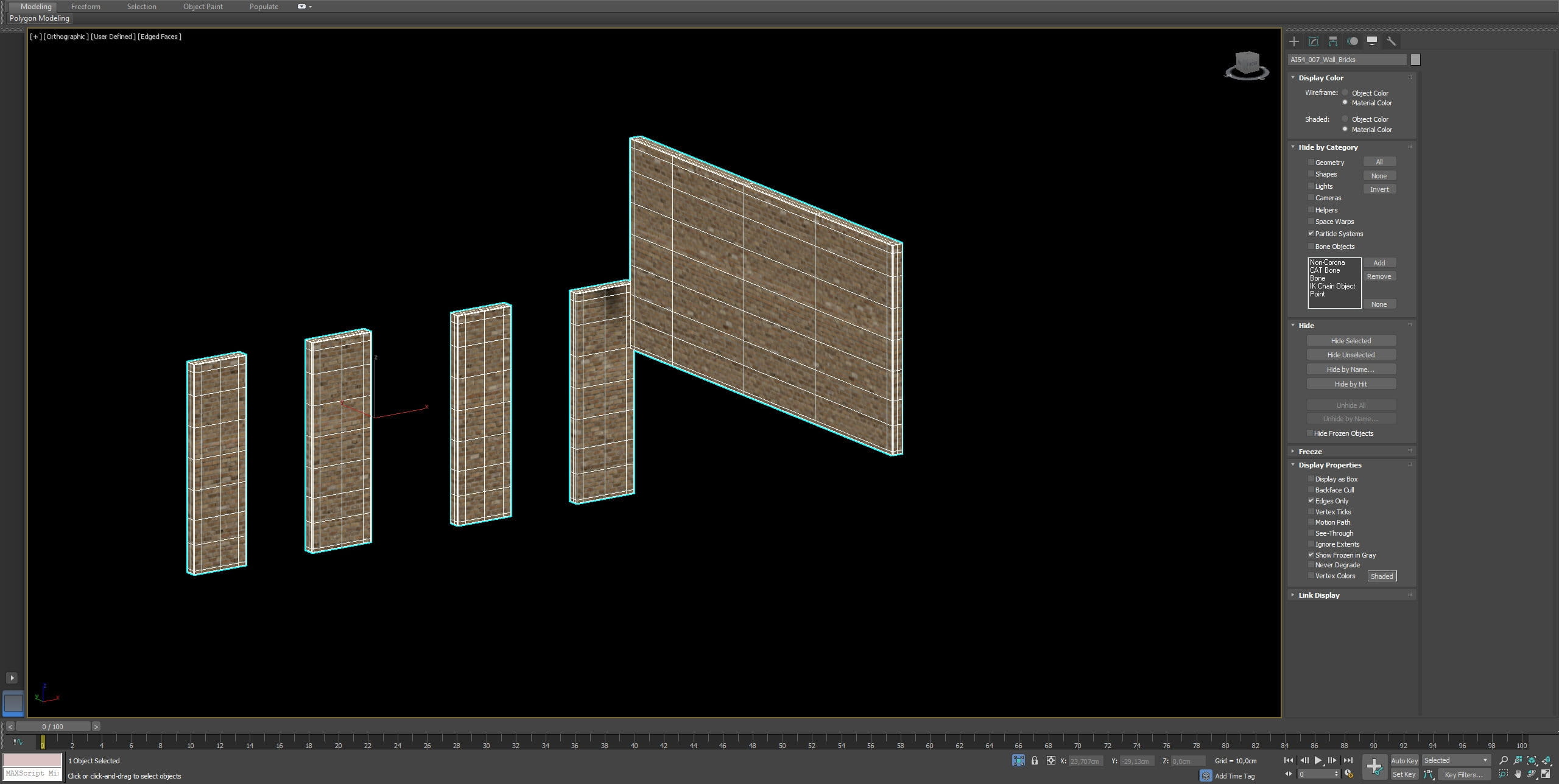
Brick walls meshes.
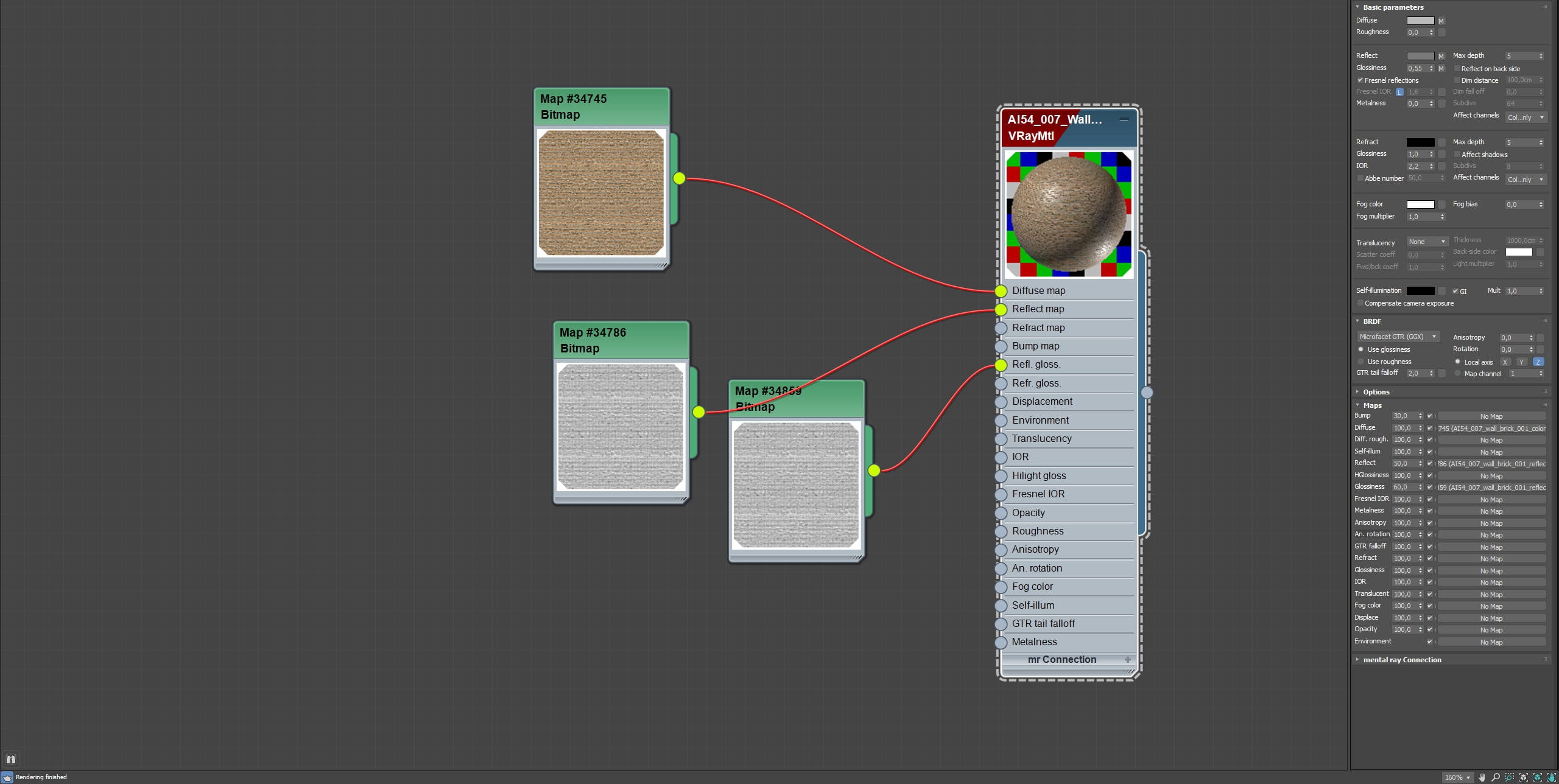
Wall material
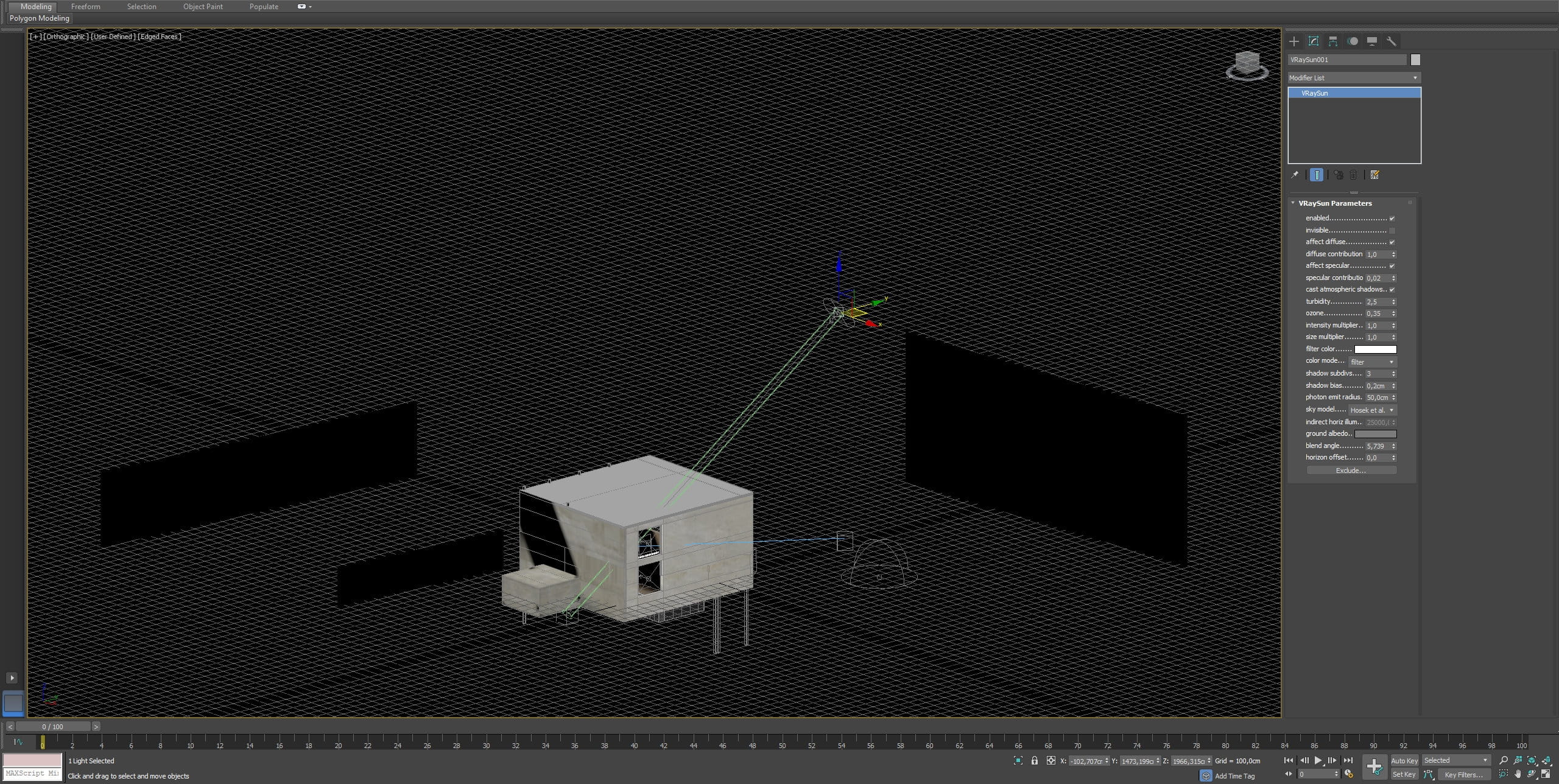
V-Ray Sun settings. The stage is illuminated by a v-ray sun, v-ray sky and by dome light. In addition, we used portals to illuminate the interior and individual light sources for lamps.
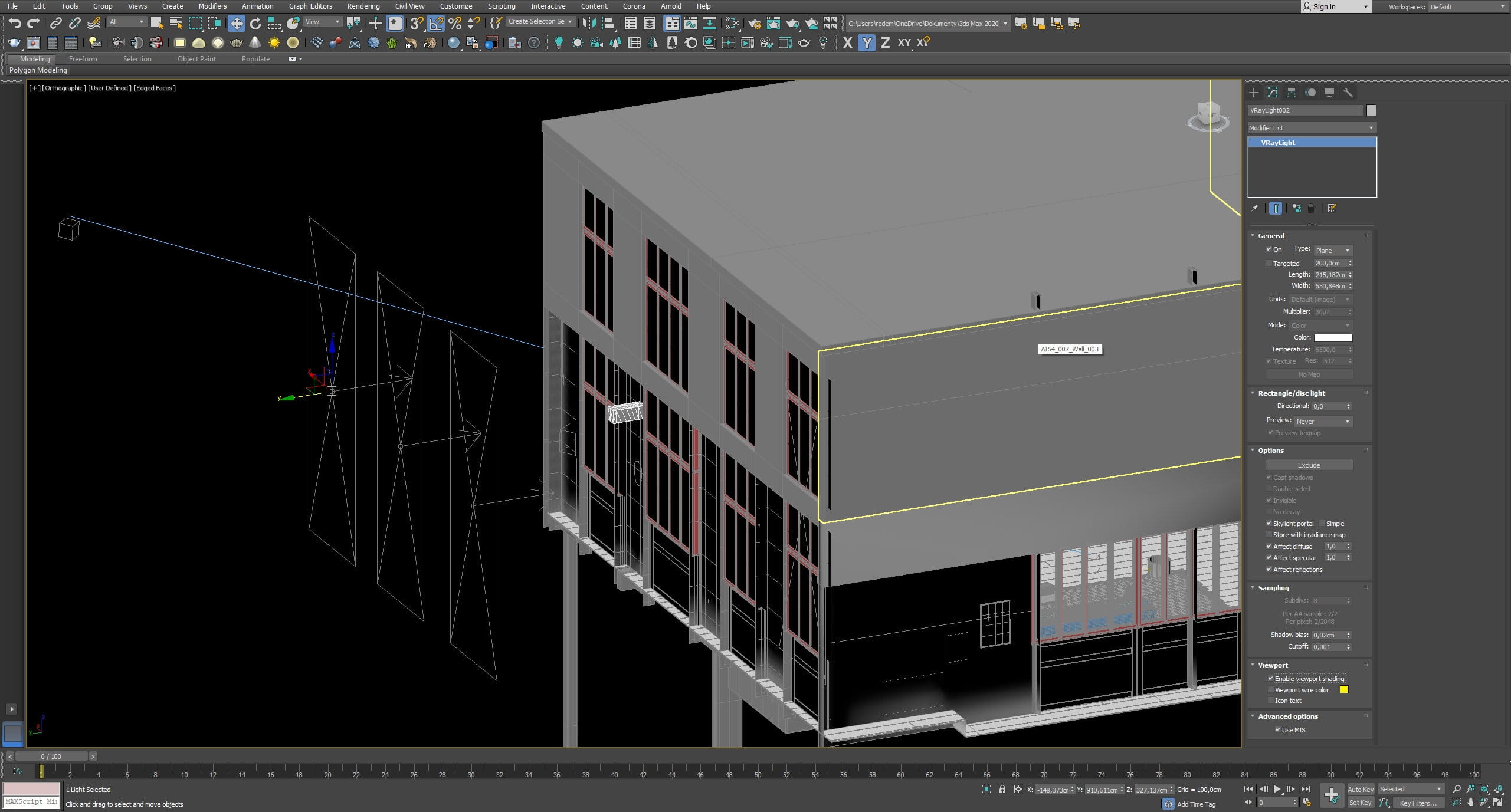
Portal lights settings - In this picture they are shifted from the original position. Normally they are placed right next to the windows, here they are moved to the left of the frame, so that you can see them better.
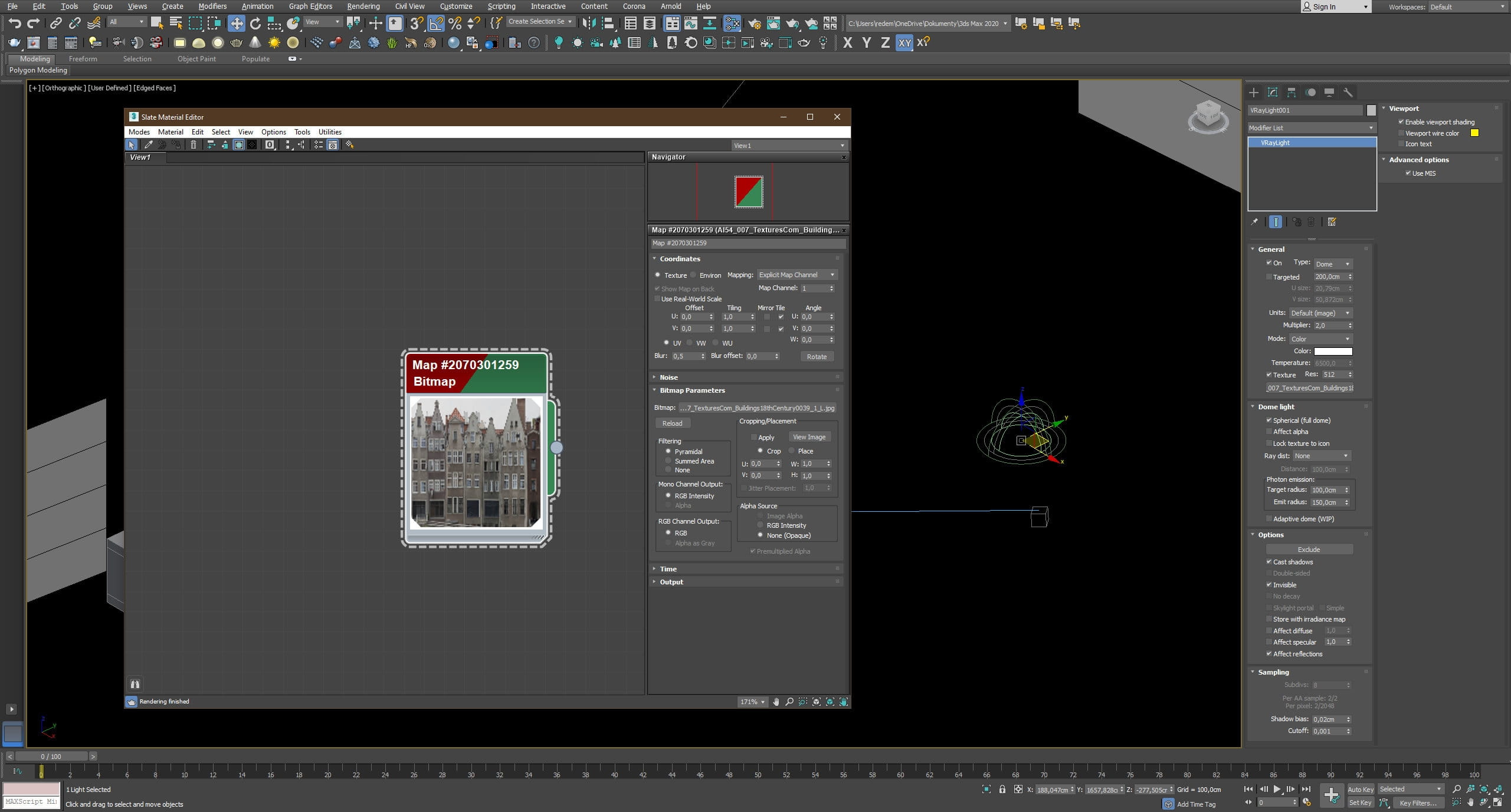
Dome light settings. Dome light uses the same image for lighting as background cards.
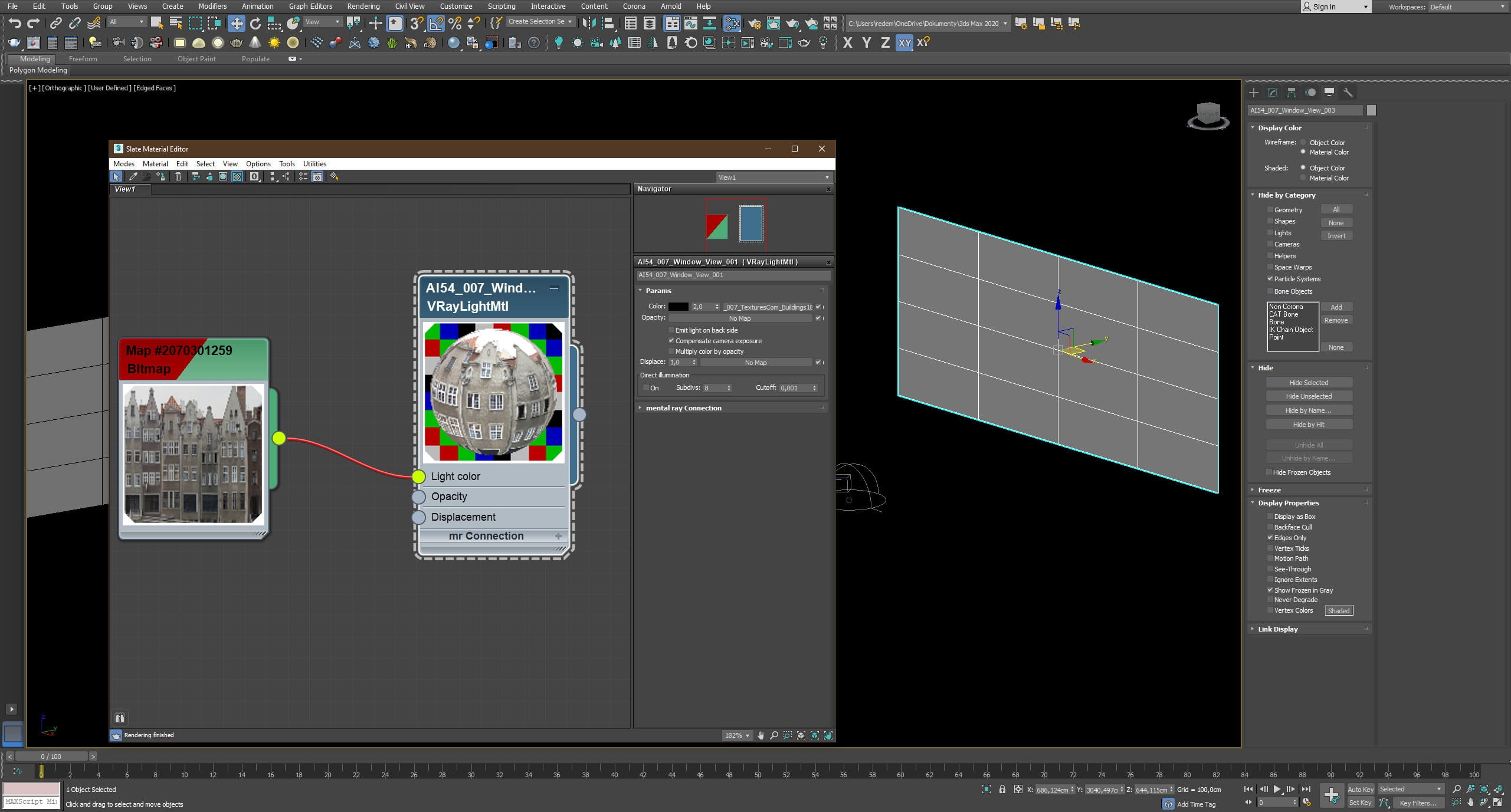
Background card settings.
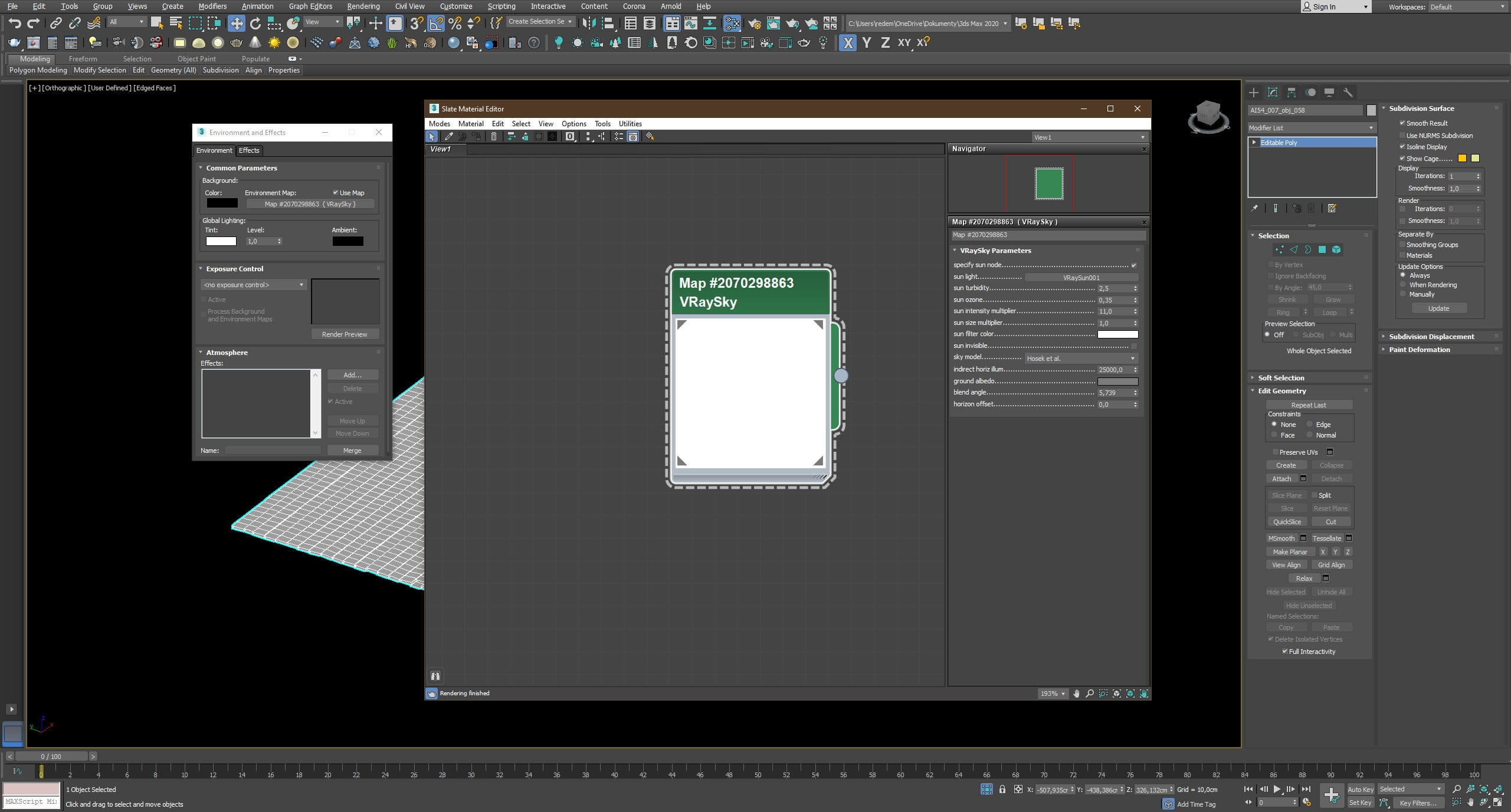
Environment light settings.
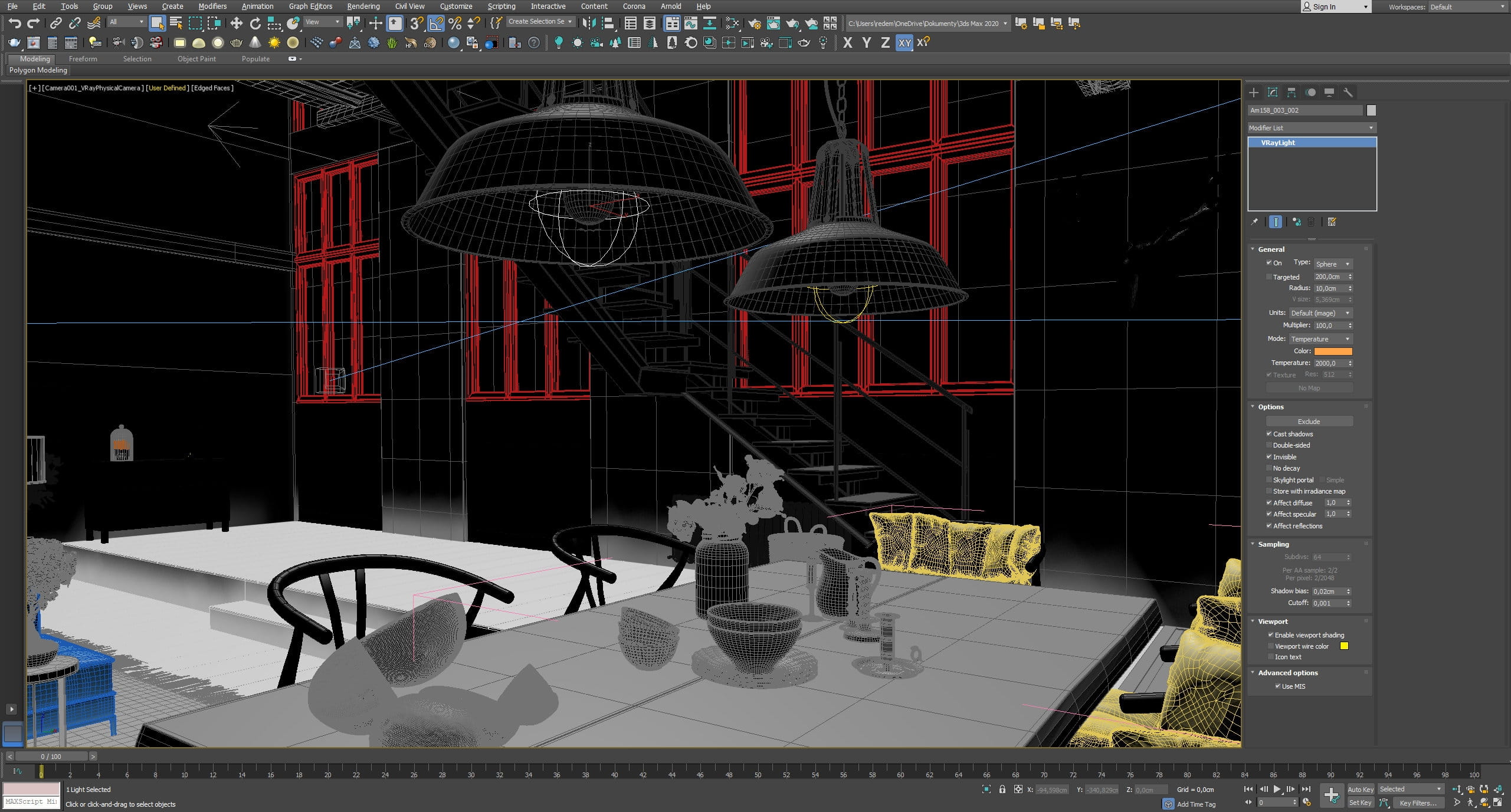
Lamp light settings.
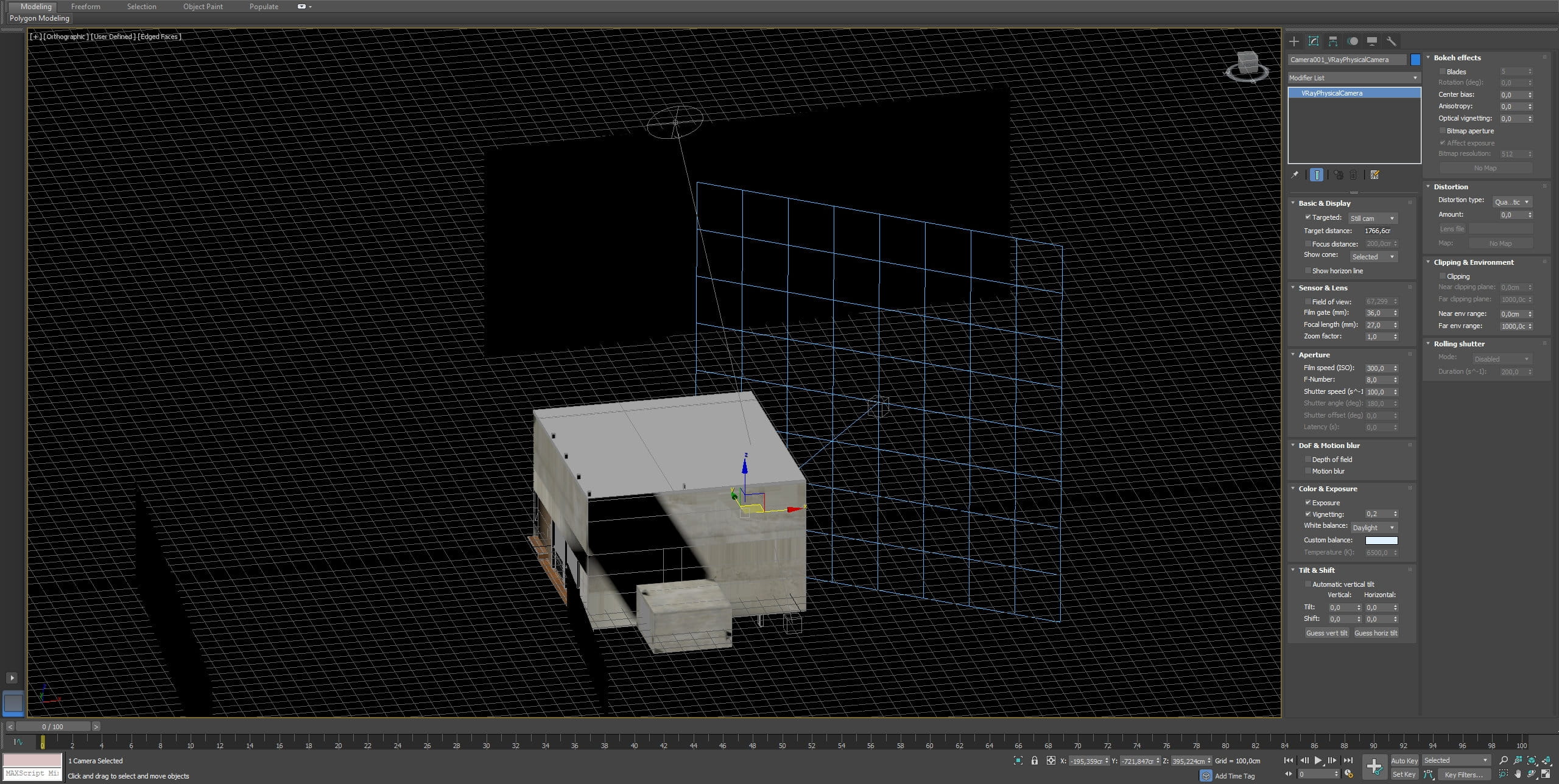
Camera 1 settings
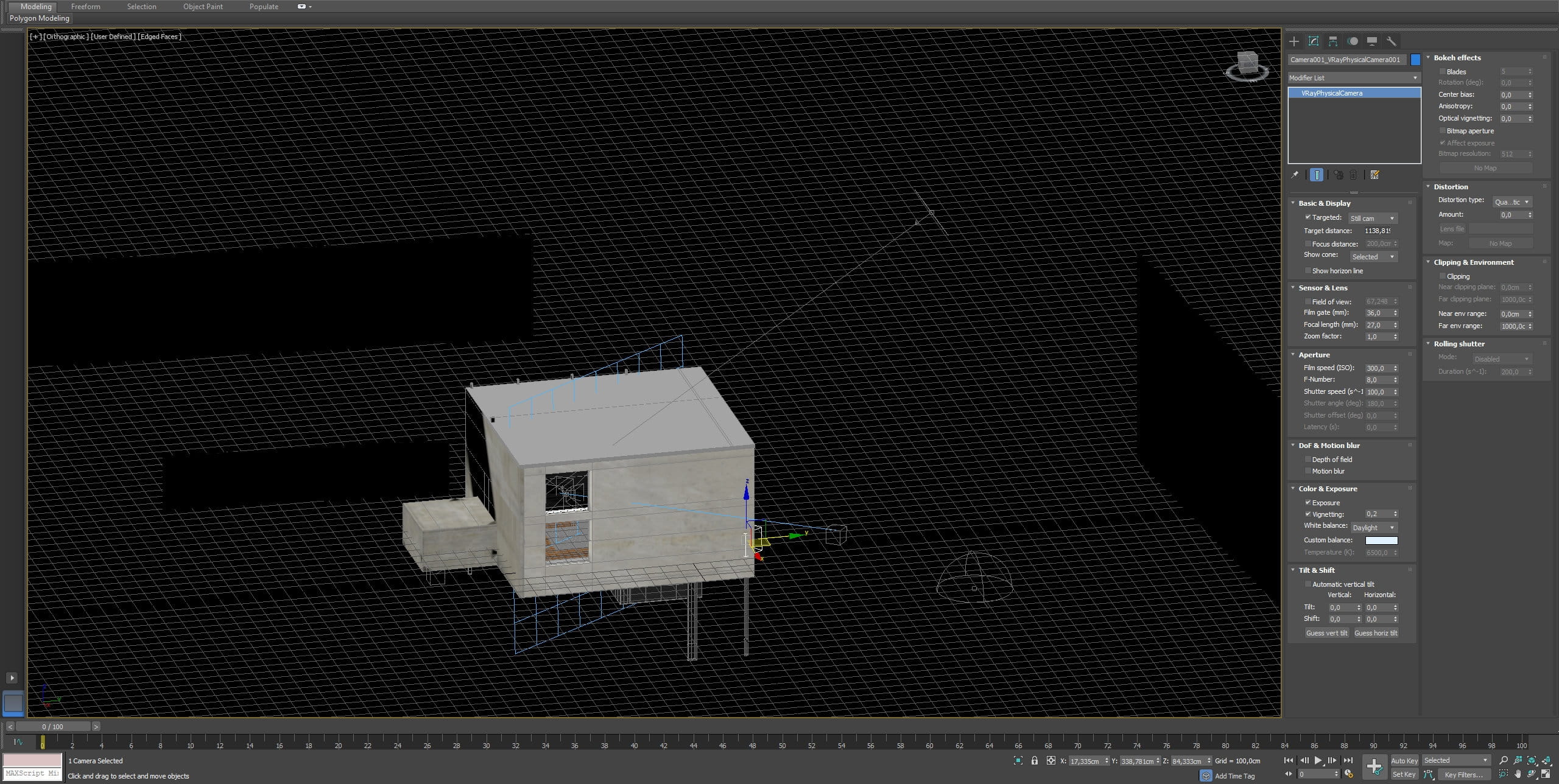
Camera 2 settings
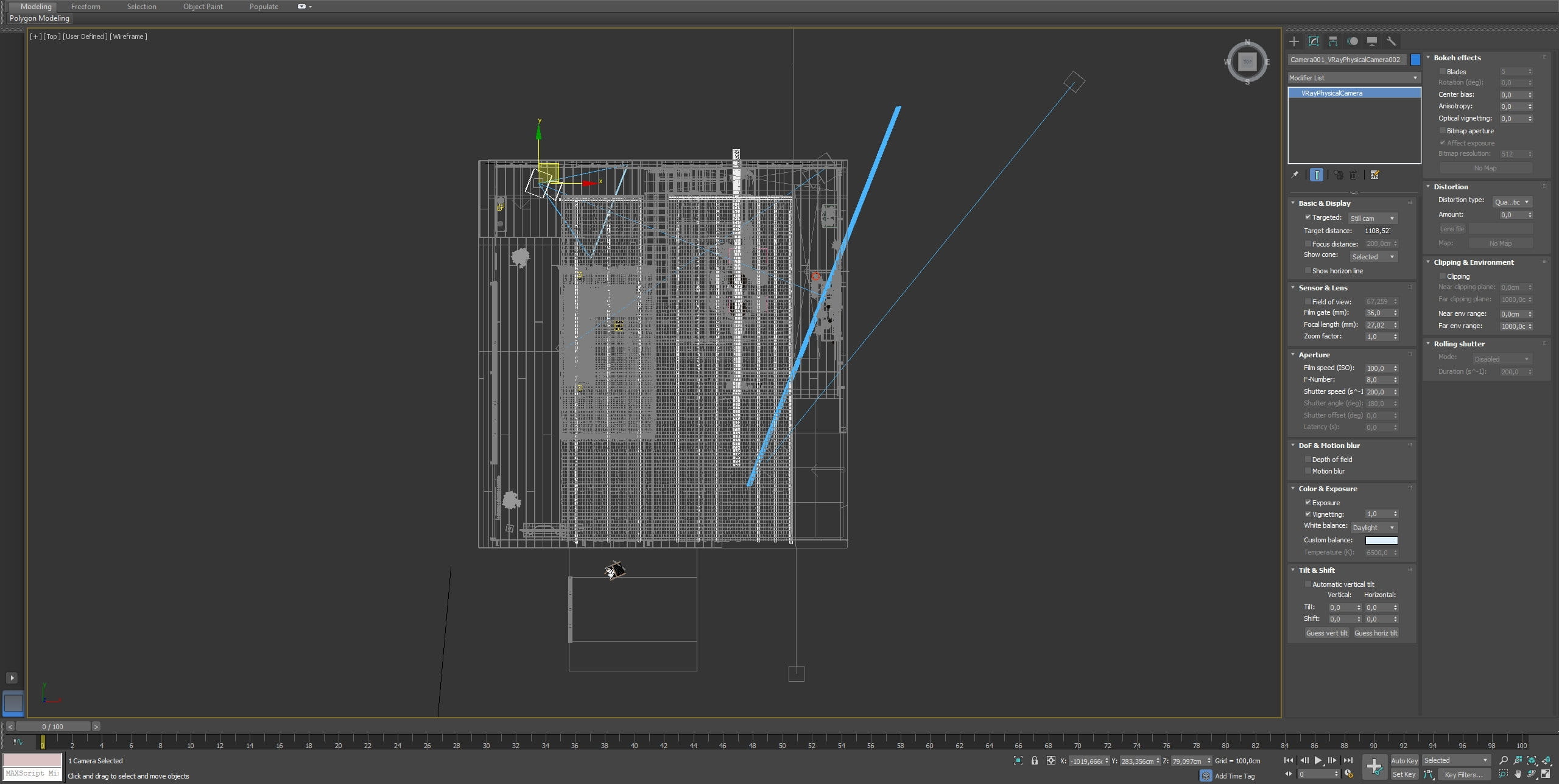
Camera 3 settings
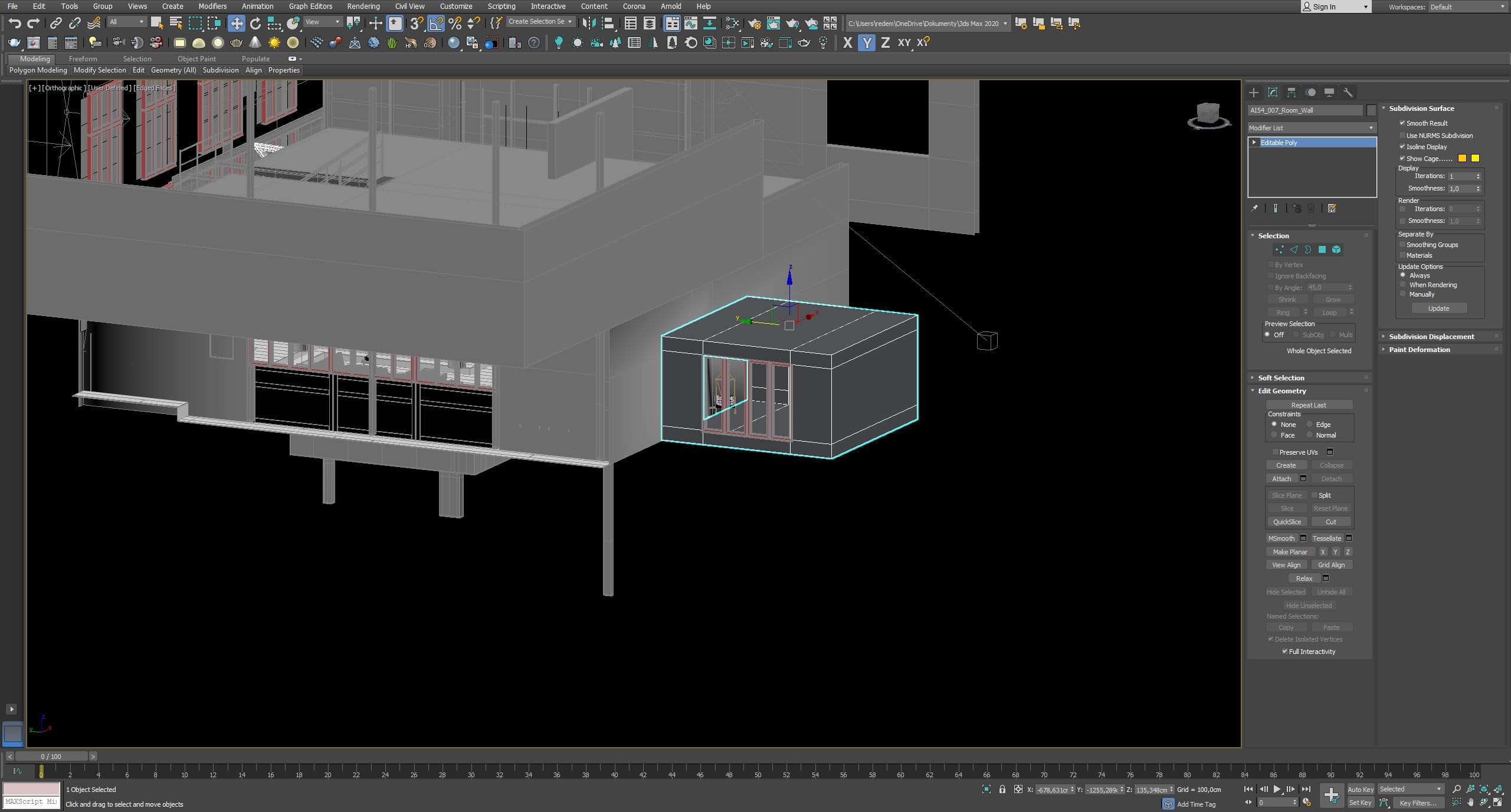
Additional room
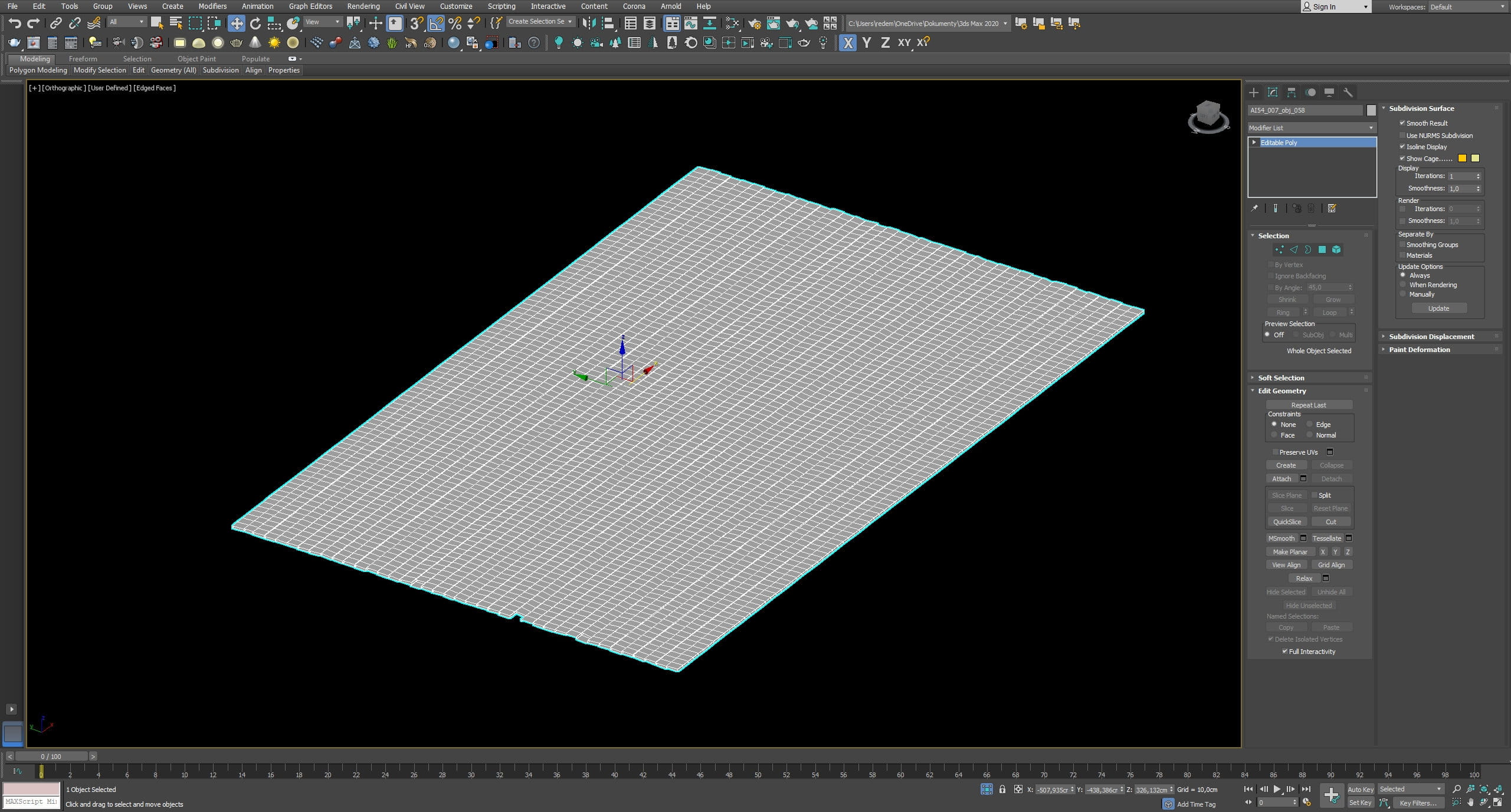
Ceiling mesh
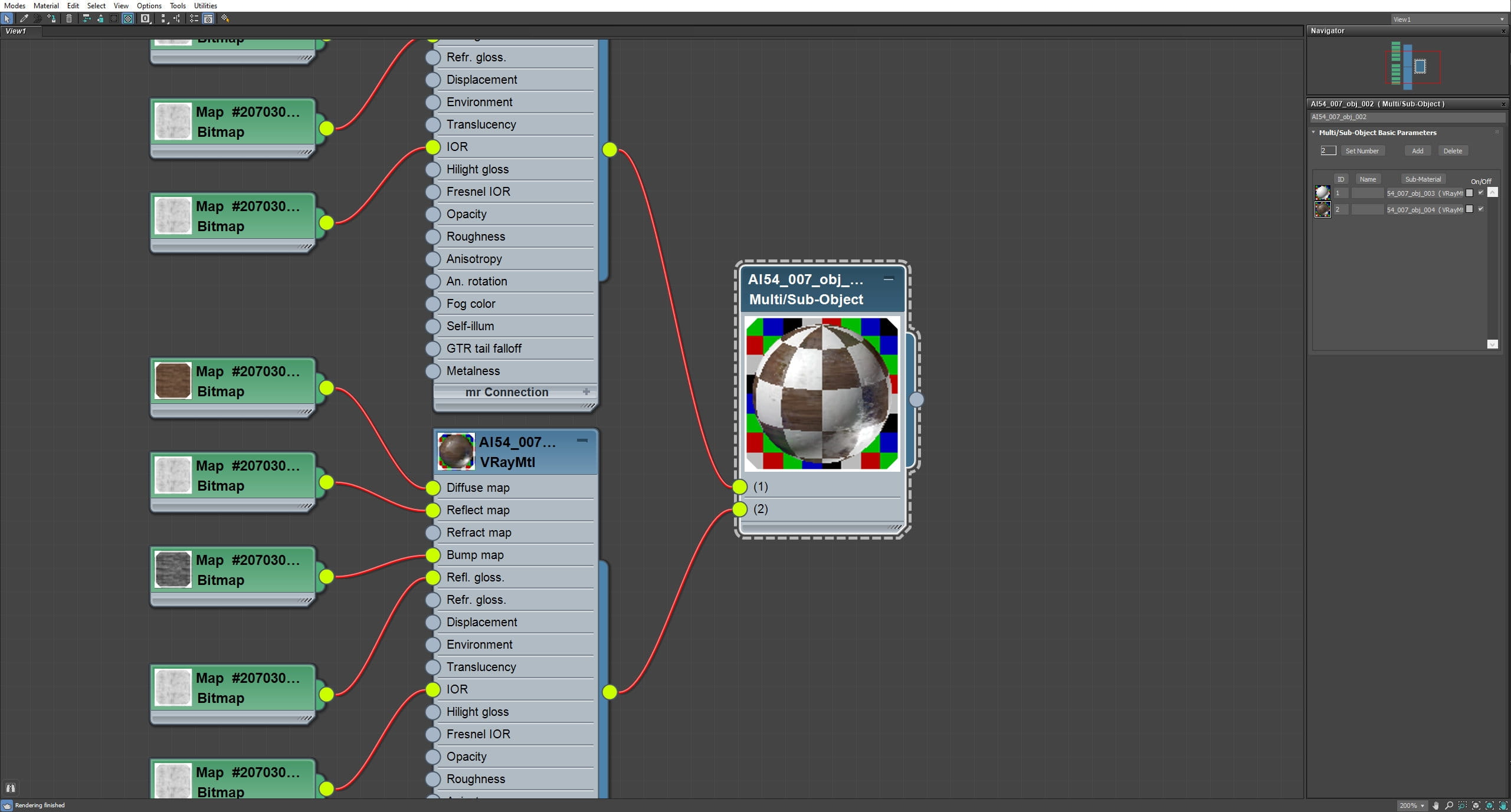
Ceiling material
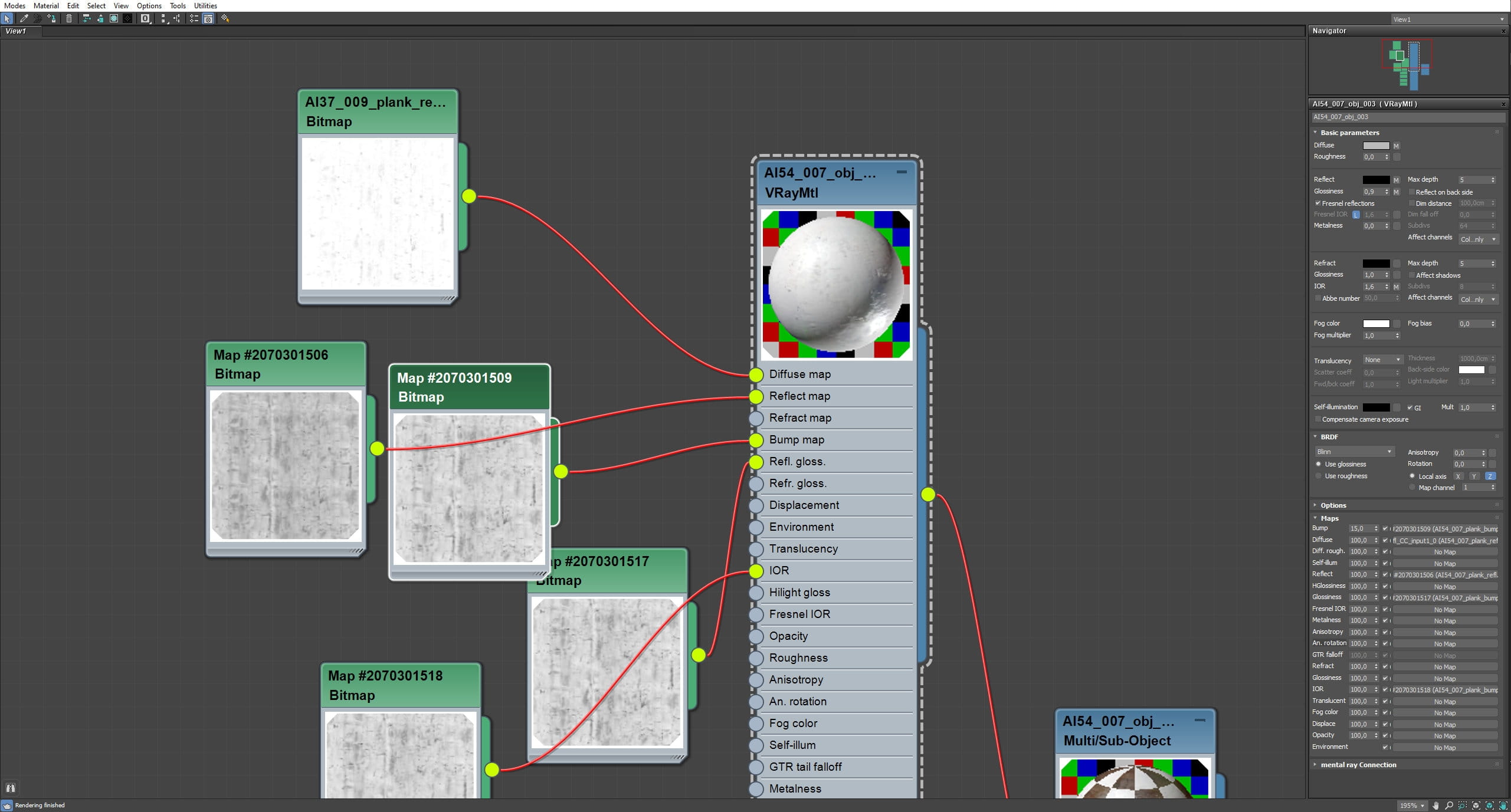
Ceiling material - continued.
LEAVE A COMMENT





|

|

|

|

|
 Customer zone
 Your orders
 Edit account
 Add project
 Liked projects
 View your artist profile
COMMENTS