Evermotion: More Than an Asset Library
How Evermotion became a full-scale production partner for archviz, automotive and synthetic data.


Total: € 0


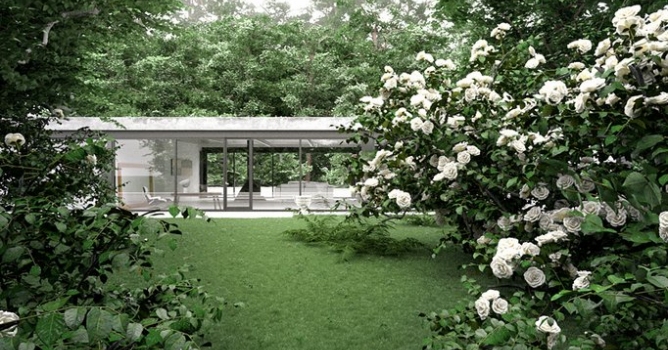
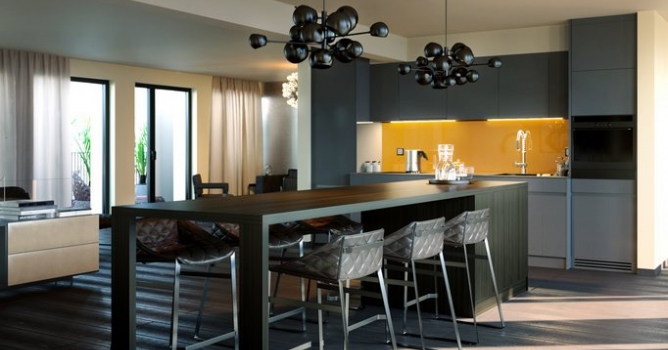
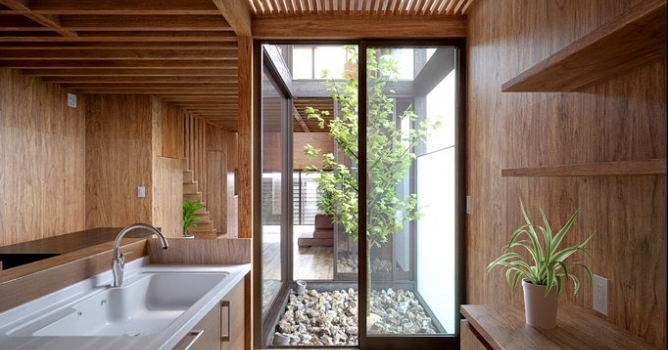
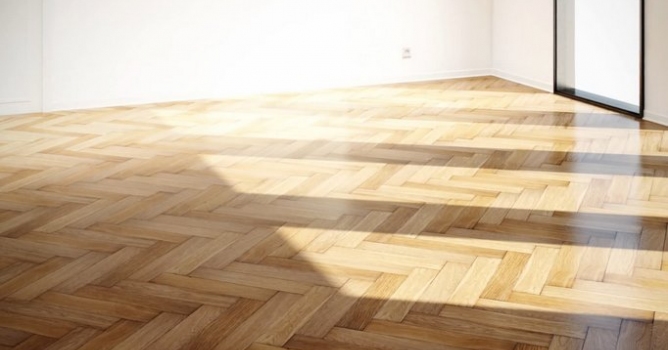
High-quality interior rendering has become a defining part of architectural visualization, and using 3ds Max with Corona Renderer allows artists to achieve impressive results with precision and efficiency. At Evermotion, we understand the importance of delivering models and scenes optimized for these tools, making it easier to create photorealistic spaces. Our 3D assets are carefully designed to integrate seamlessly into professional workflows, ensuring clean geometry, properly scaled elements, and optimized textures that work flawlessly in 3ds Max environments.
One of the strengths of combining 3ds Max and Corona Renderer lies in the balance between intuitive design tools and advanced rendering capabilities. Corona’s user-friendly interface allows for fast setup without compromising quality, while 3ds Max provides flexibility in modeling, texturing, and scene composition. This synergy means that users can focus on artistic choices and presentation instead of troubleshooting technical challenges. At Evermotion, we have extensive experience creating assets tailored for these platforms, helping artists bring their interiors to life with minimal adjustments. Cleanly organized scenes = faster workflow and better final output.
Our assets are structured with professionals in mind. They save time during the rendering process by reducing unnecessary steps and enabling the easy achievement of accurate lighting and material behavior. These elements are particularly important when building interior projects where visual realism directly influences the presentation. At Evermotion, we know that efficient scenes and high-quality models are essential for creating compelling interior renders. By combining 3ds Max and Corona Renderer, artists can produce visually strong projects that meet professional standards every time.
Interior projects often involve complex setups, but organized assets can significantly speed up production. When working with 3ds Max and Corona Renderer, it is critical to use models that are fully compatible and optimized for smooth performance. Our team at Evermotion focuses on delivering 3D scenes that load efficiently and maintain clean topology, so you can spend more time perfecting lighting, camera angles, and materials. This attention to detail improves the final render quality and ensures consistency across different projects.
Efficiently prepared scenes reduce render times and eliminate common issues such as material conflicts or heavy polygon counts. Corona Renderer’s ability to handle global illumination and realistic shading makes it ideal for interiors, and pairing it with 3ds Max tools allows for detailed adjustments at every stage of production. By using assets from Evermotion, artists can create interiors that stand out in presentations and client portfolios. Streamlined workflow = improved productivity and better client satisfaction.
When planning an interior visualization, using assets built for these platforms helps maintain a steady pace from concept to final render. Our collection at Evermotion has been developed with this in mind, offering resources that fit directly into 3ds Max and Corona scenes without additional setup. The result is a smoother process that supports your creative vision while maintaining technical accuracy. Whether you are preparing high-end visuals for architectural projects or enhancing your portfolio, this combination of tools and well-optimized assets makes a measurable difference.



LEAVE A COMMENT





|

|

|

|

|
 Customer zone
 Your orders
 Edit account
 Add project
 Liked projects
 View your artist profile
COMMENTS