Search
Cart
Sign in
  • offerCustomer zone
  • offerYour orders
  • offerEdit account

  • offerAdd project
  • offerLiked projects
  • offerView your artist profile

  • Dark mode

We care about your privacy

We use cookies to provide you with the best possible experience. They also allow us to analyze user behavior in order to constantly improve the website for you. The consent is voluntary. You can withdraw it at any time or renew it in Cookie settings on the home page. Withdrawal of your consent does not affect the lawfulness of processing performed before the withdrawal. Privacy Protection Policy
Accept all
Accept selection
Reject all

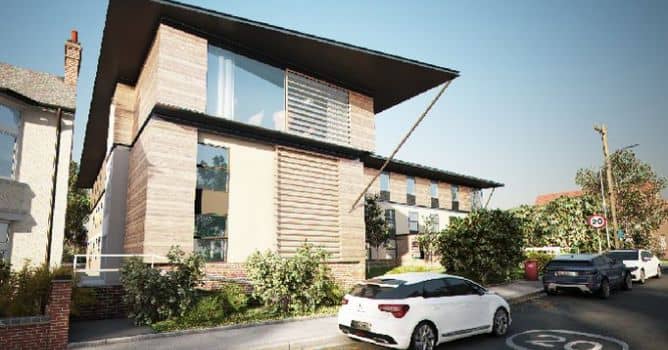
Create Photorealistic Exterior Renders with V-ray and 3ds Max

Jamie Cardoso 2018-06-28 13:14 tutorial  > 3ds MAX  > modeling

Extended version of tutorial by Jamie Cardoso for 3ds Max and V-Ray arch-viz artists.

The Full Video Tutorial takes users through the process of, lighting, shading, texturing and rendering this exterior scene. Mind that's promo video though - if you want an access to the full course, you will need to buy the whole series for $10 or become a patreon of Jamie Cardoso which will give you access to many arch-viz tutorials. 


More on Jamie Cardoso blog.
Author: Jamie Cardoso Editor: Michał Franczak
Tags: vray 3dsmax v-ray
You may also like...
3dsmax: Vray - volume effect

3dsmax: Vray - volume effect

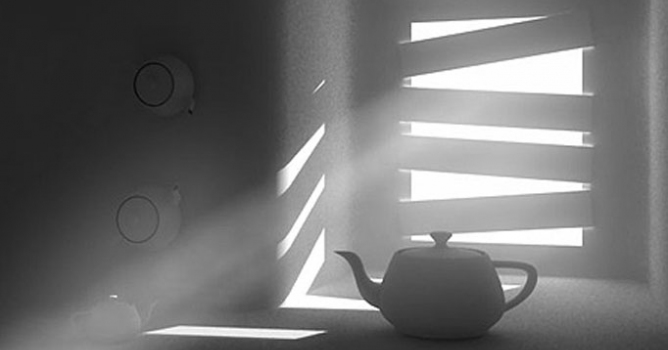
We have recived a lot of e-mails with questions about detailed tutorial concerning volume effect for Vray renderer. In this article, Myqel and Pendzel show you how to use it. You will find here 2 parts, first for standard rendering job and second for postproduction in Photoshop.
×

LEAVE A COMMENT

You need to be logged in to leave a comment. Don't have account? Register now.