Evermotion: More Than an Asset Library
How Evermotion became a full-scale production partner for archviz, automotive and synthetic data.


Total: € 0
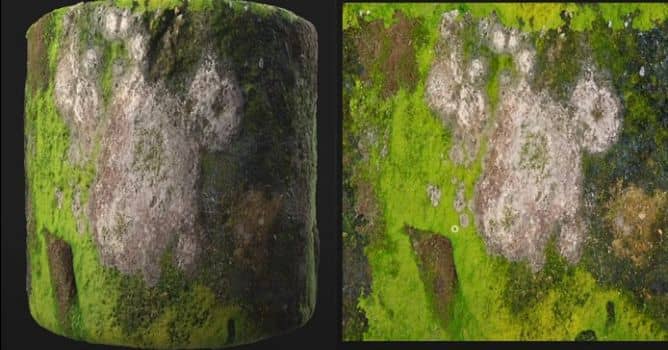

The first thing in the scan workflow tool chest is the Image to Material with AI filter. It helps you make the most out of your photographic data, and turn it into a usable material. Now there are a few things that the filter does a lot better then before - roughness generation, for instance. You can add variation to your roughness, based on curvature. If you’re working on tree leaves you can easily give them some much-needed softness.
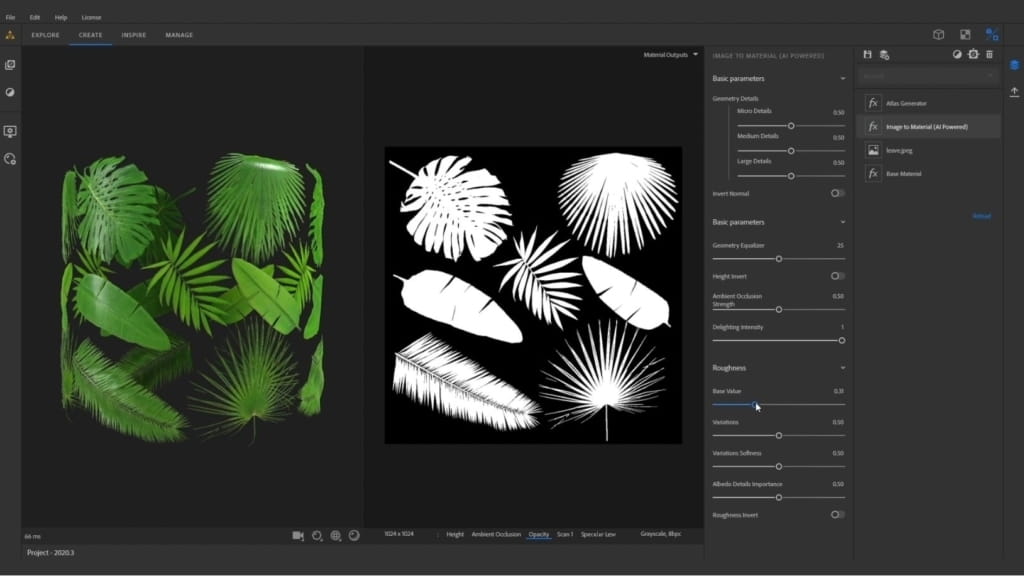
If you want a little more control over the delighter, you can change or reduce the delighting intensity of your material.
The filter is now compatible with the new NVIDIA RTX 30 Series; upgrade to the new series to leverage the increased power of these graphics cards.
Image to Material is also powered by Adobe Sensei. And if you’ve been using Substance Alchemist to process your scanned atlases, you can couple it with the new atlas generator filter: it generates your opacity channel.
New Technical Filters: Get More Out of Your Atlases
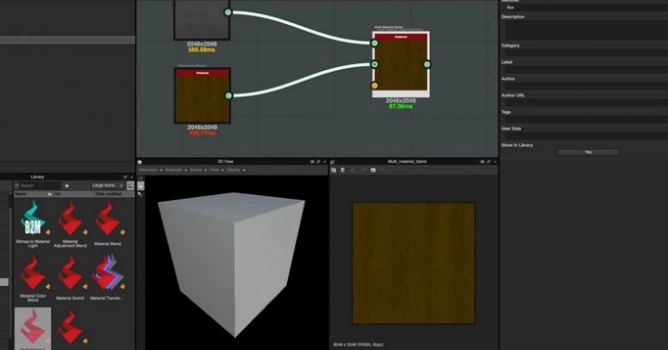
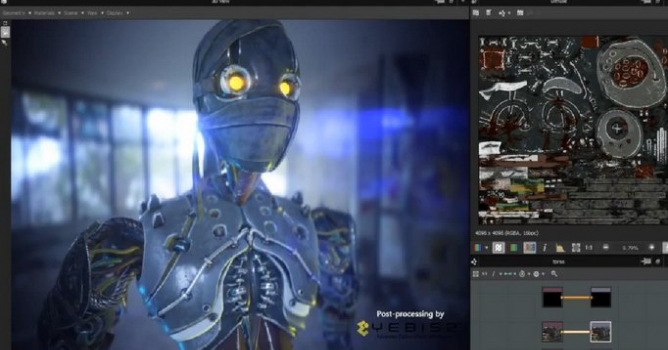
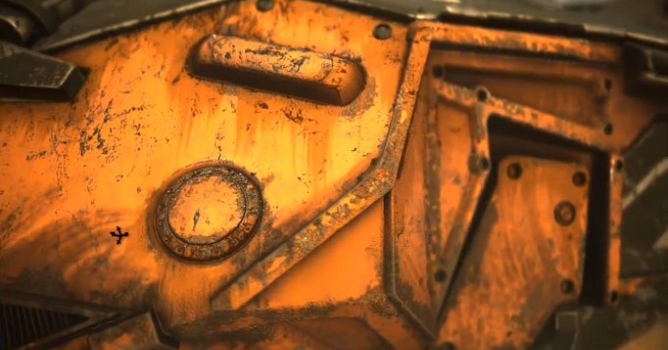
Realism is a product of variety. Your scans will need enhancement in order to be as accurate as possible, and to make their way into your projects — and the projects of your team.
In addition, this update adds a new parameter to the color variation filter: segmentation. This allows a material’s color to be driven by data from any of its properties — height, roughness, metallic, and so forth.
More information on Adobe Substance Alchemist page


LEAVE A COMMENT





|

|

|

|

|
 Customer zone
 Your orders
 Edit account
 Add project
 Liked projects
 View your artist profile
COMMENTS