Search
Cart
Sign in
  • offerCustomer zone
  • offerYour orders
  • offerEdit account

  • offerAdd project
  • offerLiked projects
  • offerView your artist profile

  • Dark mode

We care about your privacy

We use cookies to provide you with the best possible experience. They also allow us to analyze user behavior in order to constantly improve the website for you. The consent is voluntary. You can withdraw it at any time or renew it in Cookie settings on the home page. Withdrawal of your consent does not affect the lawfulness of processing performed before the withdrawal. Privacy Protection Policy
Accept all
Accept selection
Reject all

Lightmap brings HDR Light Studio to Blender

PR 2020-10-01 09:01 article  > Software

Create photo-realistic lighting set-ups.

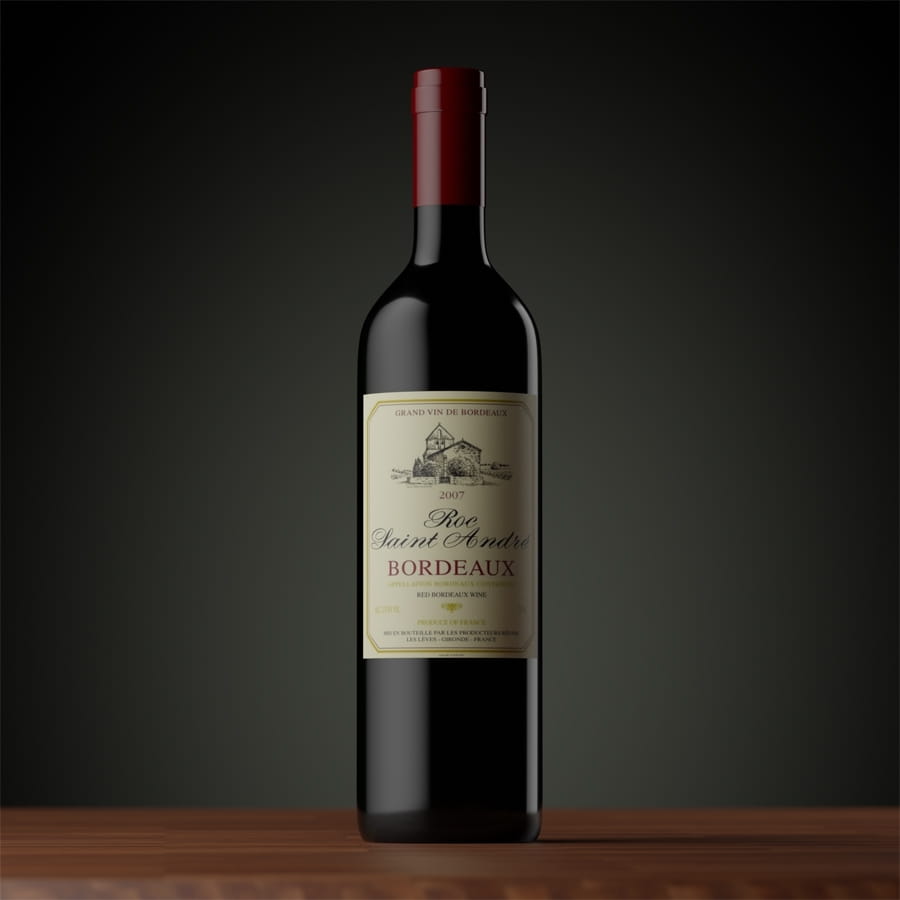
The plug-in creates a live link between HDR Light Studio and Blender, helping automotive, visualization and entertainment artists to create accurate photorealistic lighting set-ups more quickly, intuitively and creatively.


HDR Light Studio enables artists to create custom HDRI-based set-ups that mimic real-world lighting without the need to place 3D lights by hand, through time-saving features like LightPaint, which lets users position highlights on a model simply by clicking on its surface.
 

image_c


“The improvement in speed that HDR Light Studio provides is immense,” said motion designer Gizmo Beardon, “Manually moving light objects and tweaking settings in Blender takes time. It's nice to be able to focus only on the lighting.”

The new connection makes the lighting tools used in production by firms like Porsche, Sony and Framestore available to individual Blender users for the first time.
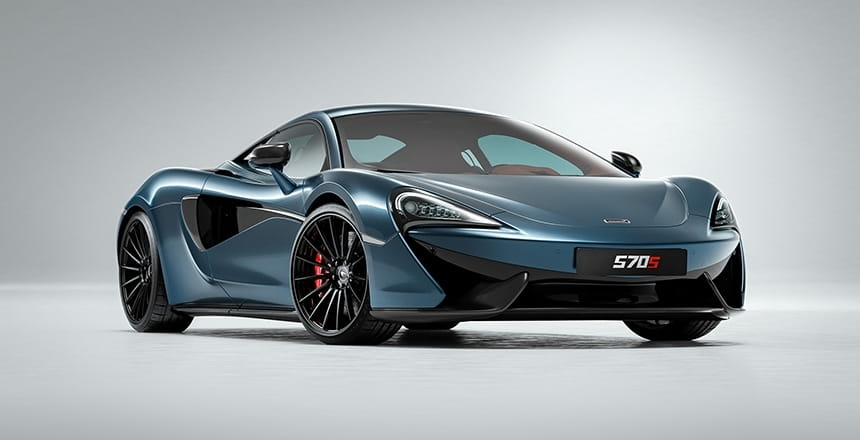
 

image_b


“I found HDR Light Studio a long time ago, and always wanted to use it for my Blender projects,” says automotive artist Daniel Vesterbaek, who recently adopted the new connection in his work. “Lighting used to feel cumbersome, and there was a lot of guesswork involved in how reflections would look. HDR Light Studio enables me to generate high-quality lighting more intuitively.”

The Blender connection is the first to take advantage of HDR Light Studio's new API (added in HDR Light Studio's Xenon Drop 1 release) and is used to establish a real-time connection between the two applications.

Features:
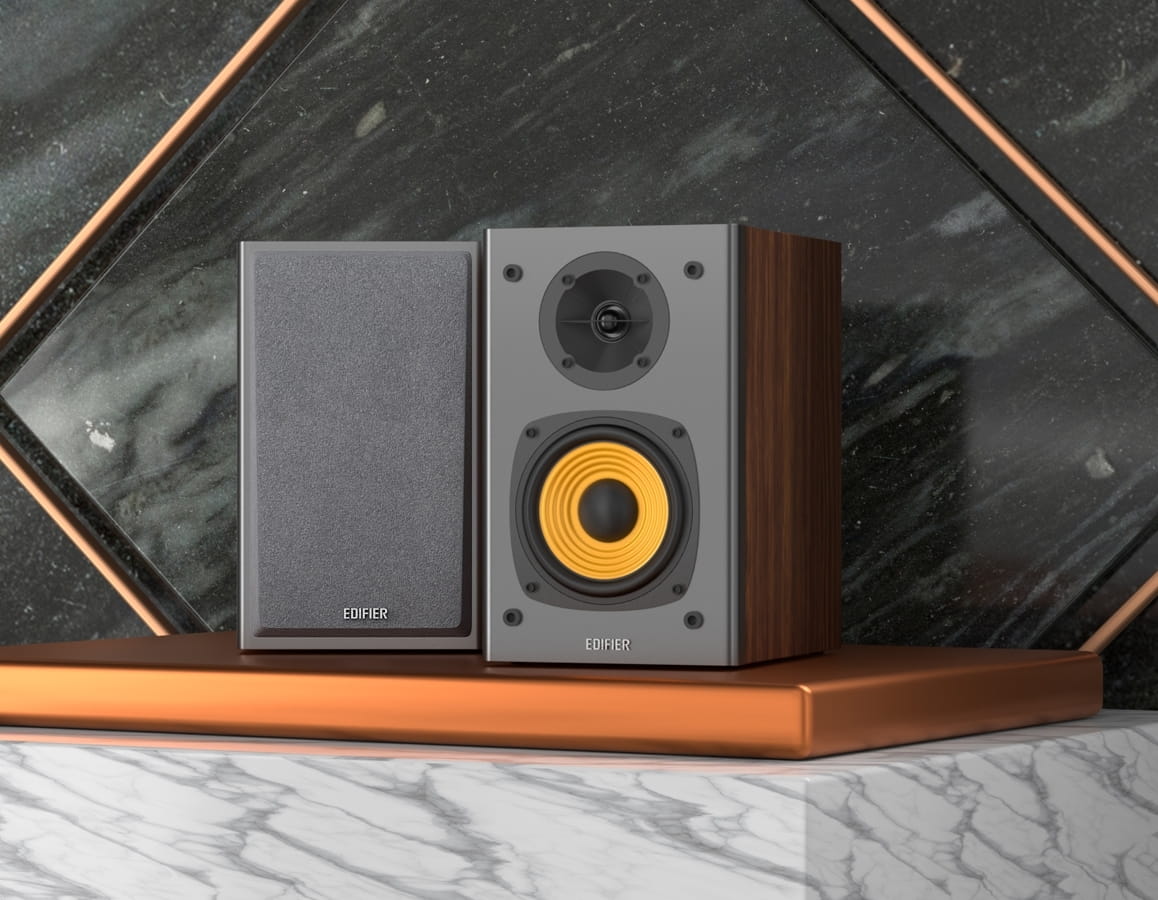
  • Create photorealistic HDRI-based lighting set-ups interactively
  • Drag and drop preset 2D and 3D lights mimicking real-world light types like soft boxes
  • LightPaint system positions highlights and reflections by clicking directly on a model
  • New Blender connection shows the results in the Blender viewport in real time
  • Create your own synthetic HDRIs or edit photographic HDRI maps
  • Customize HDRIs with masks, gradients and layers
  • Procedural sky system for lighting outdoor scenes
  • Save light rigs as presets to use in other projects
  • Fast and responsive, even with large production scenes
  • Supports industry standards like OpenColorIO and Alembic


image_d


Pricing and Availability:

  • The new Blender connection is compatible with Xenon, the latest version of HDR Light Studio. The Blender connection is a free addition for existing HDR Light Studio customers with active Subscriptions or Maintenance.
  • HDR Light Studio is available for Windows, Linux and macOS. Subscriptions start at $140/year for Indie artists with annual revenue under $100,000, which includes the connections for Blender, 3ds Max, Cinema 4D, Houdini, LightWave 3D, Maxwell Studio, Maya, Modo, OctaneRender Standalone, Rhino and SOLIDWORKS Visualize. 
  • More information: HDR Light Studio site
Author: PR Editor: Michał Franczak
Tags: blender lighting hdr
You may also like...
5 useful Blender tips

5 useful Blender tips

In this tutorial Kamil from Evermotion presents you 5 useful Blender tips.
×

LEAVE A COMMENT

You need to be logged in to leave a comment. Don't have account? Register now.

Betty RosnBrickez 04:43:35  |  08-10-2020
test