Search
Cart
Sign in
  • offerCustomer zone
  • offerYour orders
  • offerEdit account

  • offerAdd project
  • offerLiked projects
  • offerView your artist profile

  • Dark mode

We care about your privacy

We use cookies to provide you with the best possible experience. They also allow us to analyze user behavior in order to constantly improve the website for you. The consent is voluntary. You can withdraw it at any time or renew it in Cookie settings on the home page. Withdrawal of your consent does not affect the lawfulness of processing performed before the withdrawal. Privacy Protection Policy
Accept all
Accept selection
Reject all

Free plugin: Copy and Paste Meshes between 3d applications

OrigamiDigitalSoftware 2019-10-15 11:39 article  > Software

Move your meshes between apps in a fast and intuitive way.

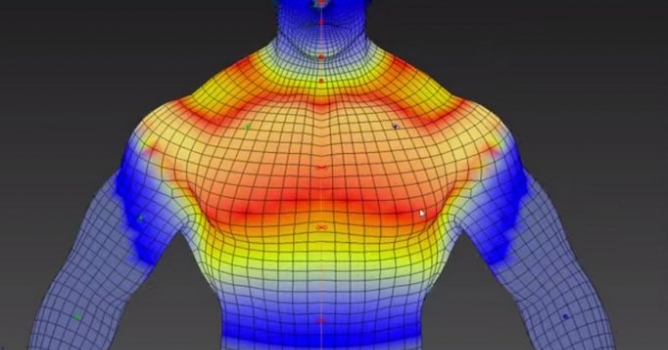
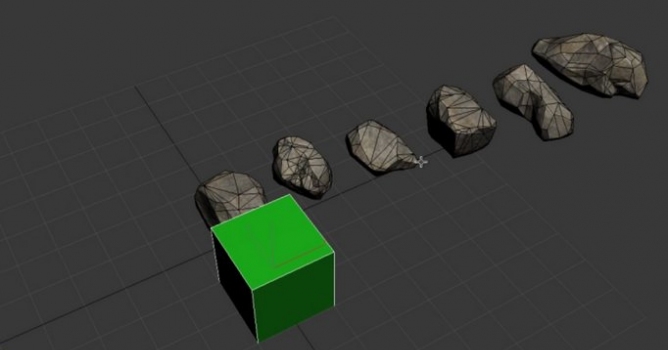
Easily copying and pasting of geometry and common attributes across 3D Applications, perfect for quick iterations between them, without concerns about file management.

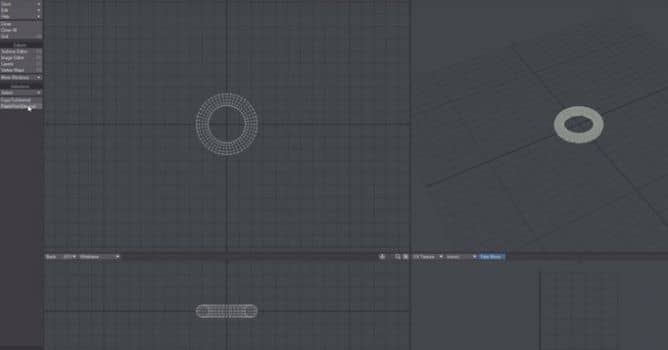
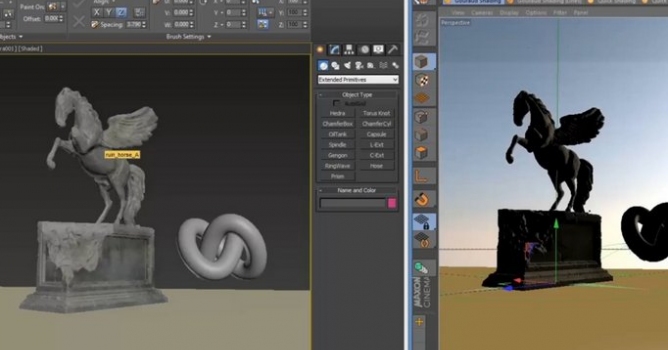
Nowadays, we often use different 3d applications simultaneously. We jump between ZBrush, C4D, 3ds Max or Blender. Exchanging 3d meshes between apps takes precious seconds (cumulating to minutes and hours) of time. Luckily, there is an addon that simplifies the process of transfering meshes (and uv maps and vertex colors) between apps. It's OD Copy Paste External.

If you are working in environments using multiple applications, this becomes extremely beneficial. Currently, it uses an always existing temporary directory to store the intermediate custom file on the local machine, but that directory can be changed to live on a dropbox (for online internet sharing with friends), or on a network server for inter company sharing.


The following applications are supported:

  • Modo : Vertices / Polygons (incl. Subpatch and SubD)/ WeightMaps / UVMaps / MorphMaps
  • Lightwave : Vertices / Polygons (incl. Subpatch and SubD)/ WeightMaps / UVMaps / MorphMaps
  • Blender : Vertices / Polygons (incl. Subpatch and SubD)/ WeightMaps / UVMaps / MorphMaps
  • Maya : Vertices / Polygons / Weights (via Vertex Normals) (Implementation by Andre Hotz)
  • Houdini : Vertices / Polygons / Weightmaps / VMaps
  • C4D : Vertices / Polygons / UVs
  • Rhino : Vertices / Polygons (should be a good starting point for someone more experienced to finish it)
  • Sketchup : Vertices / Polygons (Paste only for now - Initial implementation provided as starting point)
  • 3DsMax : Vertices / Poyygons (Initial implementation provided as a starting point)
  • XSI : Vertices / Polygons / WeightMaps / Morphs
  • Moi3D : Vertices / Polygons
  • ZBrush : Vertices / Polygons / UVs
  • Substance Painter : Vertices / Polygons / UVs
  • 3D-Coat: Vertices / Polygons / UVs
  • Unity: Vertices/ Polygons / UVs / Materials
  • Mari : Vertices / Polygons / UVs (in beta)

You can download this plugin for free from Github or download it from developer's site: Origami Digital Software. You can also consider making a donation to sustain product development.
Author: OrigamiDigitalSoftware Editor: Michał Franczak
Tags: plugin export
You may also like...
OmniTiles sneak peek

OmniTiles sneak peek

OmniTiles is a 3Ds Max plugin (by VizPark)  that creates materials based on free tileable patterns, designed with the Pattern Designer.
×

LEAVE A COMMENT

You need to be logged in to leave a comment. Don't have account? Register now.