Search
Cart
Sign in
  • offerCustomer zone
  • offerYour orders
  • offerEdit account

  • offerAdd project
  • offerLiked projects
  • offerView your artist profile

  • Dark mode

We care about your privacy

We use cookies to provide you with the best possible experience. They also allow us to analyze user behavior in order to constantly improve the website for you. The consent is voluntary. You can withdraw it at any time or renew it in Cookie settings on the home page. Withdrawal of your consent does not affect the lawfulness of processing performed before the withdrawal. Privacy Protection Policy
Accept all
Accept selection
Reject all

3ds Max 2020.1 Update released

Press release 2019-06-17 09:20 article  > Software

You can now easily customize shortcuts keys with a new hotkey system and extend your viewports across various monitors.

New features and changes in 3ds Max 2020.1 Update:

Hotkey editor:

  • The new Hotkey Editor makes it easy to view and change existing keyboard shortcuts as well as save and load custom hotkey sets.
  • Search for actions by either keyword or current hotkey assignment.
  • Filter actions by current customization status and by group.


Floating viewports:

  • Float up to 3 viewport windows.
  • Provides more flexibility in how you work by leveraging your multiple-monitor setup.
  • Floating viewports are fully functional and can be configured separately.

Chamfer modifier improvements:

  • Updates include the new By Weight chamfer amount type, which allows you apply an absolute weight to an edge rather than interpolating between vertices.
  • Chamfer depth can now be set on a per-edge basis.
  • Radius Bias blends the chamfer size to the radius amount to help handle sharp corners.
  • Edge Weight and Edge Depth are now available as inputs and outputs in the Data Channel modifier.

Autodesk 3ds Max Public Roadmap:

nr_01637_Untitled

Read 3ds Max 2020.1 release notes

Author: Press release Editor: Michał Franczak
Tags: 3dsmax
You may also like...
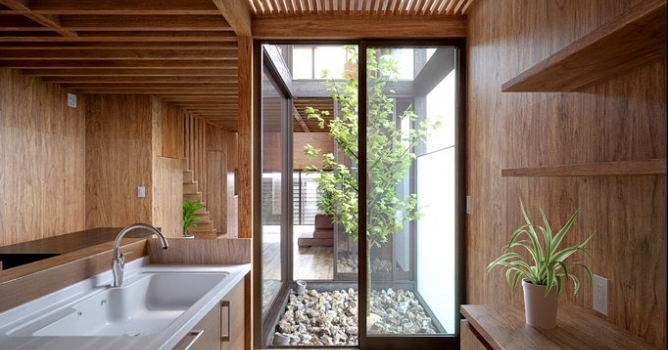
Making of wooden interior - Tip of The Week

Making of wooden interior - Tip of The Week

Scene 4 from Archinteriors vol. 28.
×

LEAVE A COMMENT

You need to be logged in to leave a comment. Don't have account? Register now.