Evermotion: More Than an Asset Library
How Evermotion became a full-scale production partner for archviz, automotive and synthetic data.


Total: € 0


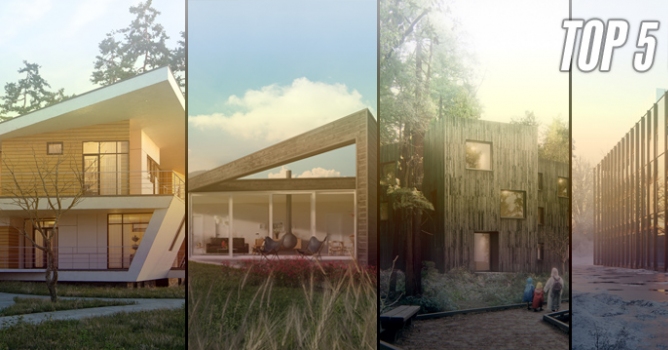
This article appeared first on Chaos Group Blog. Top image by Dabarti Studio.
V-Ray Hybrid Benchmarks
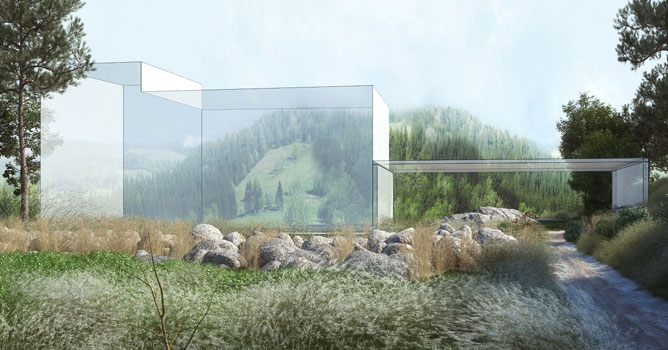
To find out the speed boost we get by adding CPUs to the GPU mix, we benchmarked two V-Ray CUDA scenes from our friends at Dabarti Studio.
Hardware

CPUs: 2 x Intel Xeon CPU E5-2687W v3 3.10 GHz, total of 40 logical CPU cores RAM: 128 GB, GPUs: 2 x NVIDIA Quadro GP100 with 16GB each, total of 7,168 GPU cores

Engine: V-Ray 3.6 CUDA, Resolution: 1920×1080, Noise threshold: 0.01, GPUs + CPUs Time: 4:27 (267s); GPUs only Time: 5:03 (303s) 13% longer than GPU + CPU; CPUs only Time: 26:25 (1585s) 520% longer than GPUs alone. Scene courtesy of Dabarti Studio
Salt and Pepper scene

Engine: V-Ray 3.6 CUDA, Resolution: 1920×1080, Noise threshold: 0.01. GPUs + CPUs Time: 9:11 (551s); GPUs only Time: 11:33 (693s) 25% longer than GPU+CPU. CPUs only Time: 40:52 (2452s) 354% longer than GPU alone. Scene courtesy of Dabarti Studio
For these scenes, the addition of CPUs helped reduce render times by 13% and 25%. It’s a welcome speed boost, rather than leaving these powerful CPUs idle.
Let’s consider a few use cases for V-Ray Hybrid:
Upgrade to GPUs as you go
As CPU machines are ready to be replaced, V-Ray Hybrid can help ease the transition to more GPU rendering, while continuing to take advantage of existing CPU resources. Additionally, if there is an empty PCIe slot on a workstation or render node, adding a GPU can give it a radical speed boost without replacing the whole machine.
A few things to note






LEAVE A COMMENT





|

|

|

|

|
 Customer zone
 Your orders
 Edit account
 Add project
 Liked projects
 View your artist profile
COMMENTS