Evermotion: More Than an Asset Library
How Evermotion became a full-scale production partner for archviz, automotive and synthetic data.


Total: € 0
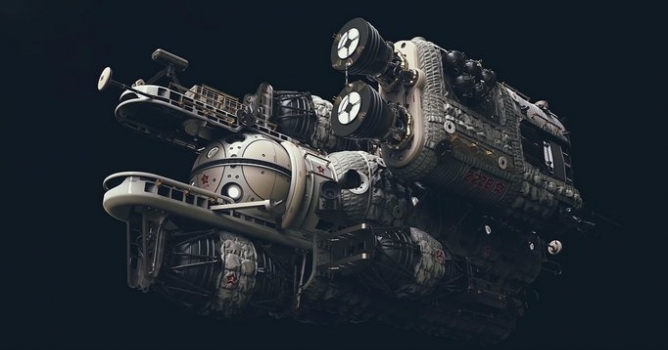

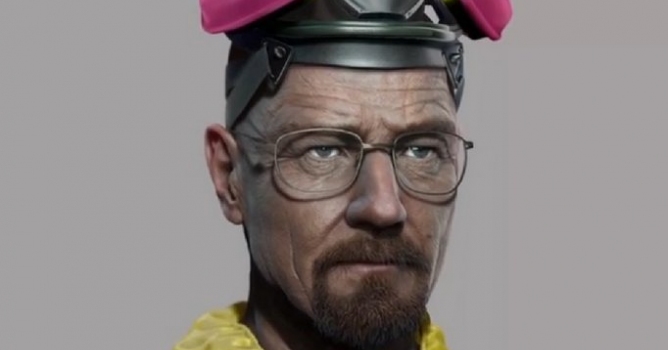
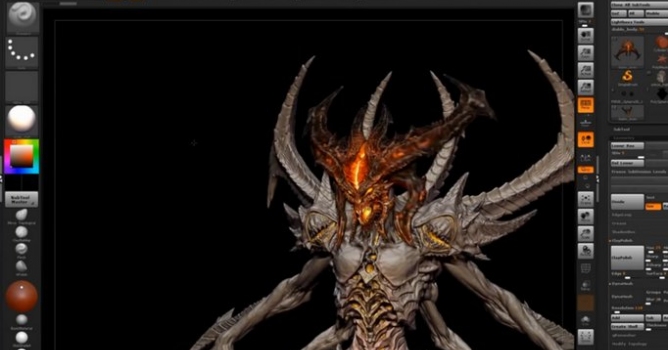
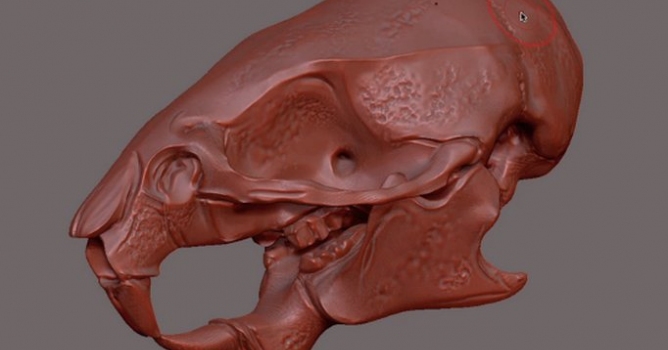
Many new features will provide increased freedom while designing, foremost of which are Live Boolean and Vector Displacement Mesh.
Boolean systems have historically required a lot of trial and error before finally getting a satisfying result. With Live Boolean, artists gain the ability to combine multiple sculptures together and see in real-time what the resulting mesh will look like. Any model can be subtracted from another, regardless of their polygon counts. You can use Live Boolean with the existing instancing systems in ZBrush such as NanoMesh and ArrayMesh. While Live Boolean is active, you can even sculpt on your models while previewing the Boolean results.
Live Boolean is also excellent for creating hard surface models. Live Boolean makes it possible for you to preview any addition and subtraction operations between your source models, allowing adjustments to be made on the fly.
There is no guesswork, since you are able to dynamically see the end result before committing to the operation. You can adjust any part on a mesh and see it instantly impact the model. It’s 100% interactive, non-destructive and works with any sculpt.
More information: Pixologic ZBrush site.



LEAVE A COMMENT





|

|

|

|

|
 Customer zone
 Your orders
 Edit account
 Add project
 Liked projects
 View your artist profile
COMMENTS