Search
Cart
Sign in
  • offerCustomer zone
  • offerYour orders
  • offerEdit account

  • offerAdd project
  • offerLiked projects
  • offerView your artist profile

  • Dark mode

We care about your privacy

We use cookies to provide you with the best possible experience. They also allow us to analyze user behavior in order to constantly improve the website for you. The consent is voluntary. You can withdraw it at any time or renew it in Cookie settings on the home page. Withdrawal of your consent does not affect the lawfulness of processing performed before the withdrawal. Privacy Protection Policy
Accept all
Accept selection
Reject all

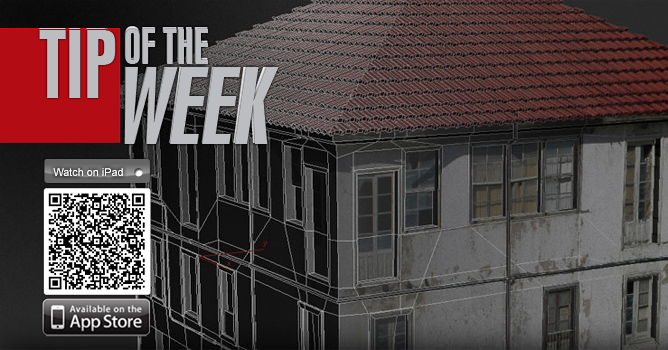
TipOfTheWeek 3D building modeling part 2

Evermotion 2012-02-07 14:56 tutorial  > 3ds MAX  > modeling

Tutorial

Author: Evermotion
Tags:
You may also like...
How to Speed Up Archviz Rendering Without Upgrading Your Hardware

How to Speed Up Archviz Rendering Without Upgrading Your Hardware

Save time, reduce stress, and focus more on the creative side of your projects.
×

LEAVE A COMMENT

You need to be logged in to leave a comment. Don't have account? Register now.

A.A 23:26:30  |  12-02-2012
Nice tuto :). i would like to know how do u connect the edge so easy?
stephenak 21:44:03  |  20-02-2012
I think it's a graphite modelling tool. It is called quickloop or something like that.
dzoes 14:55:26  |  25-02-2012
can u tell me how u added so quickly these additional, horizontal lines on roof plane? thx
the eye 11:28:04  |  04-03-2012
its called swift loop from graphite toolbar
dzoes 18:43:38  |  18-03-2012
I got it. thanks :)
eva.k 15:04:31  |  25-04-2012
that's a super video, thanks :))
RolandB 09:21:44  |  27-04-2012
Amazing tuto ! What you do with the symmetry modifier is really surprising, I didn't know this technique for simple modeling (i used it for making chairs, sofas but in fact it's the same !!). One critic : the quality of the video : in my case (beginner), I don't see all the things you do and can't guess the modifiers you use even in large or medium screen. Could you post a higher resolution (or put a link to) ? Thanks again for this great tutorial ! Roland
RolandB 09:24:49  |  27-04-2012
Oups... sorry for my latest post : I didn't click on "HD" button for the video quality ! Thanks again !
gaafar 05:11:57  |  10-05-2012
very nice ,but can u do it with high resolution caz i couldnot follow the steps ,thanx
shadowless 09:32:09  |  07-12-2012
pls somebody just answer how to add those edges??
cornerofart 09:40:36  |  13-02-2013
Thank you very much for this tutorial, really it's very different technique