Evermotion: More Than an Asset Library
How Evermotion became a full-scale production partner for archviz, automotive and synthetic data.


Total: € 0
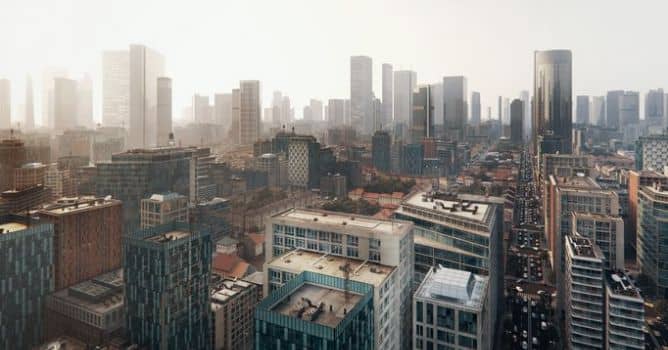

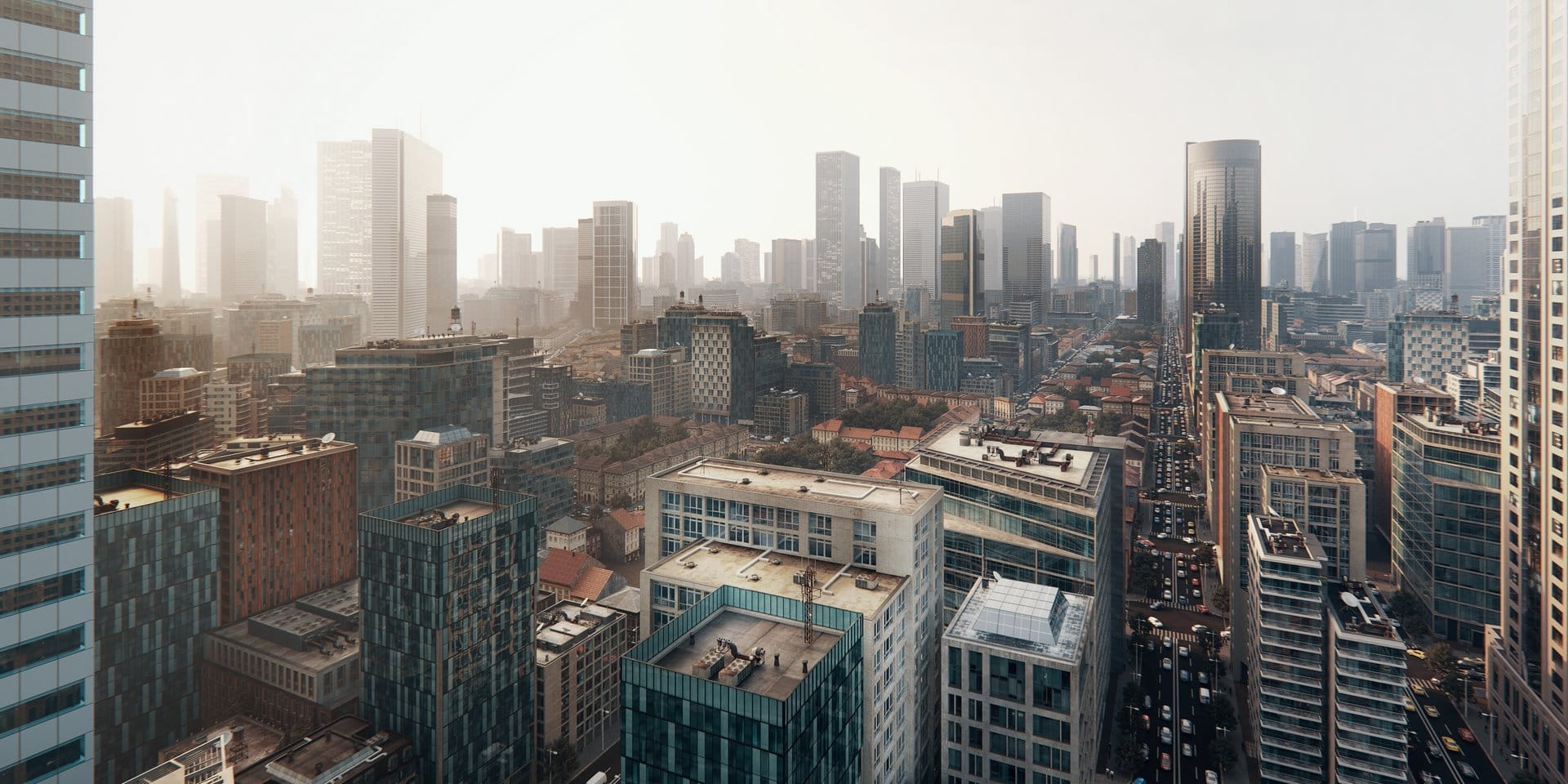
“Creating Cityscapes” is iToo Software’s latest Tips & Tricks installment for Forest Pack and RailClone. In this episode they demonstrate how to distribute pre-built Evermotion assets to quickly create procedural cities.
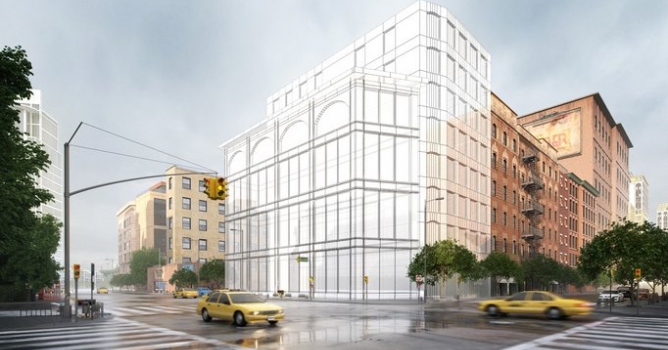
Using a simple grid, they demonstrate how to populate a city with 3 types of building, each showcasing a different technique. They start with courtyard buildings, add towers that are automatically scaled and oriented to fill and entire city block, and finally fill blocks with multiple mid-size commercial buildings.
In this Advanced tutorial, we share tips to learn how to distribute pre-built assets and quickly create procedural cityscapes using Forest Pack and RailClone. Read a written version of this tutorial on the iToo Software website.
Free lite versions of our plugins are available that never expire, can be used commercially and include nearly all of the powerful features found in the Pro version! Find out more by following the links below
The techniques shown in this tutorial can be used with the free Lite version of RailClone so if you’re not yet a RailClone user then here’s a great excuse to take if for a spin.
Although you can use any existing assets or model them yourself. In this tutorial, the iToosoft team used buildings from Evermotion’s extensive collections. The courtyard houses come from collection Archmodels vol. 172, the skyscrapers and towers from Archmodels vol. 181, and the mid-size commercial buildings from collection Archmodels vol. 203. They even used low-poly cars from collection Archmodels vol. 132 to fill the roads. If you visit the collection’s pages, you can download a selection of free samples from each collection to follow along with the exercises.



LEAVE A COMMENT







|

|

|

|

|
 Customer zone
 Your orders
 Edit account
 Add project
 Liked projects
 View your artist profile
COMMENTS