Evermotion: More Than an Asset Library
How Evermotion became a full-scale production partner for archviz, automotive and synthetic data.


Total: € 0


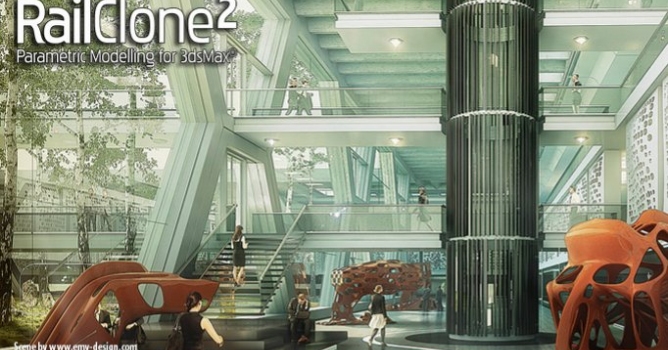
As everybody knows, Christmas is all about tradition, and so here is an annual tutorial demonstrating how to use RailClone to model an unconventional Christmas tree. This year we'll demonstrate how to stack any model, either your own or a stock object, into a cone to create an eye-catching "tree" from nearly any geometry. Along the way, you'll learn some core RailClone skills, pick up some tips for using the A2S Array's Y Mode settings, and see the power of using simple expressions.







LEAVE A COMMENT





|

|

|

|

|
 Customer zone
 Your orders
 Edit account
 Add project
 Liked projects
 View your artist profile
COMMENTS