Search
Cart
Sign in
  • offerCustomer zone
  • offerYour orders
  • offerEdit account

  • offerAdd project
  • offerLiked projects
  • offerView your artist profile

  • Dark mode

We care about your privacy

We use cookies to provide you with the best possible experience. They also allow us to analyze user behavior in order to constantly improve the website for you. The consent is voluntary. You can withdraw it at any time or renew it in Cookie settings on the home page. Withdrawal of your consent does not affect the lawfulness of processing performed before the withdrawal. Privacy Protection Policy
Accept all
Accept selection
Reject all

Vizpark updates Walls & Tiles, Crossmap, Mosaic

Press release 2015-05-22 14:03 article  > Software

Vizpark have released some important updates of its' software together with the first 1.0 version of Material Manager Lite Edition.

These updates show a direction that we are heading for, a clear step to more usability, flexibility and intuitive workflows.

The new licensing system now includes node locked and floating licenses for more flexibility and allows Vizpark to provide FULL FEATURED Demo Versions of plugins that will run for 14 days without activation.
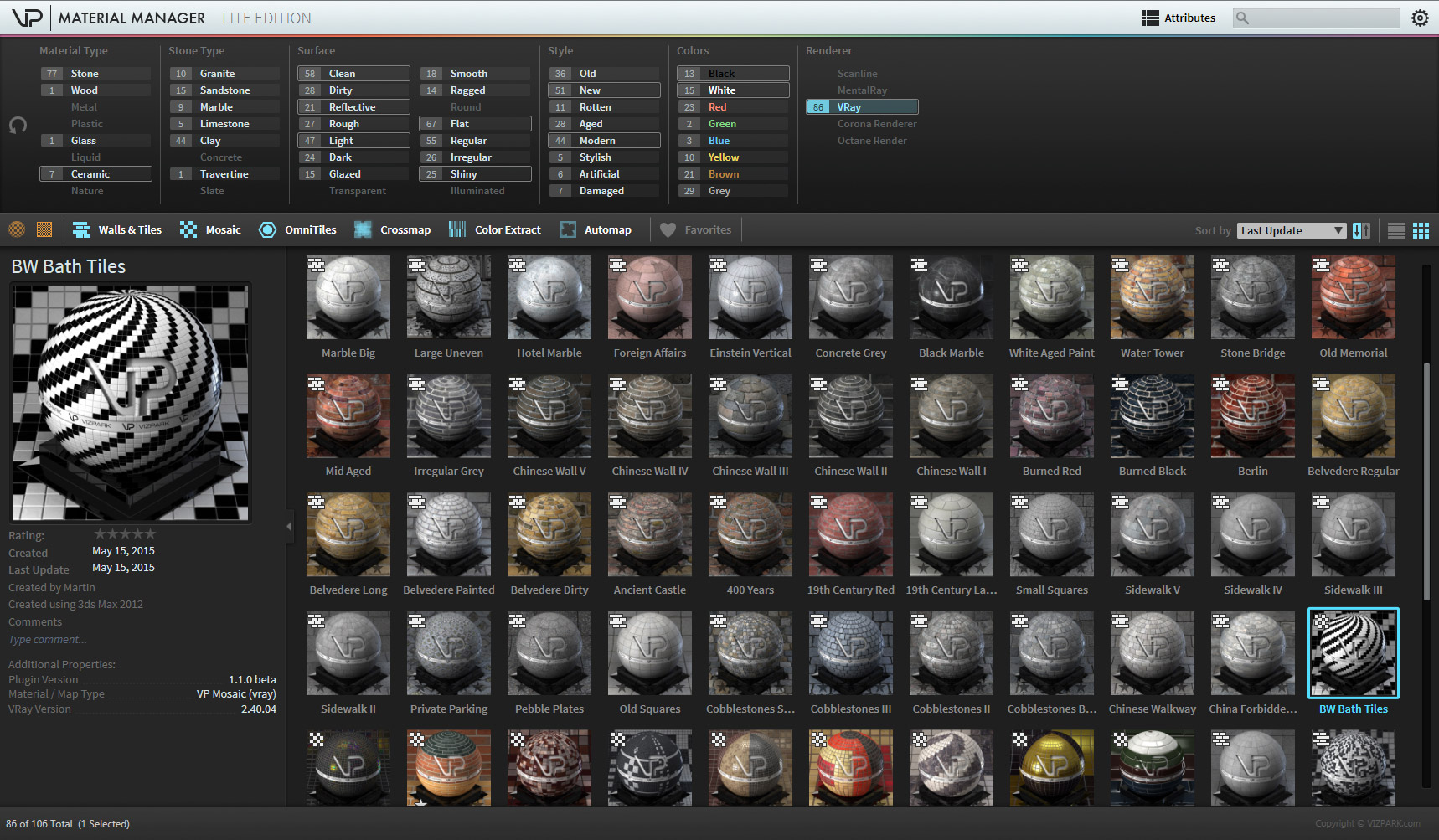
VP_MaterialManager_099_Full_large.jpg

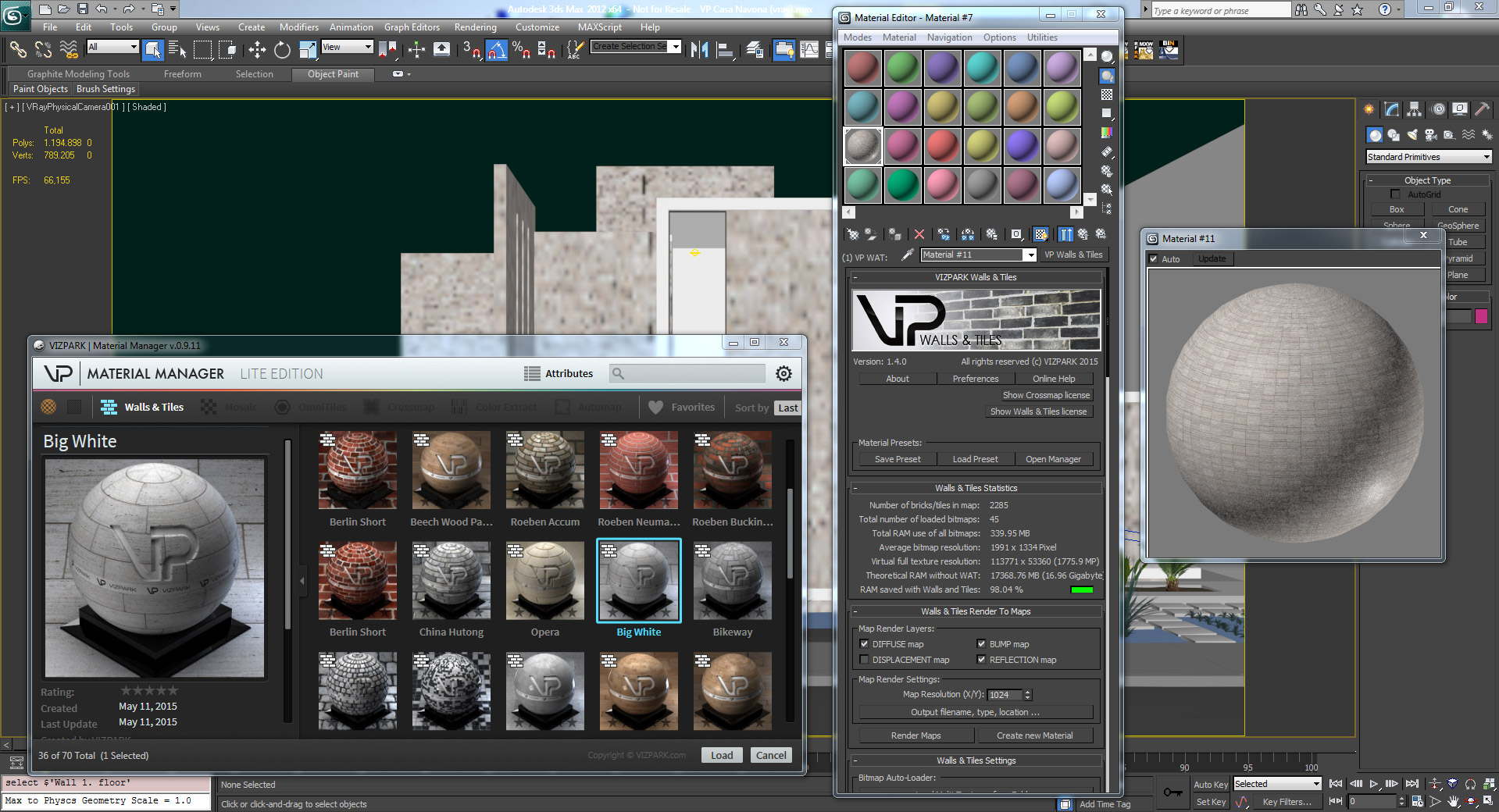
The new Material Manager is a tool to organize your materials and maps of Walls & Tiles, Crossmap and Mosaic. The updates include shader libraries, ready to use for your scenes. Integrated directly with the plugins, you can easily load and save materials, together with automatically rendered thumbnails, attributes and a fast database. The used bitmaps of a material are stored to a central library location so you don´t have your bitmaps flying around. The times of bitmaps search are finally over.
 

VP_WallsAndTiles_14_PRODUCT_full_scene.jpg

Walls & Tiles includes the new Material Manager with a ready-to-use library of 12 vray, corona and scan line materials (Standard version) and 76 vray materials (Walls & Tiles Complete) (Corona and scan line materials will follow shortly).

RENDER TO MAPS is a new feature that renders maps from your current material and creates a new standard (vray, corona or standard) material with these maps automatically. This way you can easily replace your current Walls & Tiles material with the rendered version in order to use VRAY RT, Octane or other renderers that are currently not compatible with Walls & Tiles.

Walls and Tiles 1.4 changelog:
  • NEW FEATURE: Material Manager 1.0 Lite Edition integration
  • NEW FEATURE: Material preset library for vray, Corona, scanline
  • NEW FEATURE: New Crossmap 1.4.0 included
  • NEW FEATURE: Render to Maps (bake bitmaps and create new material)
  • NEW FEATURE: New copy protection with nodelocked and floating licenses
  • NEW FEATURE: Full featured 14 day demo without activation
  • IMPROVEMENT: Display message in Max 2014 or higher to improve viewport performance settings
  • INSTALLER: Support for 3DS MAX 2016
  • FIX: Maxscript error when loading old scenes with missing bitmaps
  • FIX: update correct infos in statistics on clear bitmaps
  • FIX: auto-size calculation wrong in some cases, resulting in rows = 1
  • FIX: last selected folder not remembered correctly during session


VP_Crossmap_14_Fullscreen.jpg

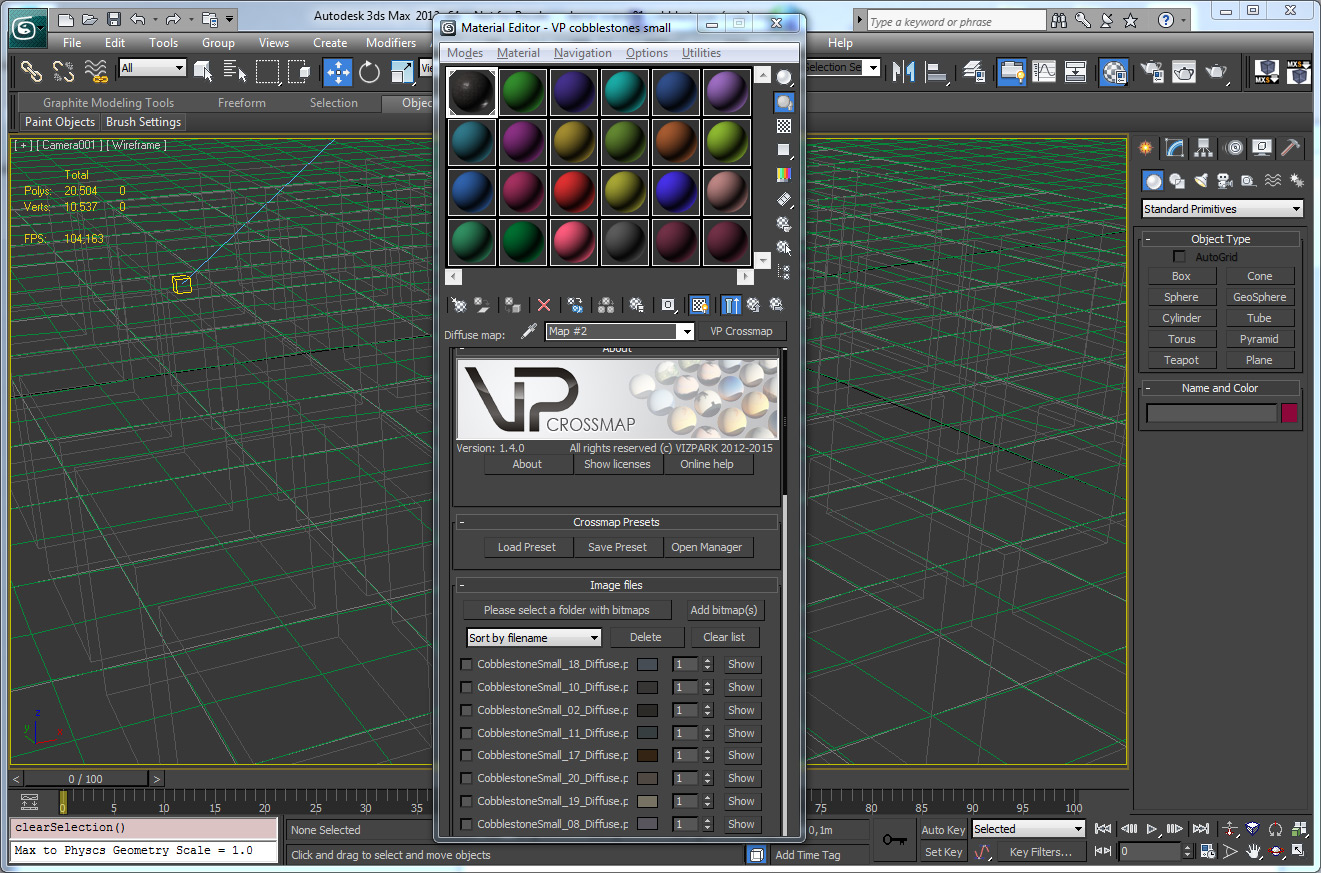
Crossmap 1.4 also includes the new Material Manager and a new texture map library with different kinds of bitmaps, bricks, stones, RAL Colors, scratch maps and more to enhance your materials or easily create new ones.

The average colors, new image list and probability per bitmap come in handy to more precisely define the randomization or distribution of a large map array.

Crossmap 1.4 changelog:

  • NEW: Material Manager integration with a new texture / map library
  • NEW: Added support for VP Omnitiles
  • NEW: Support for 3DS MAX 2016
  • NEW: Added online check for new version
  • NEW: Changed licensing/copy protection system now allows far more flexible licensing including a floating license model
  • NEW: Also allows now a 14 days complete unrestricted trial period
  • NEW: Overhauled UI map listing. Now includes individual map entries with more detailed information like significant color, file size, resolution. A click button to show the image in an image display has also been added
  • NEW: Added probability setting for each individual map. In the random selection modes this deterimines how frequent or not at all (when set to zero) should appear. The higher the setting the more likely it will be chosen
  • NEW: Sorting of maps has been extended to sort also by colour or by probability
  • FIX: Not all map changes caused the viewport to be updated
  • FIX: mental ray global color corrections: hue, contrast, exposure, brightness not working
  • FIX: Random but unique selection was not always the same when used in Walls & Tiles

More info on Vizpark site.

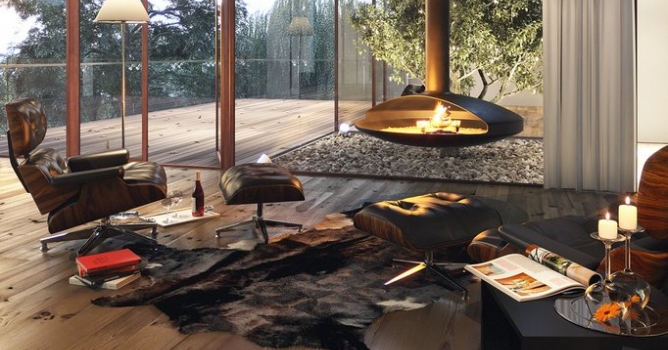
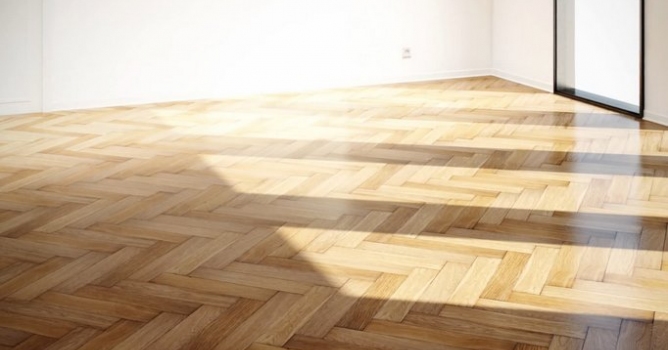
Top image - House Lindau Interior by 2G Studio.

Author: Press release Editor: Michał Franczak
Tags: 3dsmax vizpark plugins
You may also like...
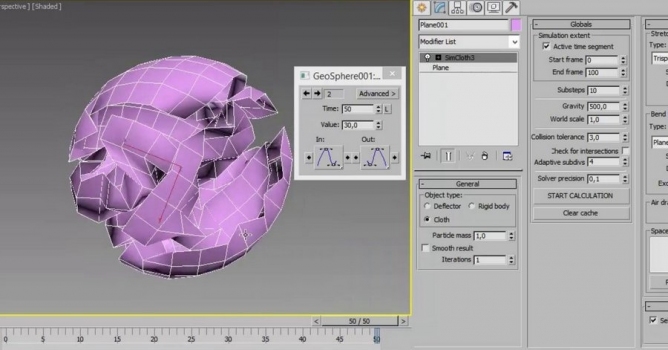
Crumpled Paper from a Plane (with simcloth)

Crumpled Paper from a Plane (with simcloth)

Making crumpled paper from a plane with simcloth in 3ds max in just 5 minutes.
×

LEAVE A COMMENT

You need to be logged in to leave a comment. Don't have account? Register now.