Evermotion: More Than an Asset Library
How Evermotion became a full-scale production partner for archviz, automotive and synthetic data.


Total: € 0

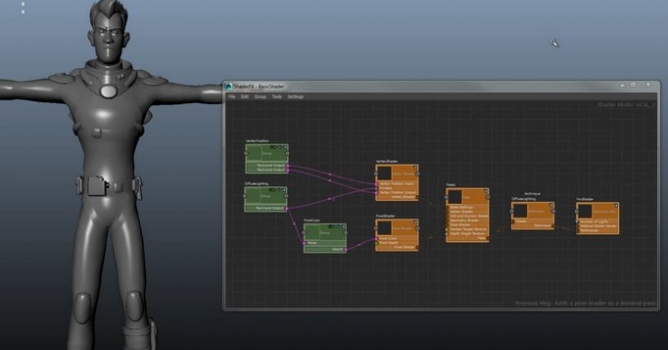
The look development (Hypershade) workflow enhancements in Maya 2016. The enhancements include a rebuilt node-editing interface, new workflows for visualization and diagnosis of complex shading graphs, a new user interface, and performance improvements. Additionally, Maya 2016 has an all-new look and feel that includes new icons and reorganized menus, making workflows more artist-friendly.
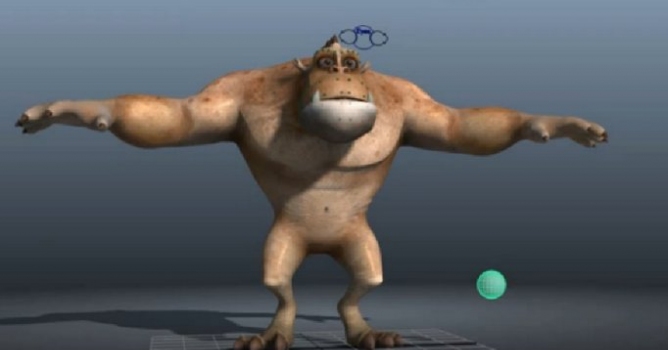
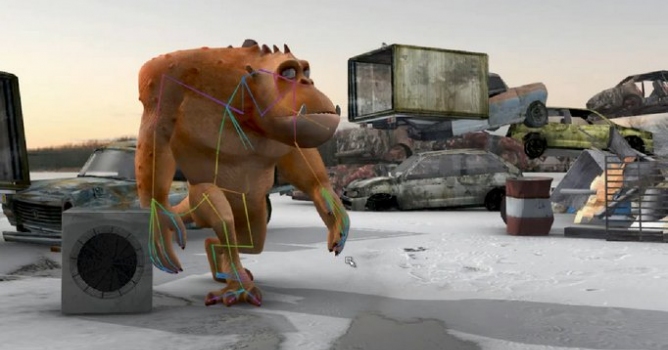
All-new parallel rig evaluation feature in Maya 2016. Maya now takes advantage of both the CPU and GPU in your computer to accelerate playback and manipulation of character rigs. Combined with the integrated performance profiler, it becomes easier to understand and target bottlenecks in scenes and plugins.
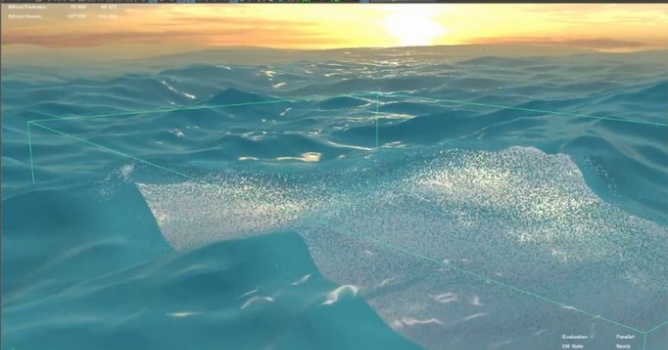
Artists can now add froth, foam, and bubbles to liquid simulations, creating even more realism and detail in scenes with oceans, beaches, lakes, and stormy seas. With camera adaptivity, artists can create high resolution simulations close to the camera where detail is essential, while lowering the computation of foam particles in other ares, resulting in shorter simulation times.
Guided simulations give the artist control, providing the ability to art-direct the behavior of liquids using a cached simulation or an animated mesh object. With a guided simulation, a full-depth low-resolution liquid can be used to guide a high resolution simulation on the liquid's surface, which is useful for effects such as hero waves.
This short video gives you an overview of Delta Mush, a new animation feature in Maya 2016. A popular user request, Delta Mush smooths deformation, guiding the final result closer to the original geometry.
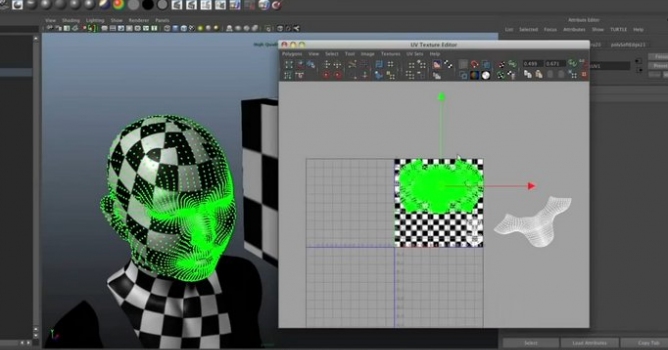
New native sculpting toolset in Maya 2016, with brushes that feature volume and surface falloff, stamp images, sculpting UVs, and support for vector displacement maps.

LEAVE A COMMENT





|

|

|

|

|
 Customer zone
 Your orders
 Edit account
 Add project
 Liked projects
 View your artist profile
COMMENTS