Evermotion: More Than an Asset Library
How Evermotion became a full-scale production partner for archviz, automotive and synthetic data.


Total: € 0

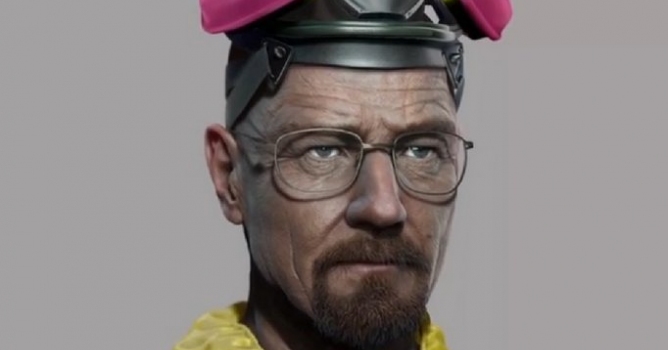
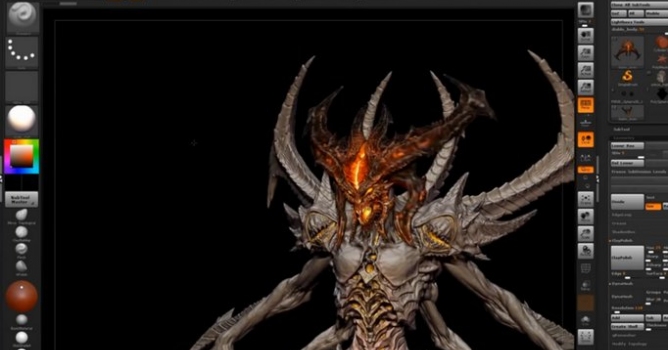
ZBrush 4R7 is the final iteration within the ZBrush 4 series before Pixologic moves to ZBrush 5.0. As with previous point releases, it doesn't simply make a few minor changes but rather is packed with major additions.
In fact, 4R7 is one of the most extensive releases since ZBrush 4 came out - Pixologic
Signature features in ZBrush 4R7 include: ArrayMesh, NanoMesh and ZModeler with QMesh. All of these features are useful throughout the creative process, from initial creation of your model to beautifying your artwork. They allow you to stay within ZBrush for more of your workflow, doing things that were either impractical or even outright impossible to accomplish before now.
Beyond its feature set, the core of ZBrush is being reworked and 4R7 will be the first version of ZBrush that is released with optional 64-bit support. This will allow you to fully harness your machine’s computing power, not only allowing for higher polygon counts but also making it possible for you the artist to create more art in less time.
With ZBrush 4R7 comes the ZModeler brush. This smart polygonal modeling system is designed to simplify your creation process. Quickly and dynamically create new shapes, doing so more easily than ever before possible: fuse polygons, delete full blocks of geometry, connect parts with advanced paths, and repeat your actions with a single click! This new brush will give you the control to build just about any base mesh or object with as few polygons as possible. With its unique snapping ability you will also now find it even easier than ever to create holes, add edge loops or maybe even create your very own robot.
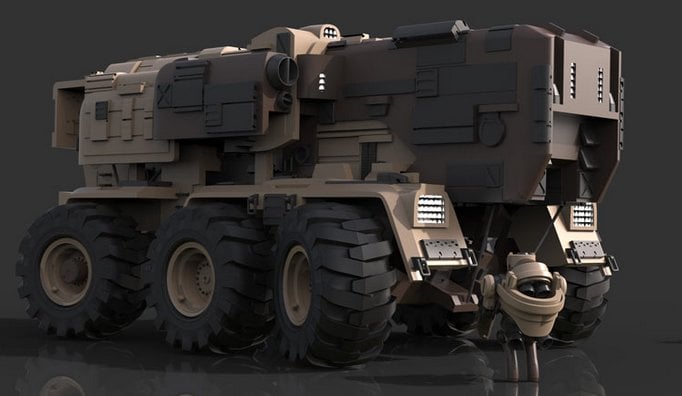
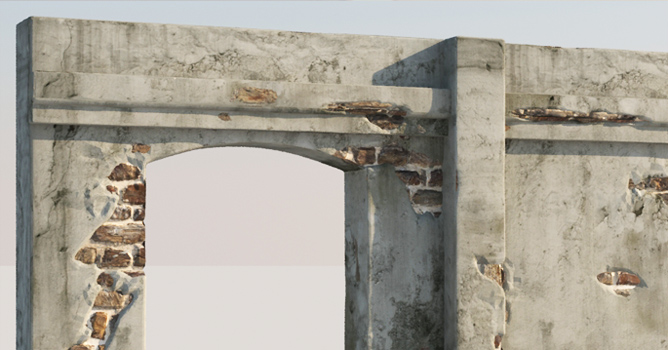
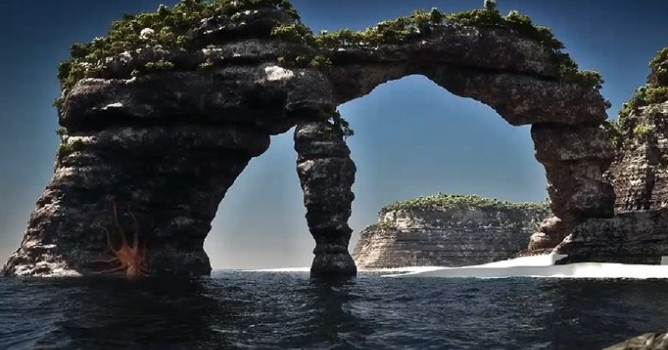
With the ZModeler brush, ZBrush takes a quantum leap beyond the organics that it is already relied upon for. You can refine the shape of your model in real-time to revolutionize how you create hard surface models, architectural structures or highly detailed environments. The possibilities are endless.
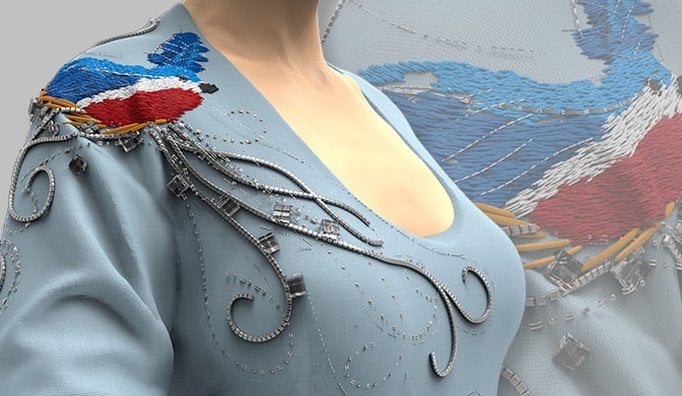
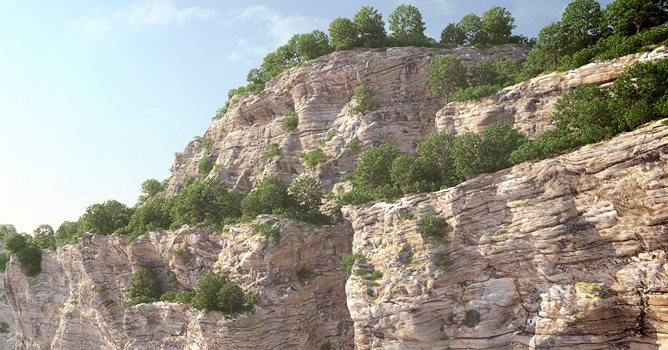
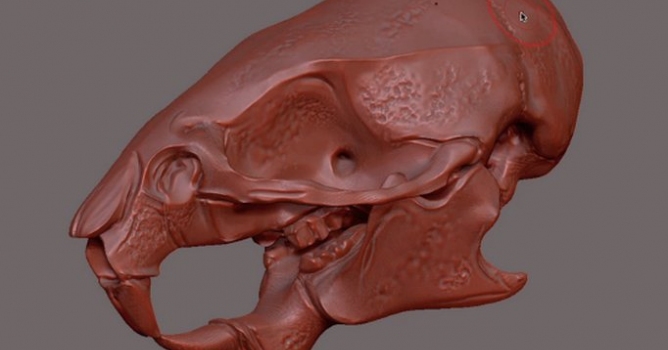
One of the main focus points in developing ZBrush 4R7 has been to generate organically detailed models which look less "computer generated" or less "perfect." To achieve this, the Surface Noise system has been improved to combine noise sources. At the same time, two new functions have been implemented: NanoMesh, which goes beyond simply inserting meshes and allows the user to manipulate them on the fly, together with ArrayMesh, which is an advanced instance creation system.
More information on ZBrush site.

LEAVE A COMMENT





|

|

|

|

|
 Customer zone
 Your orders
 Edit account
 Add project
 Liked projects
 View your artist profile
COMMENTS