Cycles rendering
- Volume Rendering:
- Rendering with cameras inside volume meshes is now supported
- Cubic voxels interpolation is a new option helping to avoid artifacts on low resolution smoke simulations
- Faster rendering of homogeneous volumes
- Support for GeForce 9xx GPUs
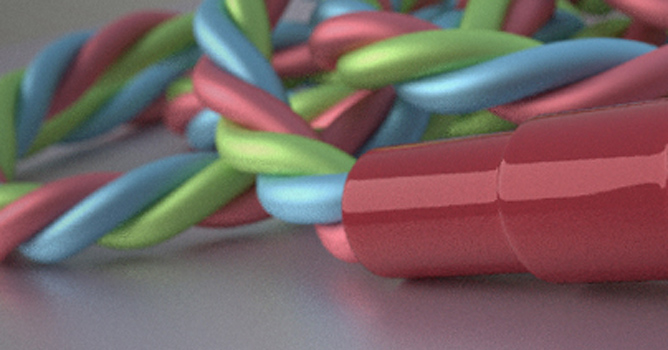
- Improved rendering with area lights
- Viewport specularity for the viewport is now also implemented for Cycles
User Interface
- A new fullscreen mode without any buttons or other "annoying" elements to improve the UI
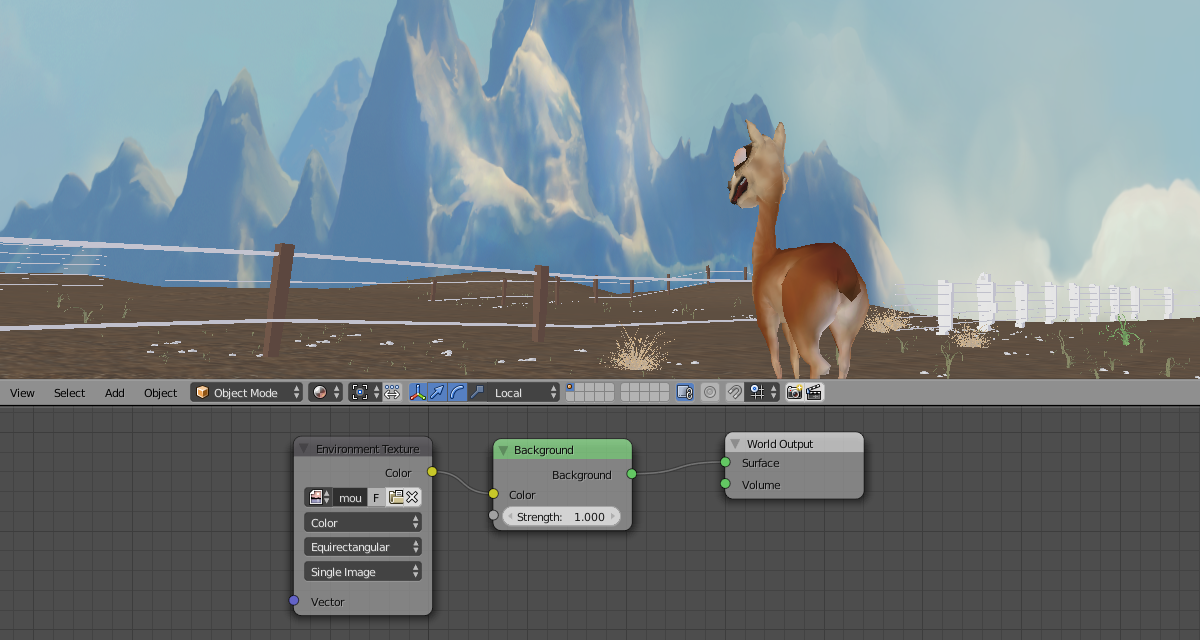
- The 3D View got an option to display the world background right from the viewport
- Pie Menus:
- Confirm Threshold to confirm a pie menu without releasing the original key
- Nested Pie Menus (a Pie Menu within a Pie Menu) are now supported
Chinese and Japanese complex character input
Modeling
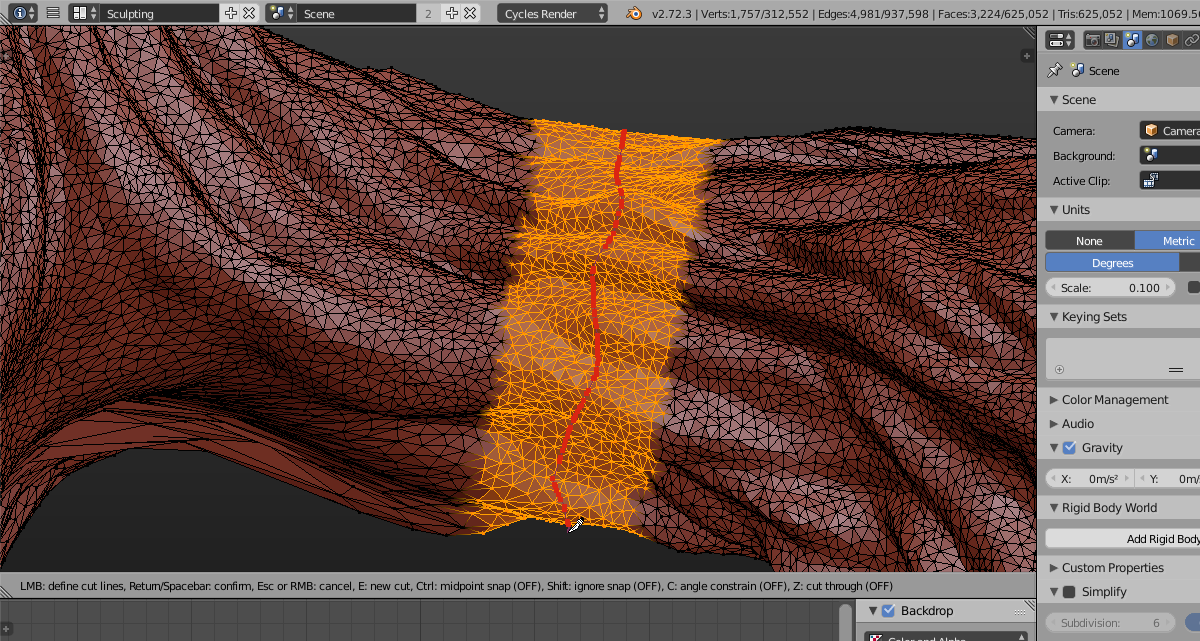
- Knife-tool:
- Cuts can now be created using free-hand drawing
- Cut-loops can now be closed by double click
- Selection:
- A new selection method "Select Similar Regions" was added
- You can now skip adjacent faces while using the select more/less function
Sculpting/Painting
- Texture Painting:
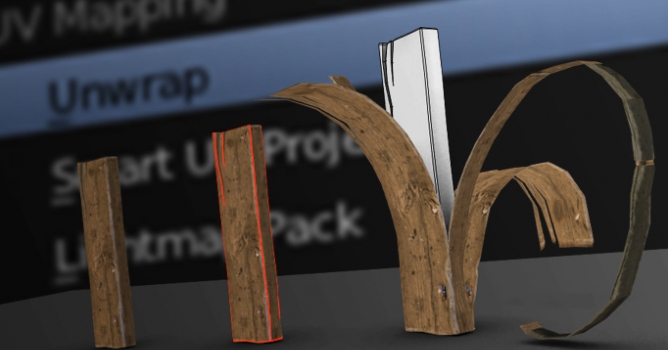
- The Add Simple Uvs operator for texture painting now uses a simpler unwrap method for better quick UV layouts
- Face-mask edges are now hidden to give proper visual feedback while working with masks
- Brushes:
- Changing brush size, detail size and strength can now be done using numeric keyboard input
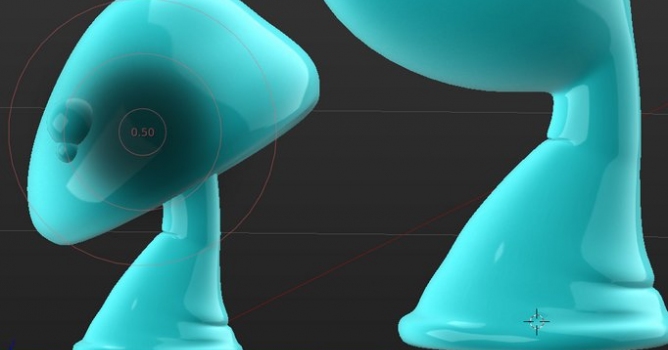
- Brush strength can now also be changed for Grab and Snake Hook brushes
Sequencer
- A Backdrop similar to Compositor is now implemented for the Sequencer as well
- Strips:
- Strips can now be snapped to other strip's start- and endpoints
- A new slip Tool allows moving content within the strip itself
Freestyle NPR Rendering
- Freestyle got a new SVG exporter, implemented as an add-on
- View maps can now be cached
- More options for chain selection and chain sorting were added
Animation
- Grease Pencil (which got a major upgrade)
- It is now possible to edit and animate strokes
- New draw styles were added, e.g. filled stroke interiors, volumetric strokes
- The Grease Pencil's user interface (which is now completely defined via Python) has gotten a general overhaul
- Two quick access pie menus were added
- Graph Editor:
- Revised the set of operators for showing/hiding curves from the keyframe area
- Circle selection for Curves was added
Add-ons
- Collada Importer:
- Importing rigs previously caused problems with leaf bones (end bone of a bone chain) so a fix was created for that.
- Added an experimental bonechain Finder to predict the longest possible chains of connected bones.
- The FBX Add-on now uses some advanced handling/tweaking options for importing and exporting armatures
- The Copy and Paste Add-on is now using version 2.0











 Customer zone
 Your orders
 Edit account
 Add project
 Liked projects
 View your artist profile
COMMENTS