Evermotion: More Than an Asset Library
How Evermotion became a full-scale production partner for archviz, automotive and synthetic data.


Total: € 0
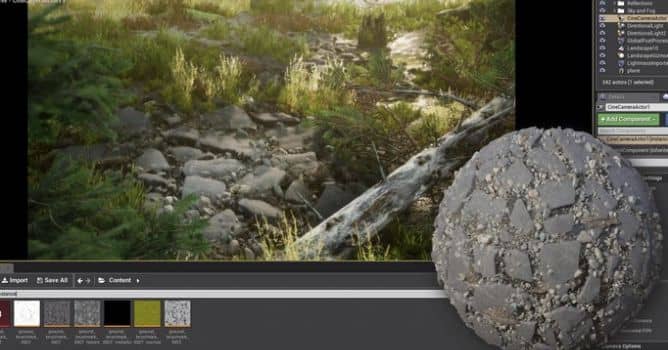

Today, we introduce a smooth way to send your Substance Source assets to Project Substance Alchemist in just one click. Thanks to this feature, the Substance launcher is more than ever becoming the portal for your texturing workflow, letting you get the latest updates for the Substance tools, services and news in one single application. You will also see how fast is rocky ground creation with Substance Alchemist.
Download the free Substance launcher here: https://www.substance3d.com/buy/download








LEAVE A COMMENT





|

|

|

|

|
 Customer zone
 Your orders
 Edit account
 Add project
 Liked projects
 View your artist profile
COMMENTS