Evermotion: More Than an Asset Library
How Evermotion became a full-scale production partner for archviz, automotive and synthetic data.


Total: € 0


Epic games updated Unreal Engine and Unreal Studio Beta to 4.20.
The most interesting news, from arch-viz point of view is including new Cinematic Depth of Field. This new method is designed as a higher-quality replacement for the older Circle DoF method. It is also faster than other techniques, such as Bokeh. With Cinematic DoF, the depth of field effect is cleaner, providing a cinematic appearance with the use of a procedural Bokeh simulation.
Cinematic Depth of Field supports alpha channel, dynamic resolution stability, and includes settings to scale it down for console projects.
Cinematic Depth of Field is enabled by default and replaces the current selection for the Circle DoFmethod in the Camera and Post Process settings.
The procedural Bokeh simulation supports the following features:
Niagara
Unreal engine 4.20 includes now new Niagara Visual Effects Editor. It will replace olf Cascade editor in the future. It is the next step in creating particle-based effects in your scenes. With new editor it should be faster and easier to create believable smoke, fire, dust, etc. The Niagara visual effects (VFX) Editor is now available as an Early Access plugin.
Rectangular Area Lights
Rectangular Area Lights enable you to make more realistic lighting for environments containing large light sources, such as fluorescent overhead lights, televisions, lit signs, and more! Rectangular Area Lights are accessible from the Modes panel along with the other light types.
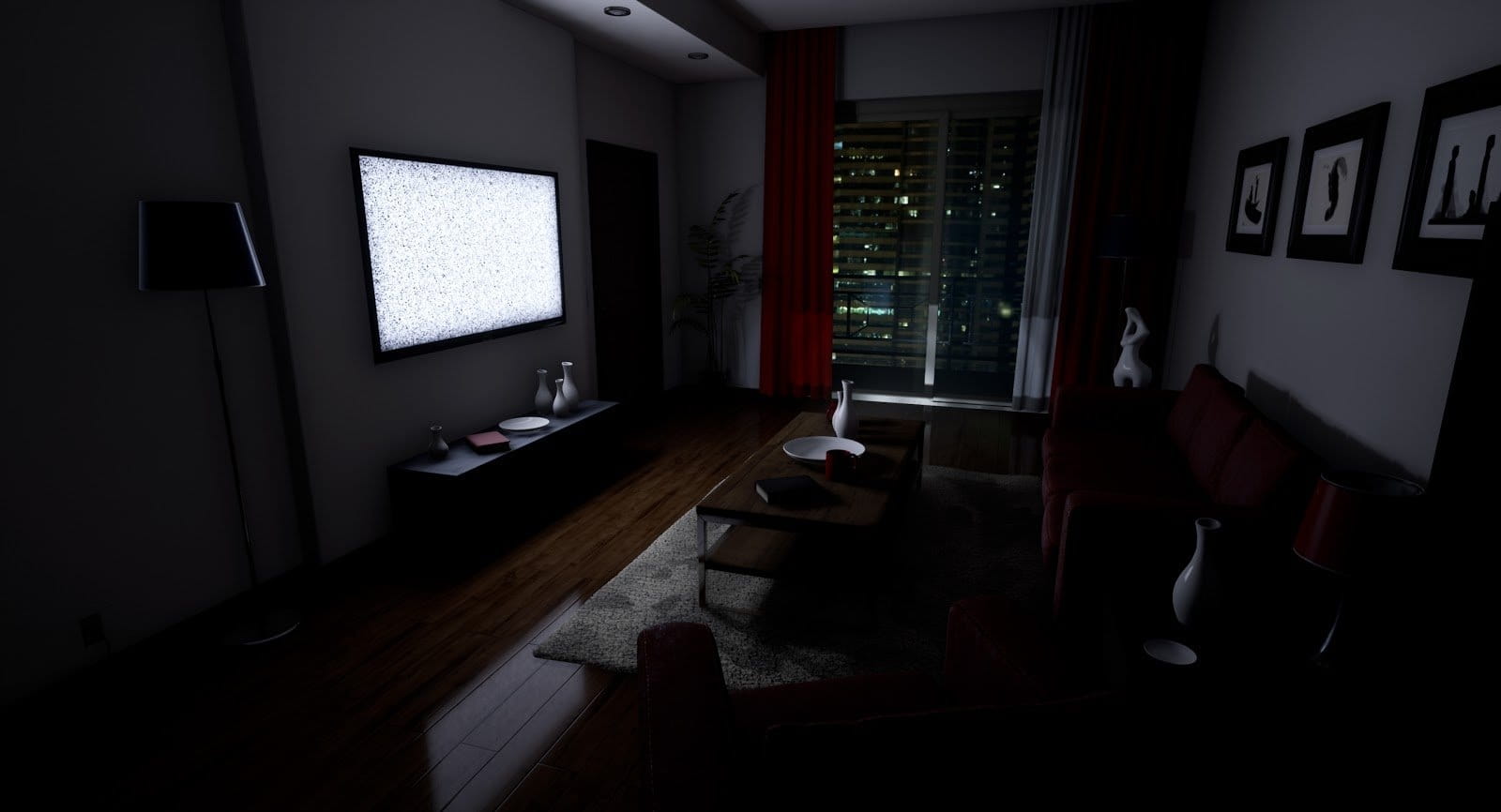
More information on Unreal Engine site.








LEAVE A COMMENT





|

|

|

|

|
 Customer zone
 Your orders
 Edit account
 Add project
 Liked projects
 View your artist profile
COMMENTS