Evermotion: More Than an Asset Library
How Evermotion became a full-scale production partner for archviz, automotive and synthetic data.


Total: € 0

The unique new Interactive LightMix allows changes to the colour and intensity of lights and light-emitting materials either during or after rendering, allowing for anything from subtle adjustments to more extreme changes such as changing day into night. The LightMix setups can be saved and loaded to instantly apply saved looks to any render from a given scene. The individual light passes can also be saved for compositing, adjustment or animation in post-production software.
Post-processing options for filmic tone mapping, LUTs, vignette, saturation, bloom and glare are now included in the VFB, reducing the need to rely on third party software. All the effects can be adjusted during or after rendering, and the setups can be saved to file so that they can be applied to any render.
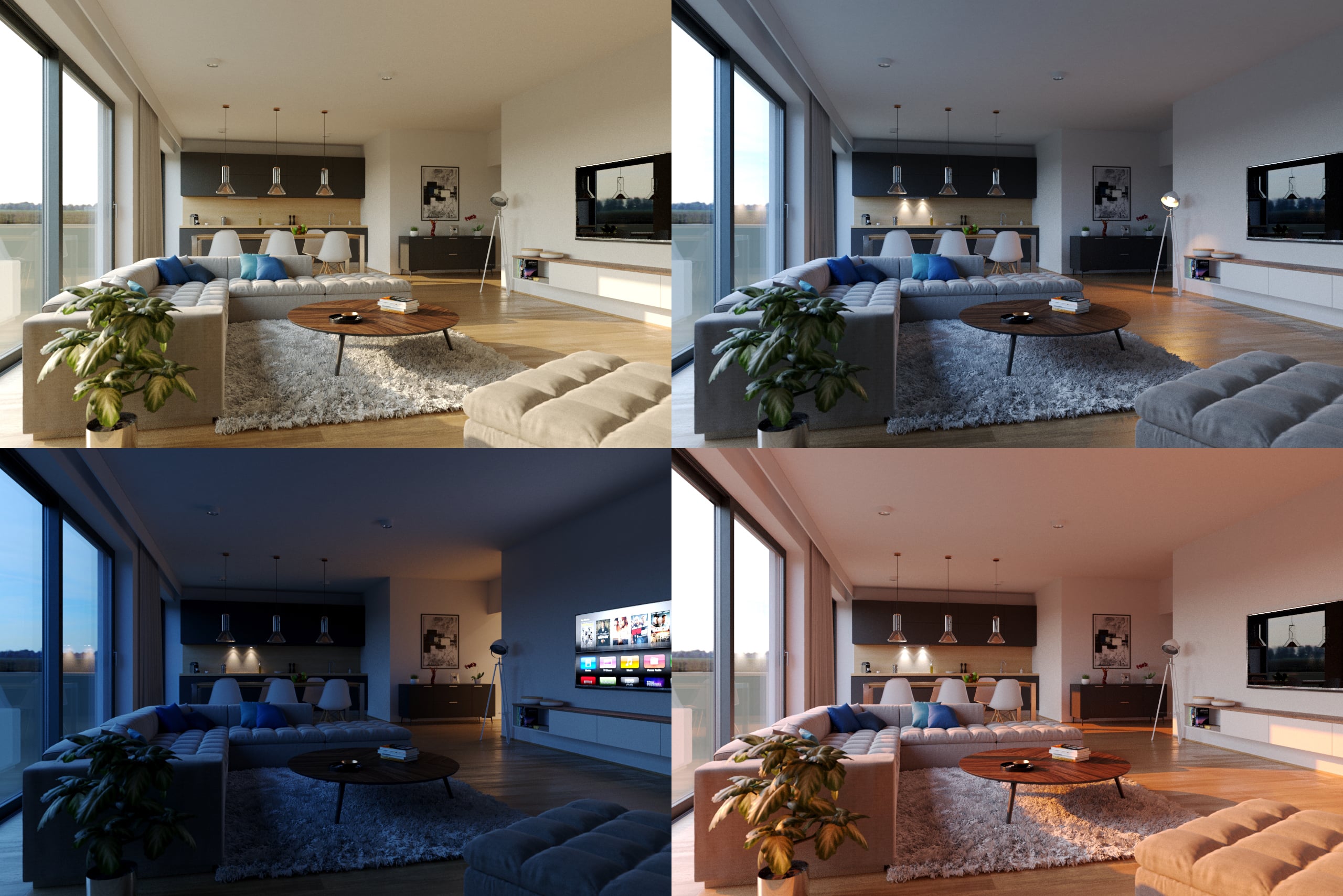
Multiple looks from one rendering
Updates to the Corona materials standardize glossiness and fresnel effects to increase compatibility with other third party tools such as Allegorithmic's Substance and Quixel's Megascans.
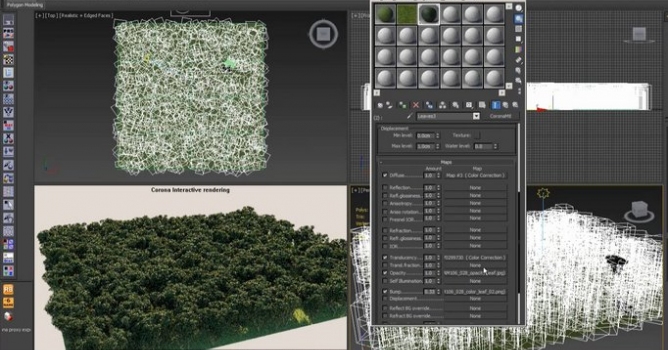
Other improvements include improved pre-processing of displacement, making it from 8 times faster or more on average (with some scenes showing speed improvements of up to 40 times faster), and the new Corona Distance map allows materials to respond based on how far away selected objects are, ideal for adding wear and tear, corrosion, displacing liquids around objects, and more.
The update also brings with it an extensive list of other improvements and features and bug fixes, and is compatible with 3ds Max versions 2012 to 2017.
Full information on the changes is available on the company blog post.
Corona Renderer 1.5 for Autodesk 3ds Max is available for purchase on the developer's website or in Evermotion Shop, and there is also a 45-day unlimited demo version.
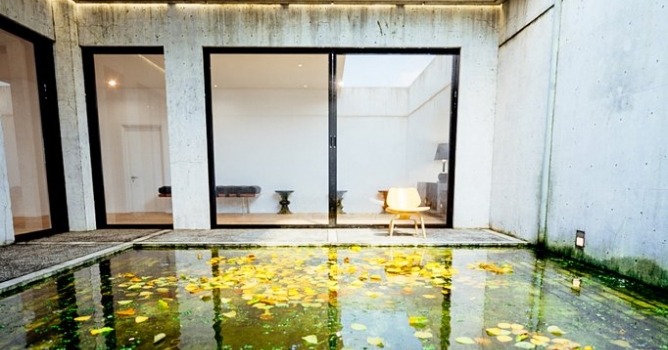
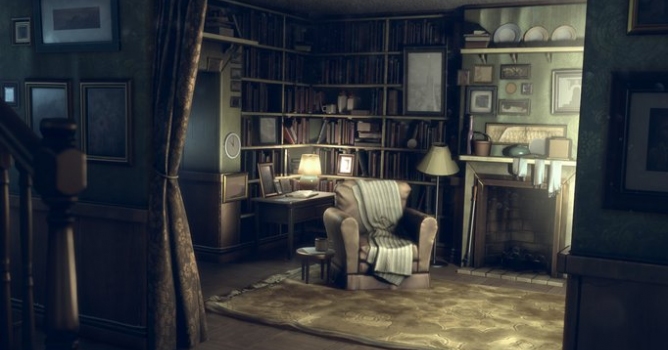
Top image: Apoco77 House by Jesus Selvera.





LEAVE A COMMENT





|

|

|

|

|
 Customer zone
 Your orders
 Edit account
 Add project
 Liked projects
 View your artist profile
COMMENTS