AMD's FSR 4.1.2 plugin for Unreal Engine extends machine learning upscaling to older Radeon discrete GPUs and mobile processors. DirectX 12 only; Vulkan support not yet available.
Autodesk's November 2026 release adds native 4D Gaussian Splat import with viewport rendering and an MCP Server that lets Claude and other AI tools modify scenes via natural language - two capabilities archviz artists are already adopting in production.
Autodesk Assistant, a new agentic AI tool, arrives in tech preview for Maya and 3ds Max subscriptions. Official MCP servers let external AI agents like Claude automate scene tasks with built-in approval controls.
NVIDIA's RTX Spark desktops from ASUS, Dell, and MSI bring Blackwell GPU and Grace CPU to compact form factors, offering 128GB unified memory and local AI inference. Entry points start under $4,500, though ROI versus render farms remains unquantified for archviz studios.
Unreal Engine 5.9 Preview ships November 9 with browser-based delivery and collaborative Canvas workspace, but memory limits and shortened QA mean preview builds suit design iteration, not final client handoff. The release was built in one week largely by AI agents.
Blender 5.3 introduces Project Setup, an opt-in system that locks asset libraries, color pipelines and shared variables per project so every team member works from identical settings. Per-project add-ons arrive in 5.4.
NVIDIA's feed-forward neural model reconstructs multi-camera driving logs into full 3D Gaussian Splatting scenes in a single pass, achieving 28 dB PSNR 3000× faster than optimization-based approaches. Code and checkpoints are now available, but the model was trained only on autonomous driving data.
A new native .3dm importer for 3ds Max preserves layers, instances, and materials while cutting import time by 88% compared to OBJ workflows. Re-sync function updates scenes when Rhino changes, keeping modifiers and Forest Pack intact.
AMD's FSR 4.1.2 plugin for Unreal Engine extends machine learning upscaling to older Radeon discrete GPUs and mobile processors. DirectX 12 only; Vulkan support not yet available.
Thanks alot! I appreciate every comment and critique :)
I checked the ZIP file from the download link and the Max Script is in included. Maybe recheck your file, PolYGonnErr.
I hope it was still watchable, Walrus :)
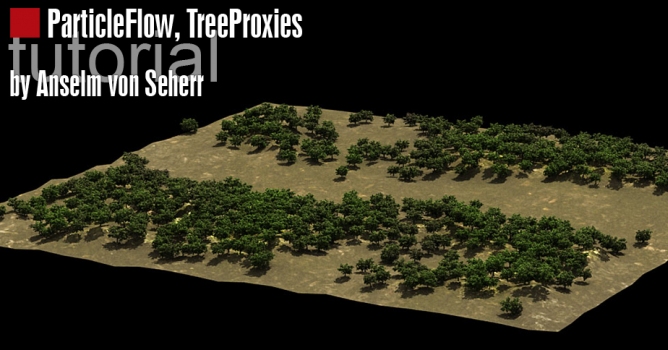
The next tutorial is coming out Monday 02/29/2010 and will cover "PFlow for Packshots"
fetten dank, anselm.
nice tutorial and a neat script.
took me a few minutes to realise i had to disable the "original" (bounding)box instances/pflow event on rendering.
Hello! I exported the script "Foliage02.vrmesh", but appears me something strange when I open the script and how to pick the tree to PF Source? Cos I pressed Evaluate All and nothing happened. This part I didn't understand. I took a tree from Foliage. Please, someone who understood this to explain me, please.
Hi Anselm, i'm having a little Problem going through this tutorial because everytime i click the <reset-x-form>-button my Max crashes and tells me "Memory Error Occured"
Im running on DualCore CPU @ 2,66 GHz and 2GB RAM
Sam happens if i just try to attach the 3 Sample Meshes together. First one will be attached but if i click "Attach" to the second Mesh, same Memory Error.
Am i missing any tiny little Button or setting inside Max (2011) or what can be the Problem?
is it maybe just the Tree thats too big for my System? I tried what Anca did with an Foliage Tree and this one works pretty well. mhmmm
Any Suggestions?
Btw Thanks for this great Tutorial. Really useful and well explained.
Hi,
I am just wondering why would there be a need for such script to place the tree in places of particles while in particale flow, you can directly change the instanced object (box) with the vray proxy and you can still display it as a box for a faster performance........
Is there any magic behind that script??
hi Anselm, i have a problem whit the position of the tree after i run the script it position on the same place how the original proxy -tree and the boundingbox is right position ?! can you help me
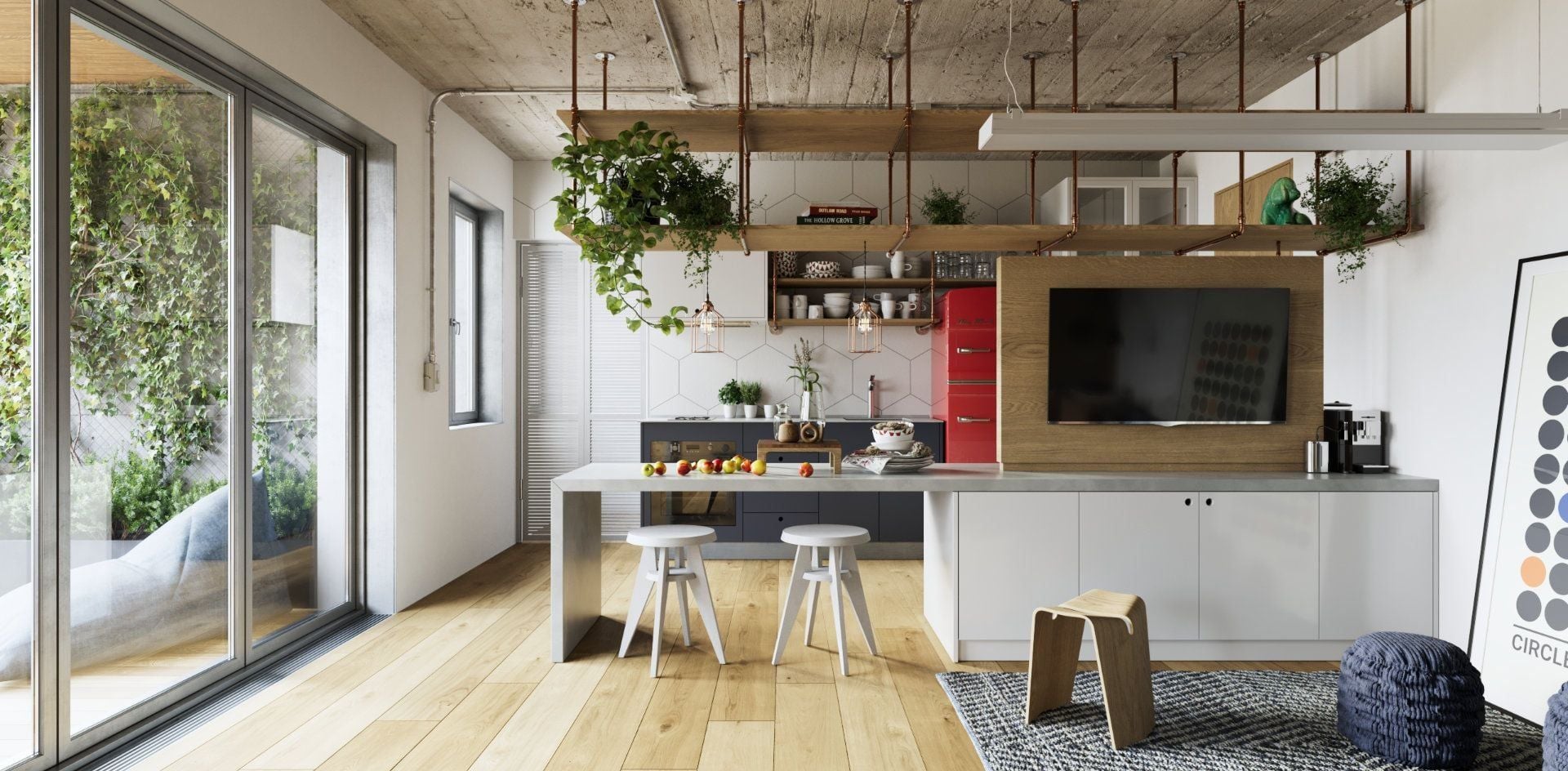
In this walkthrough, we guide you through the process of building a polished 3D interior scene inspired by the cover of Archmodels vol. 306 – Table Sets.
COMMENTS